Uncode Theme Review: The Ultimate WordPress Theme for Creatives! (March 2026)

Uncode Theme Review: Uncode Theme is a multipurpose WordPress theme that aims to be an all-in-one solution for website production in the creative industry. Whether you need a new website for your creative agency website or for your freelance portfolio, Uncode could be a good choice.
However, this theme can do more than help you get a basic website up and running. With its full eCommerce support, drag-and-drop page creation tool, and a host of other impressive features, Uncode is a multipurpose WordPress theme.
So, if you need a new design for your current website or are about to embark on creating a new one, Uncode is worth checking out.
Table of Contents
Uncode Theme Review: Uncode WordPress Theme Features
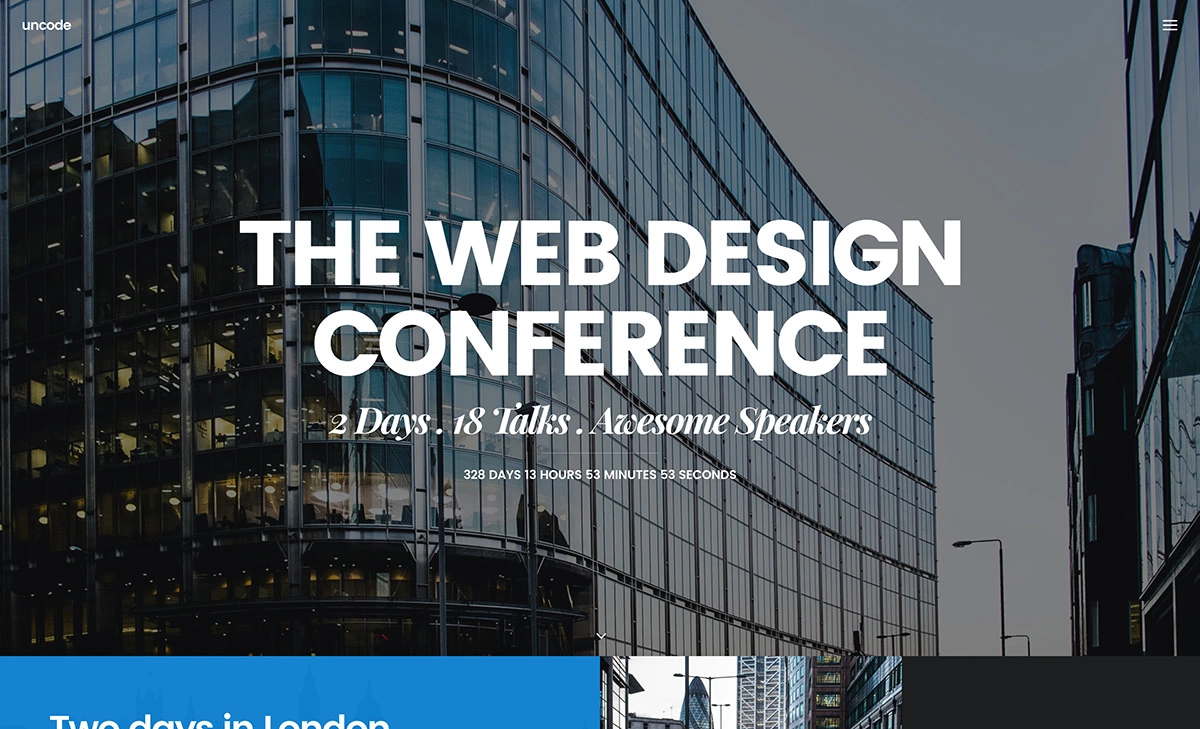
Uncode aims to be the WordPress theme for creatives who need a flexible tool to build their website. In this part of our Uncode theme review, we’ll explore the facts behind the feature list to see what it can do, before moving on to testing the user experience and finding out how easy it is to use.
Over 60 Website Concepts
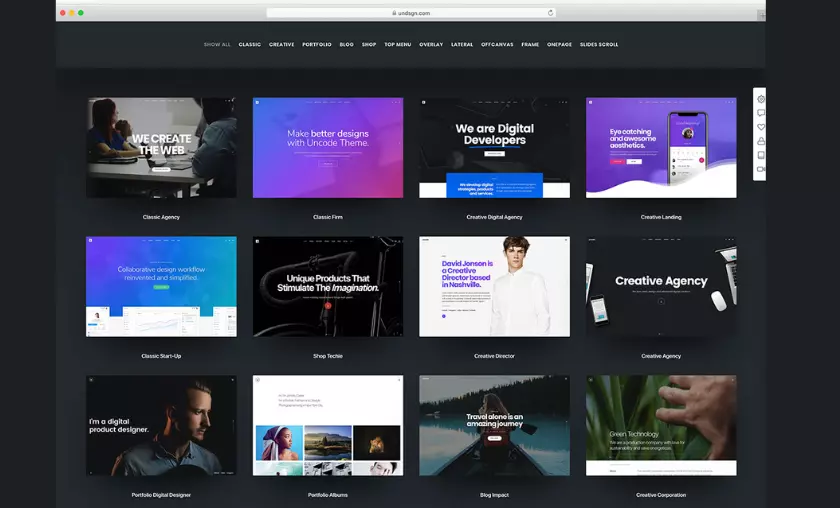
Just like the best-selling multipurpose WordPress themes, Uncode includes an impressive selection of pre-built websites or concepts. Each concept has been built around a specific purpose. This includes creating websites for agencies, companies, events, portfolios and blog projects.
As this is a WordPress theme with a creative focus, among the Uncode concepts you’ll find many options for projects in the creative industries. Whether you’re creating a website for a creative agency or a freelancer, a good selection of Uncode demos should provide you with everything you need.
Creative Agency Website Demo

Among these creativity-focused website demos, you will find the Creative Agency concept. If you choose this concept for your new website, you will be able to use the large full-screen slider integrated into the home page design.
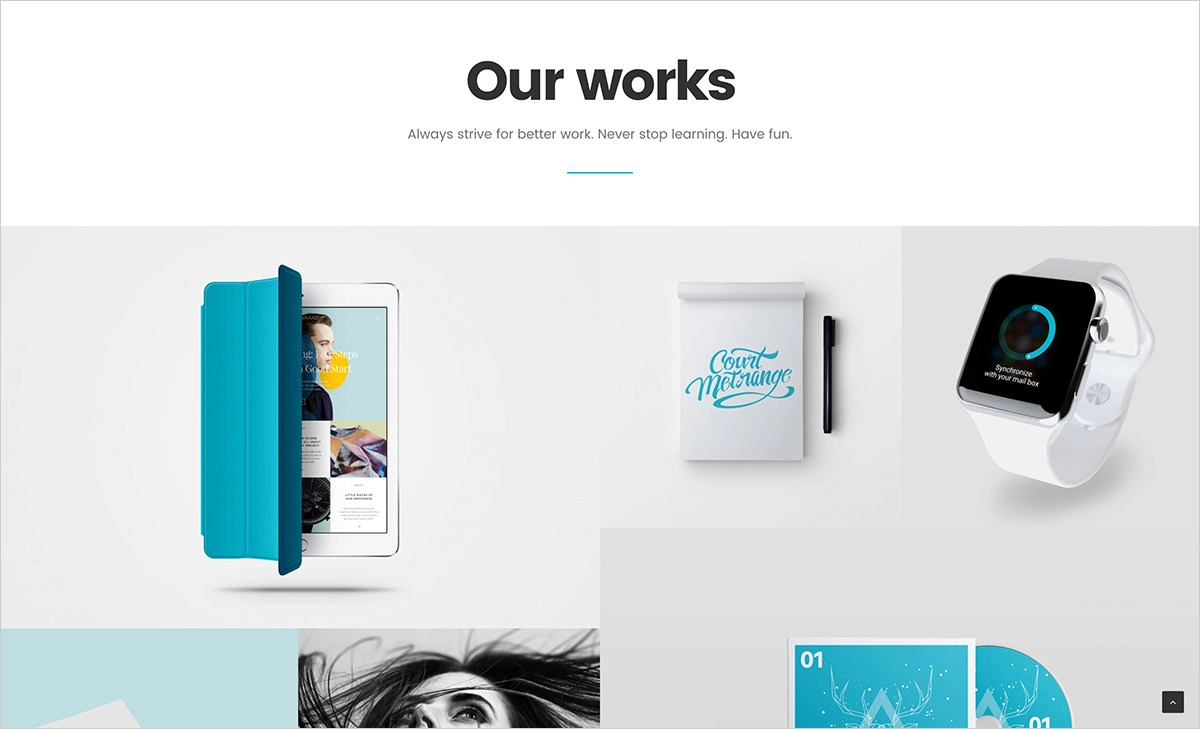
In addition to being able to add your custom content to the home page slider, you can also take advantage of the transparent header area. This feature helps your background image or video capture the imagination of your visitors while still offering them a pleasant user experience.
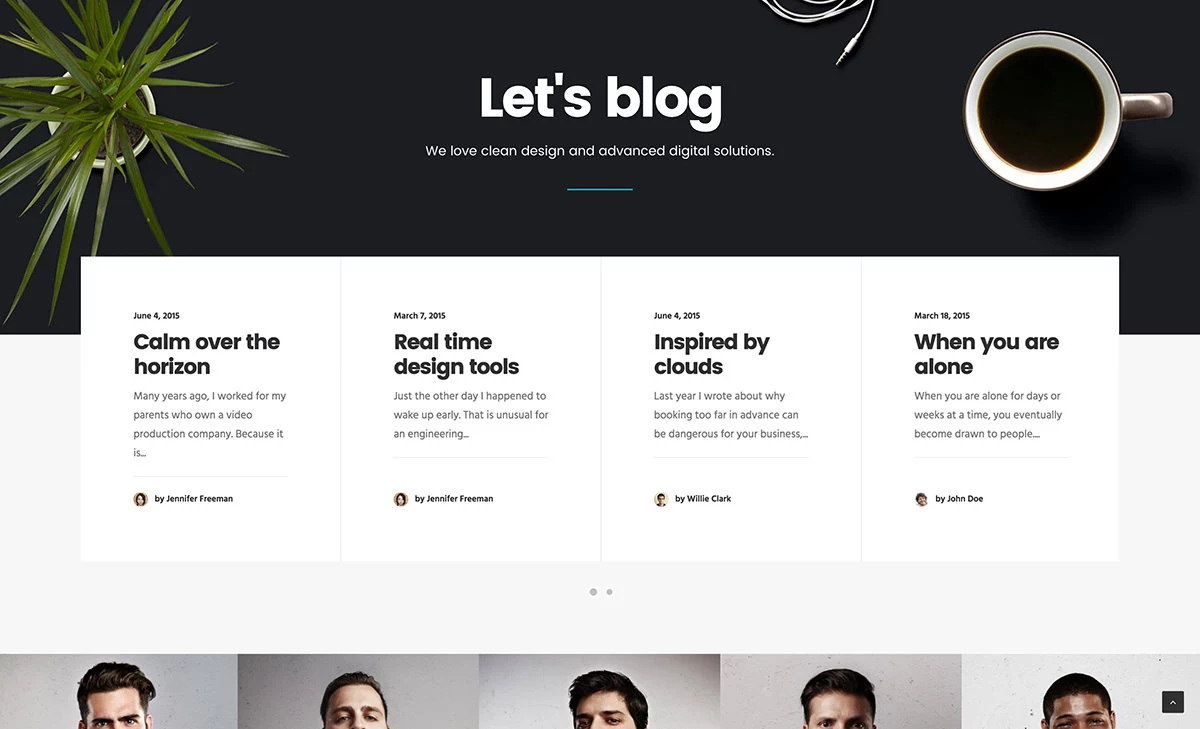
Although the Creative Agency concept homepage design can be customized and rearranged like the rest of the demos, its default design includes many contents and modules that will help you present your company in the right way. This includes content from your portfolio, team profiles, latest blog posts, contact information, and much more.
Creative Studio Website Demo

If you are more of a solo entrepreneur than the head of an agency, the Creative Studio concept can be a good choice. With the option to display a key slogan or welcome message on the home page of your website, your visitors will instantly know what to expect.
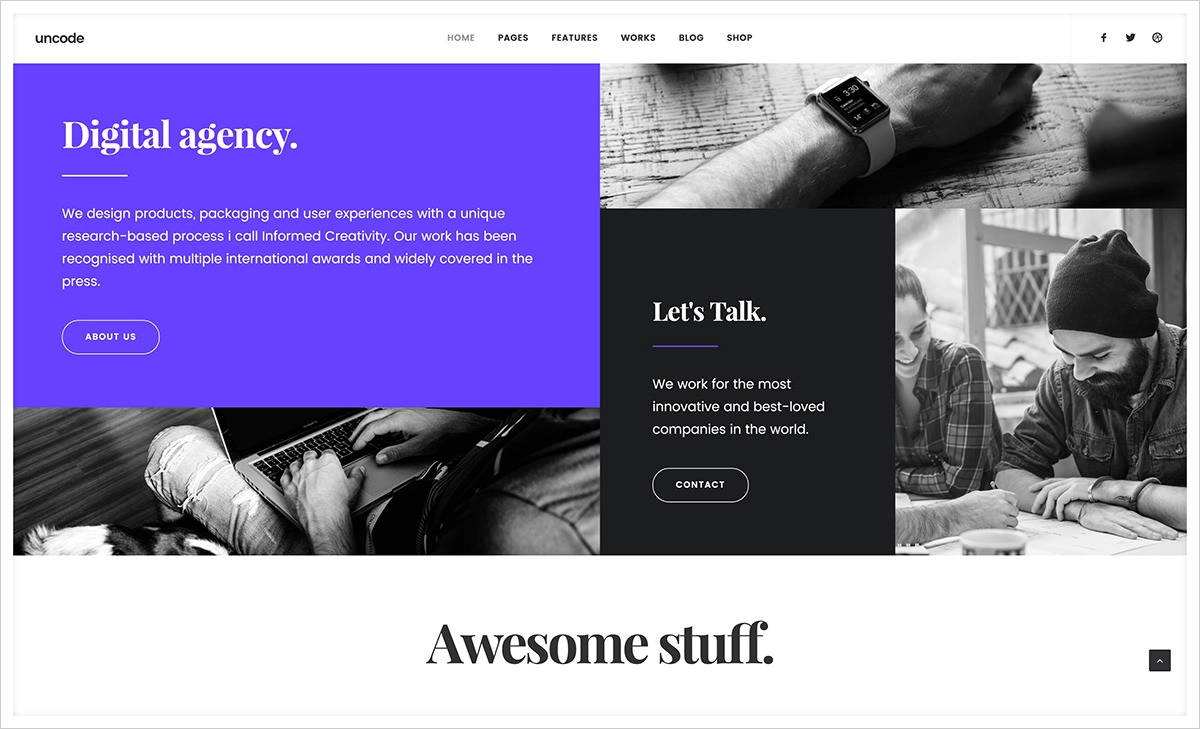
As your visitors scroll through the default settings on the home page, they can see the highlights of your portfolio. You also have the opportunity to share some key statistics about your business and your skills.
Coming Soon Page Demo
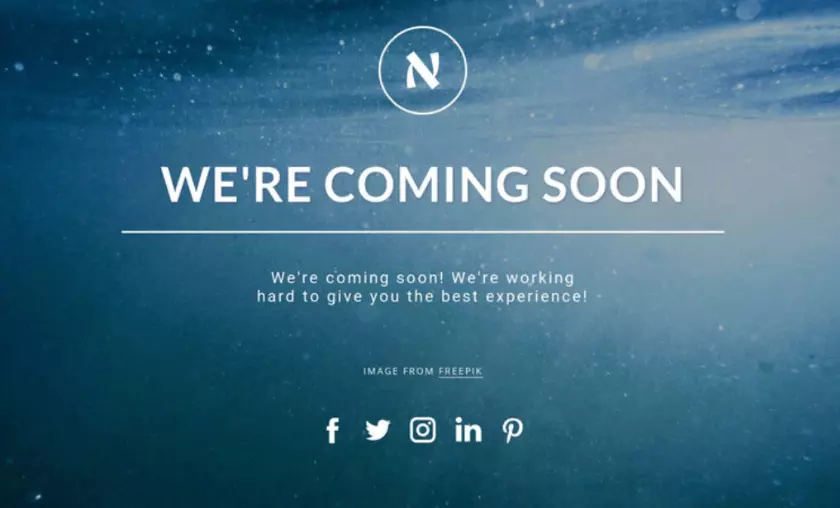
While you are working on your site and experimenting with all that Uncode has to offer, you can quickly enable the “Coming Soon” or “Under Maintenance” demos. This will allow you to keep your audience informed of what’s going on while you take your main website offline.
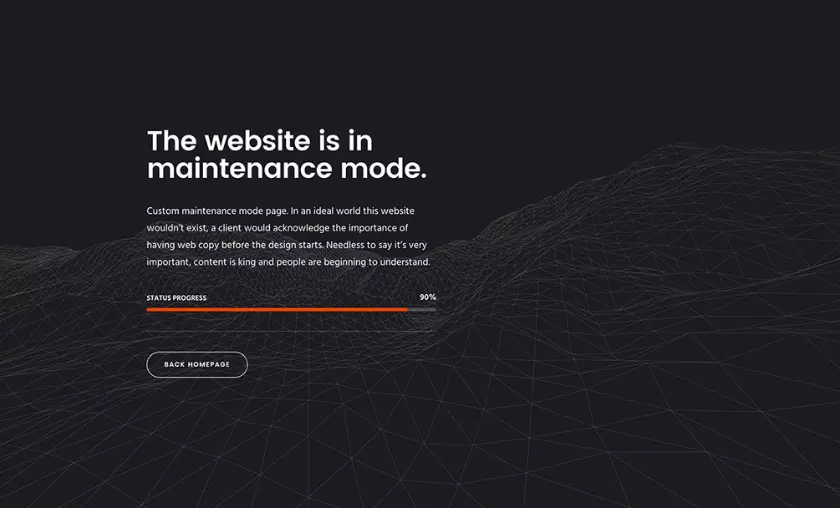
This is just a small selection of the growing number of website concepts available with Uncode. However, this theme has much more to offer than an impressive set of pre-built website demos.
Library of Page Layouts
Whether you decide to import and use one of the pre-built demos for your WordPress website or not, Uncode will provide you with a large library of page layouts. Thanks to this, you will have a selection of pre-built layouts to choose from every time you publish a new piece of content.
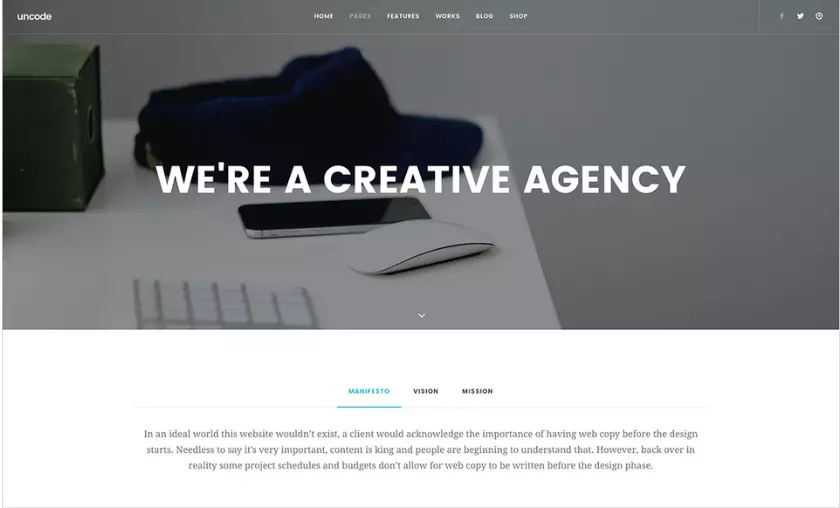
Some of these designs cover the essential pages that most websites need. In many cases, such as the About page templates, you will have several options to choose from for each type of page you are creating.
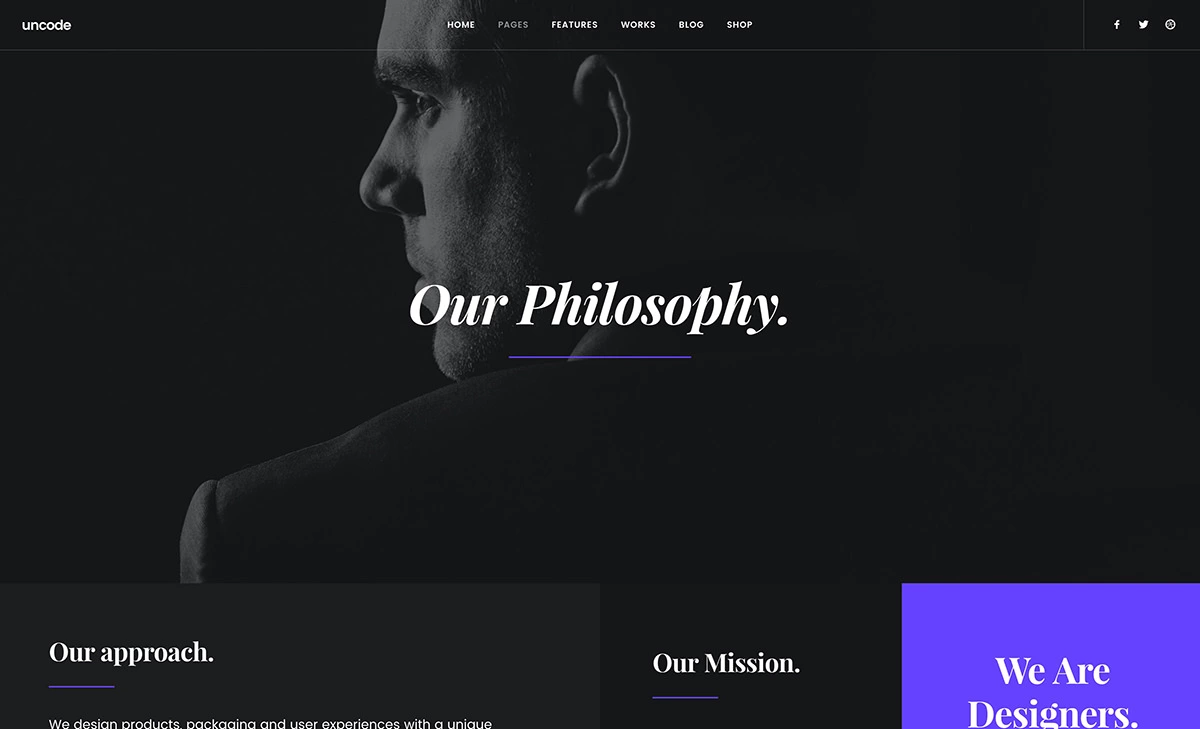
In addition to a good selection of templates for the “About” page, you’ll also find pre-designed layouts for the contact and services pages, among others. As this theme is geared towards building websites for creative businesses, the templates cover a wide range of styles, from traditional layouts to more creative options.
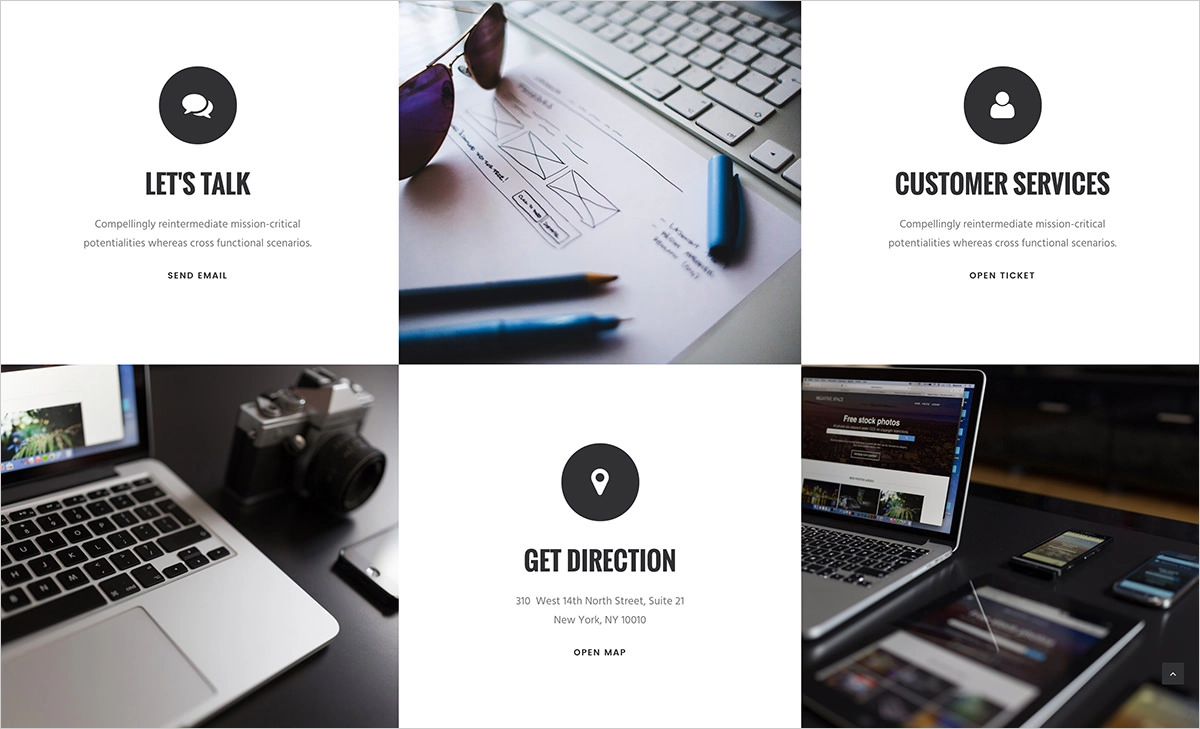
All of Uncode’s interior page templates are of the highest quality. Each one contains all the elements and the latest design trends you would expect to see in a professional custom-made website.
Portfolio Templates
In addition to the page templates mentioned above, the Uncode theme has plenty of options to help creatives get their portfolios online. It’s fair to say that Uncode has a wide selection of portfolio templates for creatives to choose from.
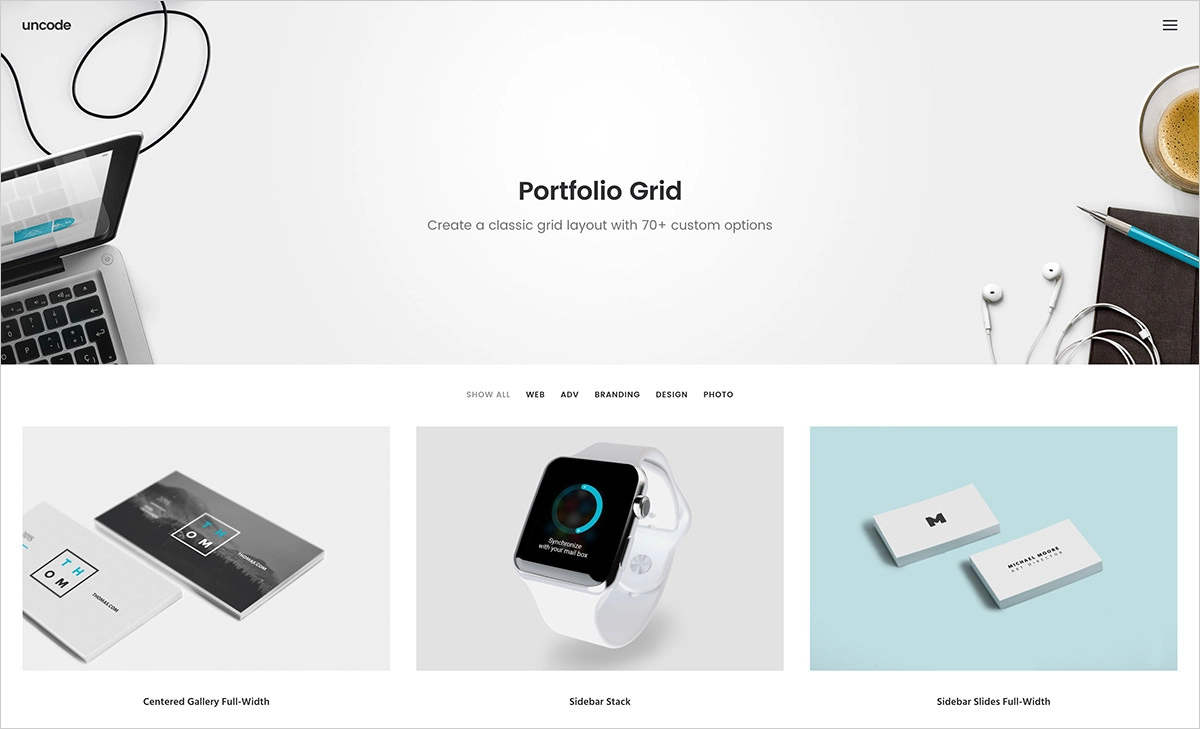
Uncode users can choose from many portfolio homepage layouts and templates for their internal portfolios when setting up an online portfolio. There is also a large selection of different types of grid layouts to work with.
When it comes to presenting the individual pieces of work that make up your online portfolio, again, there are plenty of page templates to choose from.
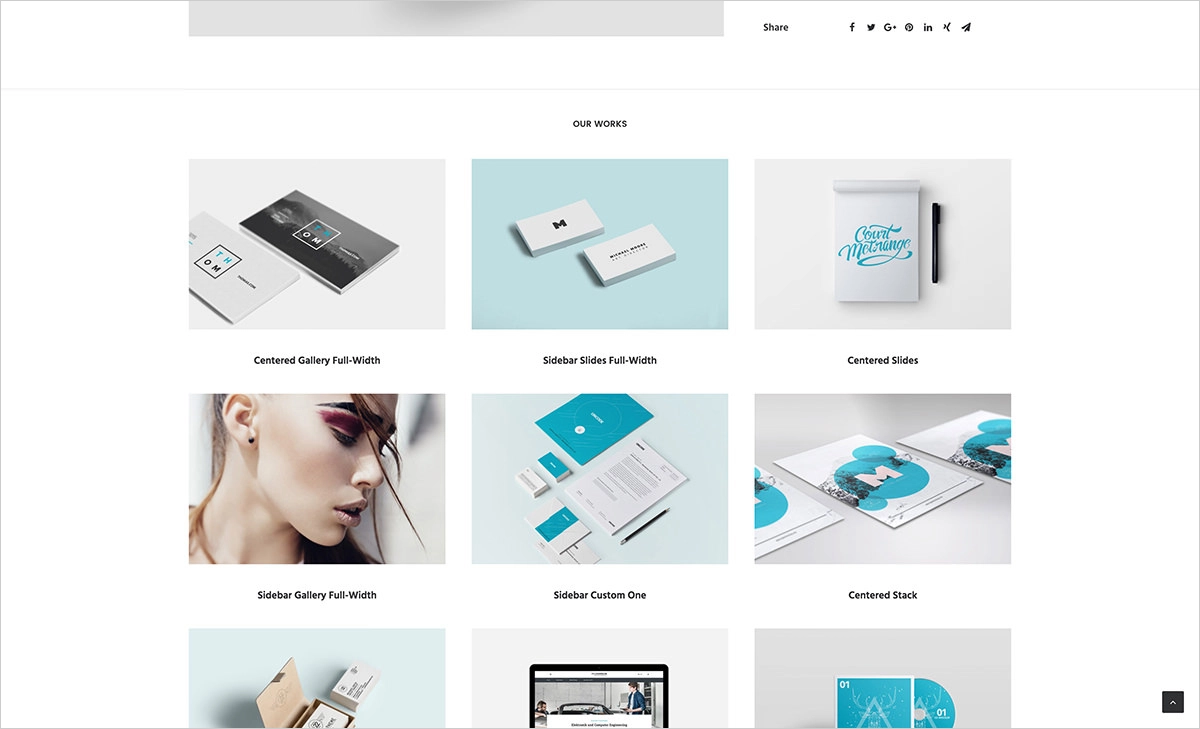
A lot of effort has been put into making your portfolio elements look great. Emphasis has also been placed on making it easy for visitors to navigate your portfolio and view your work. If you want to use your website to get more clients or other interesting opportunities, you should focus on providing a positive user experience.
Multiple Blog Layouts
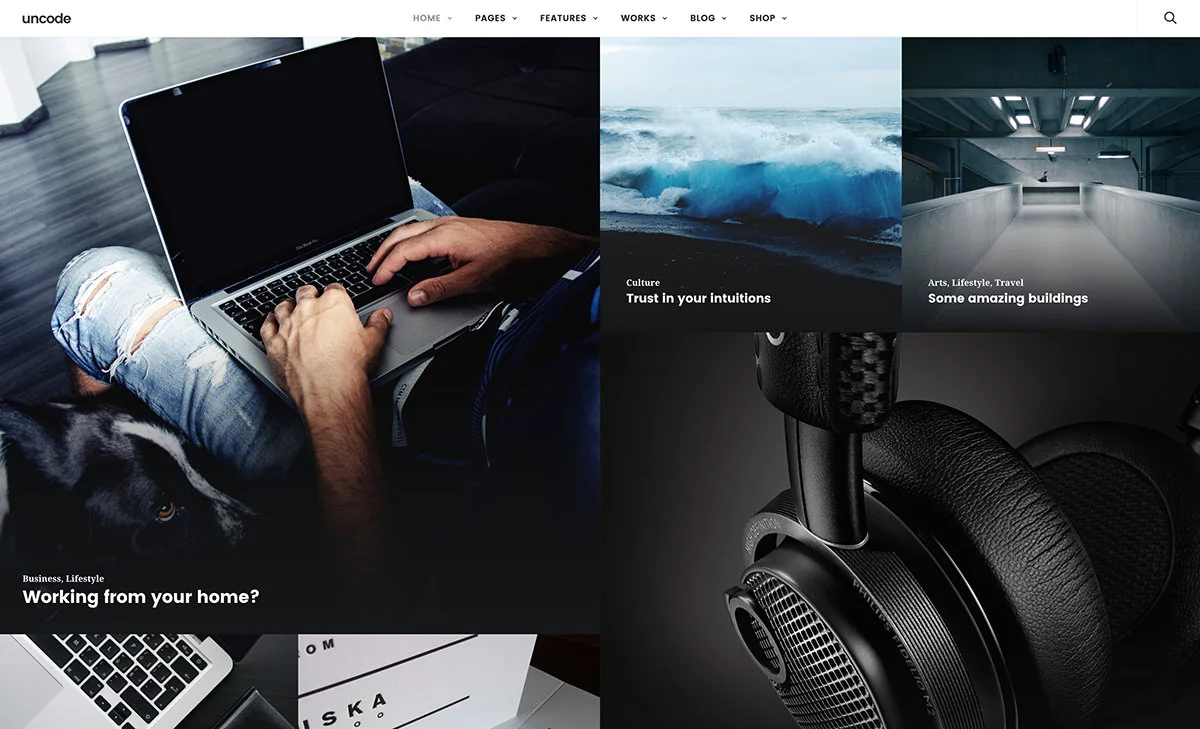
Almost every website can benefit from having a blog. Whether you want to share your story with potential customers and clients, attract new visitors through content marketing, or provide your audience with updates on your products or services, a blog is the best way to accomplish this.
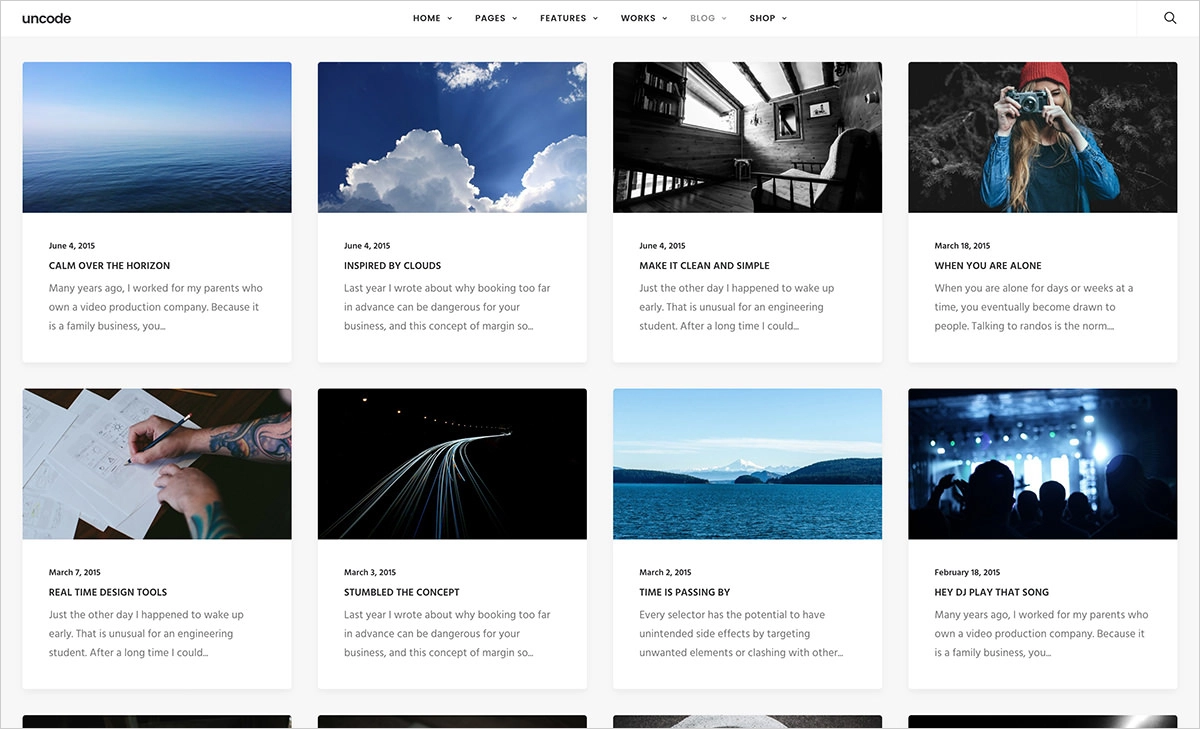
Uncode developers have realized this and have included many predesigned templates and layouts for bloggers. In addition to the more traditional blog homepage designs, some more eye-catching designs will help your blog and its posts stand out from the competition.

With Uncode, even if you choose one of the non-blog demos, you will be able to add a stylish blog to your website. The blog post archive templates look very creative. There are also several different options for choosing the individual posts that make up your blog.
Different types of media are also supported. You will also have the ability to display content from your social media accounts in your blog posts.
Full E-commerce Capabilities
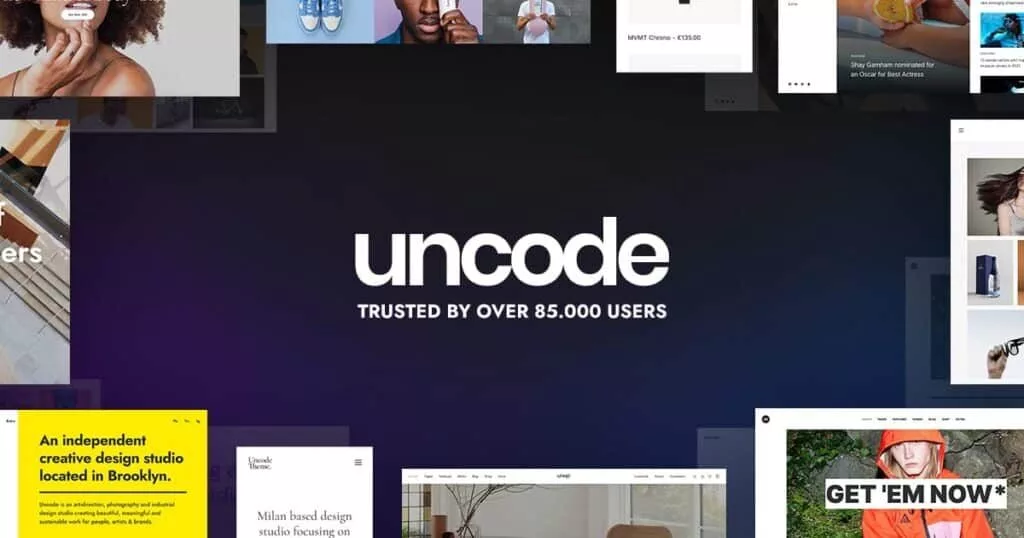
Uncode is a fully eCommerce-ready WordPress theme. Thanks to the fact that this theme has been built to support the leading WordPress eCommerce plugin WooCommerce, you will have no problem using Uncode to create a fully functional online store.
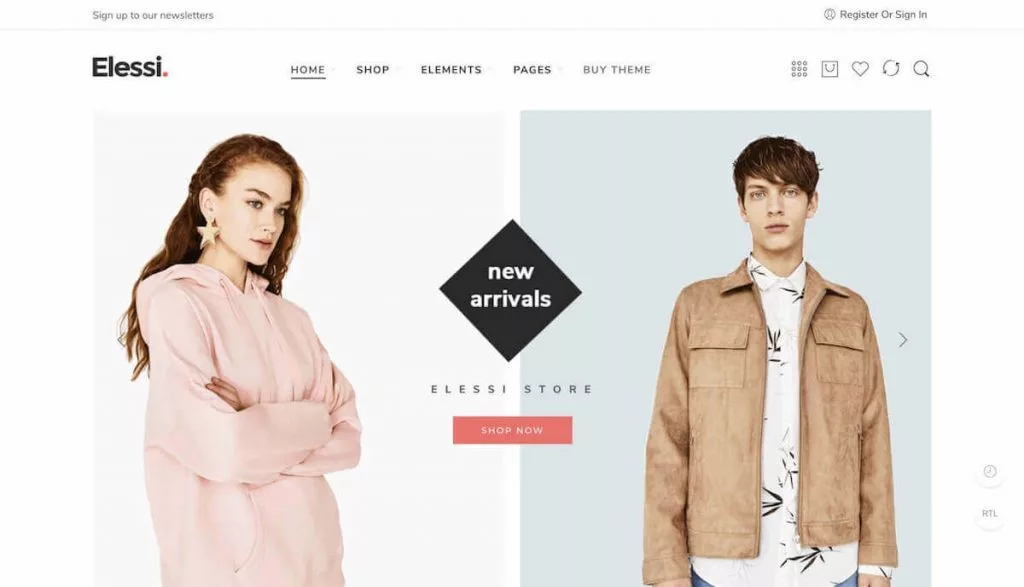
Even if you don’t want to create an e-commerce website, but would still like the option to list some products or services on your site, Uncode is a great option.

In addition to the four online store demos, other Uncode demos can incorporate the eCommerce page templates to quickly add relevant pages to the site. This includes product listing pages, individual product pages, shopping carts, and checkout pages.
Creative Drag-and-Drop Website Builder
To help you unlock your creative potential, the Uncode theme includes a powerful page builder tool. This means you can create custom layouts for your website pages. Often these are custom layouts that wouldn’t be possible unless you were prepared to code them.
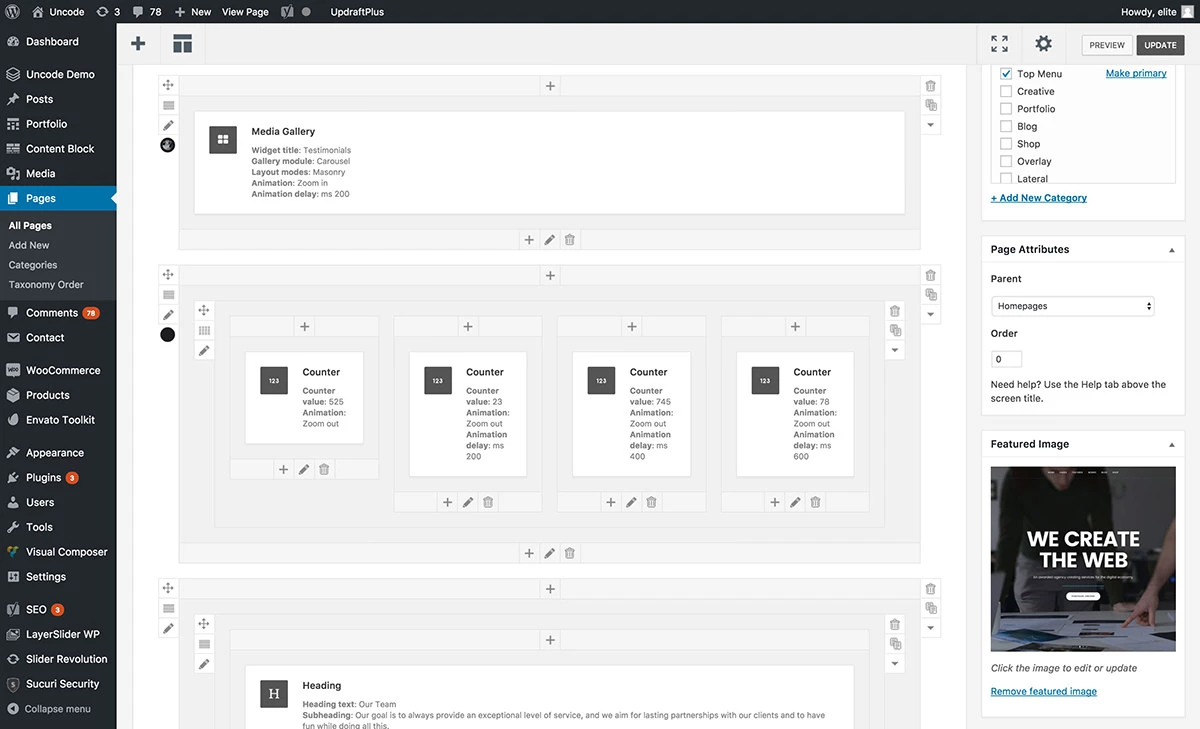
However, instead of simply including a standard page builder tool – as is usually the case with multipurpose WordPress themes – the Uncode team has created an adapted version of the popular WPBakery Page Builder plugin and included it in the theme package. Now, instead of getting a generic page builder, you’ll get a modified version of the leading WordPress web design tool that has been optimized for use with this theme.
If you haven’t used WPBakery Page Builder or a similar commercial WordPress page builder tool before, you’ll be amazed at what they can do. You can build advanced page layouts through the traditional WordPress Editor screen and use the back-end drag-and-drop editor to customize every aspect of your pages.
Other Uncode Theme Features
Uncode is packed with features. Although the above are some of the highlights, this theme can do much more. Here are some more of the best Uncode theme attractions:
Now, You can view the full list of features on the Uncode page at ThemeForest.
Uncode WordPress Theme User Experience
So far, Uncode’s features look great. But is it easy to use? In this section of our Uncode theme review, we’re going to find out as we conduct a hands-on user experience test.
Theme Installation & Setup
Uncode installs and activates just like a normal WordPress theme. Upload and activate the theme package through your WordPress dashboard or via FTP, and you’re ready to go.
Uncode includes many free and commercial WordPress plugins, including the powerful WPBakery Page Builder and Slider Revolution tools. Fortunately, installing and activating these plugins is very simple. Use Uncode’s plugin installation tool and approve the installation and activation of recommended and required extensions.
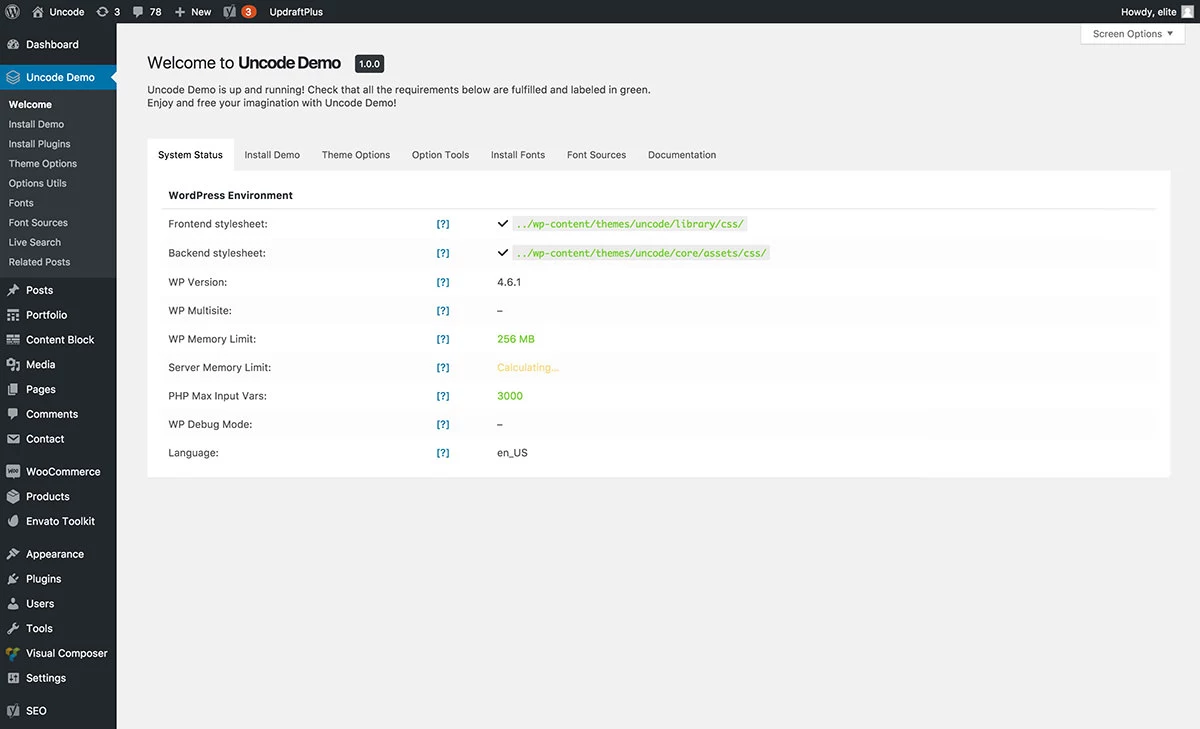
Once the theme and its associated tools are active, you can access the Uncode control panel. From there you can import the demo content, configure your website through the theme’s options panel, import and export saved layouts, and configure the live search and related posts functionality.
If you want to import the demo concepts – which you should, as they are all great – you can do so through the corresponding section of the Uncode Control Panel.
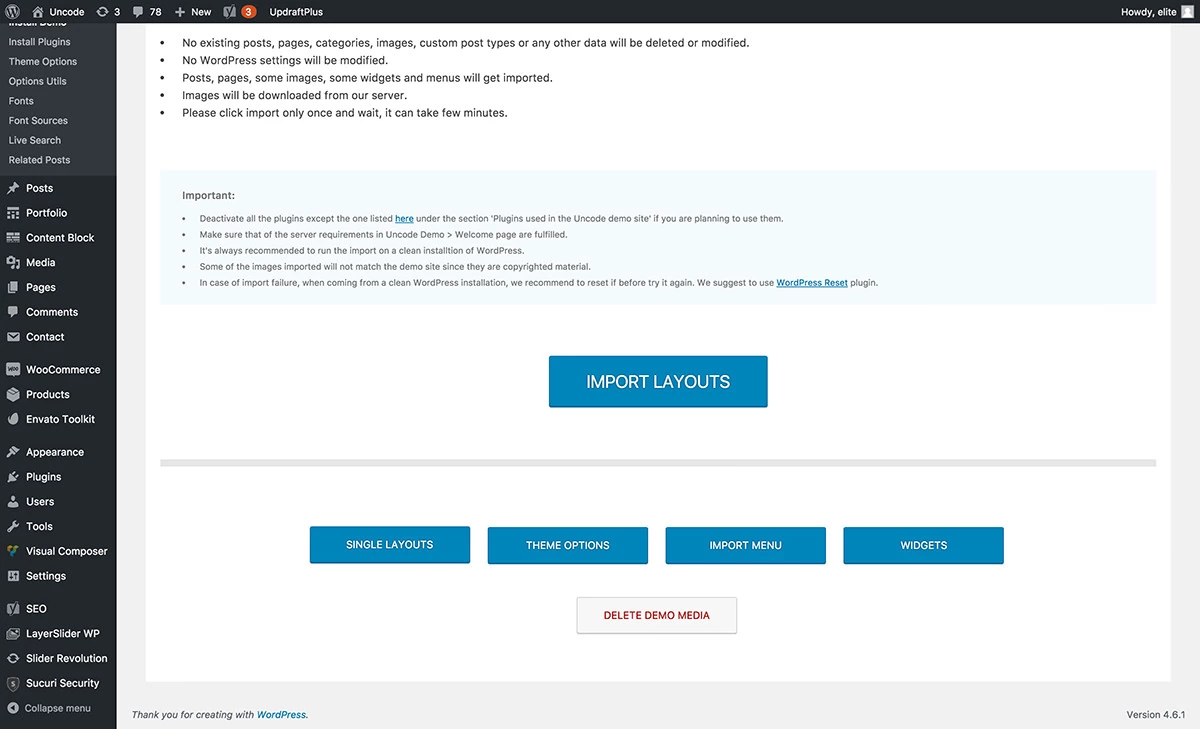
The Uncode importer allows you to add demo layouts to your site. You can also import the menu, widget configurations, theme options, and settings. Once the import tool is run, you can modify the demo content to suit your project.
A small amount of customization work can be performed through the WordPress Customizer tool. However, most of the customization work is carried out through the Uncode theme options control panel.
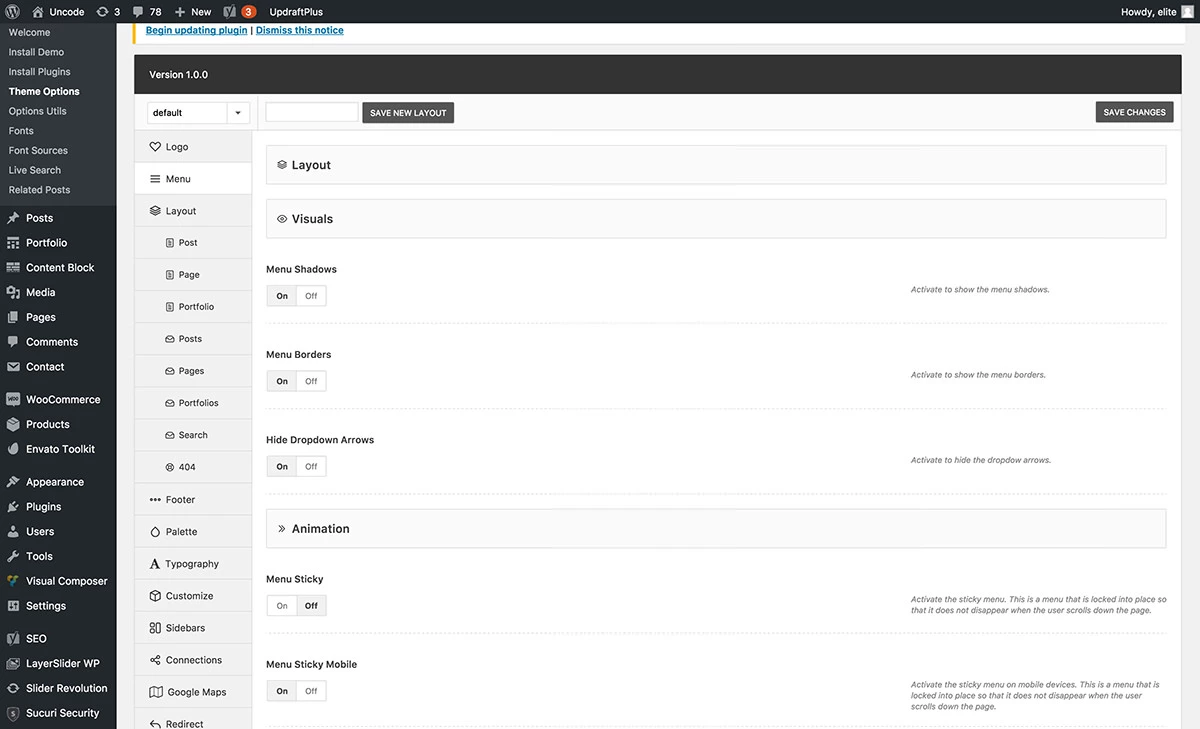
The Uncode theme options panel is very detailed. There’s not much of your website that you can’t customize. The theme options go beyond the appearance of your site and cover its performance.
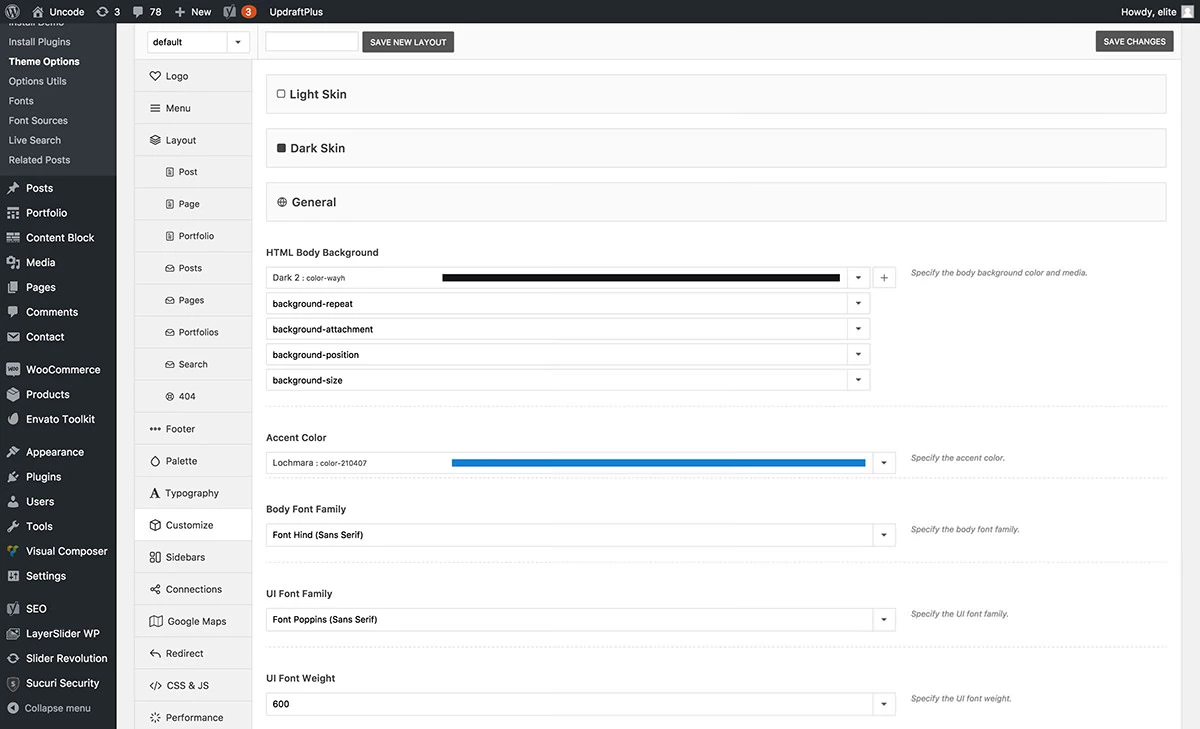
Demo content is imported in the corresponding custom input formats. You can view and edit any imported content from the corresponding screen.
Thanks to the inclusion of the WPBakery Page Builder plugin, you can edit content through the WordPress Editor or via this drag-and-drop page builder tool.
Overall, installing and configuring the Uncode theme is very straightforward. There is plenty of documentation online to help you in case you encounter any difficulties.
Uncode Showcase
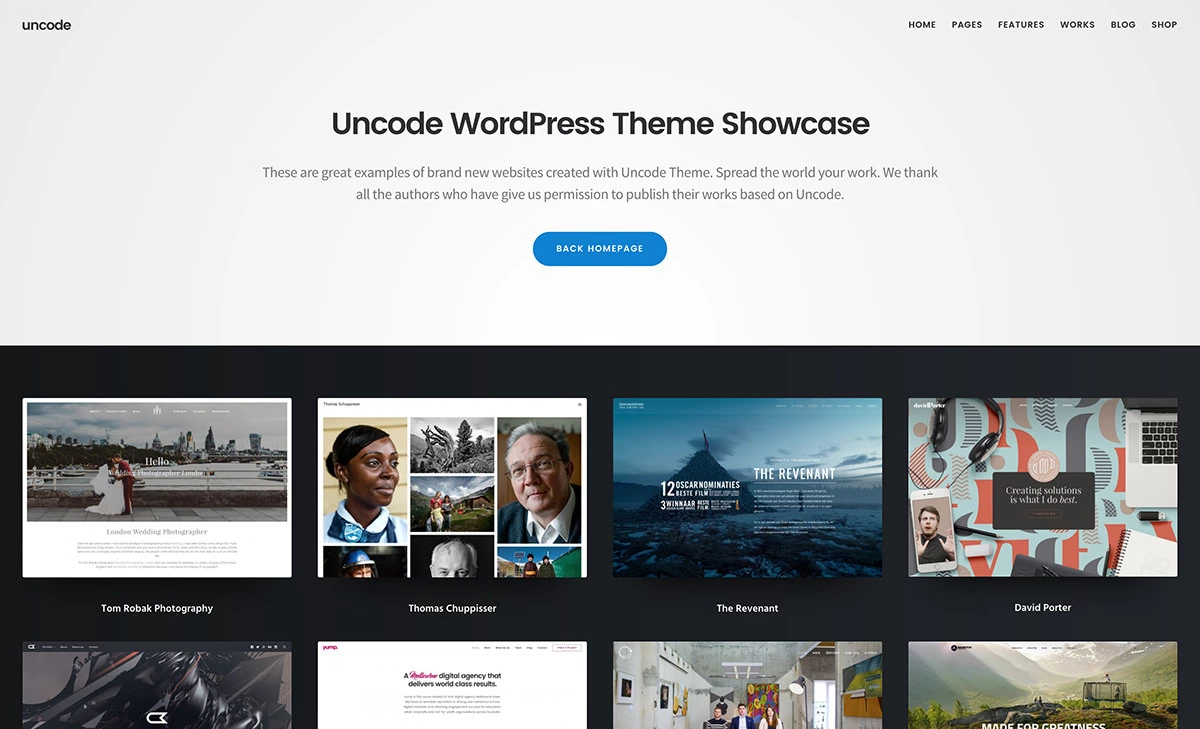
Let’s see now how some people have used Uncode to build their own websites. Here are 30 amazing websites created with the Uncode theme.
Uncode WordPress Theme Pricing Options
FAQ’s
How many pre-built website concepts does Uncode offer, and can I customize them?
Uncode provides over 60 pre-built website concepts, each tailored for specific purposes such as agencies, companies, portfolios, and blog projects. These concepts serve as a starting point, but they are fully customizable. Users can easily modify the content, layout, and design elements using the powerful drag-and-drop page builder and theme options panel.
Is the WPBakery Page Builder included with Uncode easy to use for beginners?
Yes, the WPBakery Page Builder, integrated into Uncode, is a user-friendly drag-and-drop page builder. It allows both beginners and experienced users to create custom page layouts without writing a single line of code. With its intuitive interface, you can easily arrange elements and create stunning designs for your website.
Is Uncode suitable for websites other than creative businesses?
While Uncode has a strong focus on creative industries, its versatility makes it suitable for a wide range of websites. Whether you’re running a corporate website, a personal blog, an online magazine, or any other type of website, Uncode’s flexibility and extensive features make it a viable option.
Can I use Uncode on multiple websites with a single purchase?
Each purchase of Uncode is valid for use on a single website. If you intend to use the theme on multiple websites, you’ll need to purchase multiple licenses accordingly.
Is Uncode optimized for performance and mobile devices?
Uncode is designed with performance in mind and incorporates adaptive image support, smooth page scrolling, and responsive grid layout tools. This ensures that your website performs well and adapts seamlessly to various screen sizes, providing an excellent user experience on both desktop and mobile devices.

Mike DaVinci HighTechBlogging.com
Mike DaVinci is a skilled content writer with a talent for storytelling. He specializes in creating captivating narratives that engage readers and leave them feeling inspired. His writing has been featured in various publications, including magazines, blogs, and business websites. Mike’s particular interest in human interest stories allows him to uncover the heart of any story and convey it to his readers in an emotional and authentic way. He believes that storytelling is a powerful tool for connecting with people and inspiring positive change in the world.
To read more similar articles, click here
Thanks for visiting our Website. If you appreciate our work, kindly show us some support in our comments section. 🙂