monday.com Review: The Ultimate Guide to Making Business Decisions!(March 2026)

monday.com Review: Discover the power of monday.com, the cloud-based solution that redefines collaboration and work management. Simplify project coordination, task delegation, and resource optimization with its user-friendly interface and adaptable features.
From project management to CRM and beyond, monday.com empowers teams to excel in today’s dynamic work environments.
Table of Contents
What Is monday.com?
monday.com is a cloud-based work management platform that helps companies automate their workflows and manage their projects, tasks, and resources in one place. The beauty of monday.com lies in its flexibility: it can be used for any type of workflow, whether it’s project management, customer relationship management (CRM), software development, or human resources.
The company was founded in 2012 with the goal of making it easier for teams to collaborate at work. Since then, monday.com has expanded rapidly and now has more than 152,000 paying customers and went public in 2021.
monday.com has an intuitive, modern spreadsheet-like interface that is super easy to understand, even for novice users.

What Is monday.com Used For?
As mentioned above, monday.com is an extremely versatile platform that can be used for a wide variety of workflows, including:
What Sets monday.com Apart
monday.com offers daily live webinars, a knowledge base, 24/7 customer support, and a chat board for each task to collaborate with team members. These features allow organizations to collaborate and get the most out of this project management tool. However, pricing is based on a per-group seating model, which may not make sense for smaller teams. In addition, each plan has a limit on the number of shares between two integrated applications per month.
While these features certainly differentiate monday.com from its competitors, whether or not they make the product “better” depends on the specific needs of each team. For teams that require a high degree of customization and flexibility in their project management tools, monday.com is an invaluable asset. However, for teams that prioritize other factors, such as cost or simplicity, other project management tools may be more appropriate.
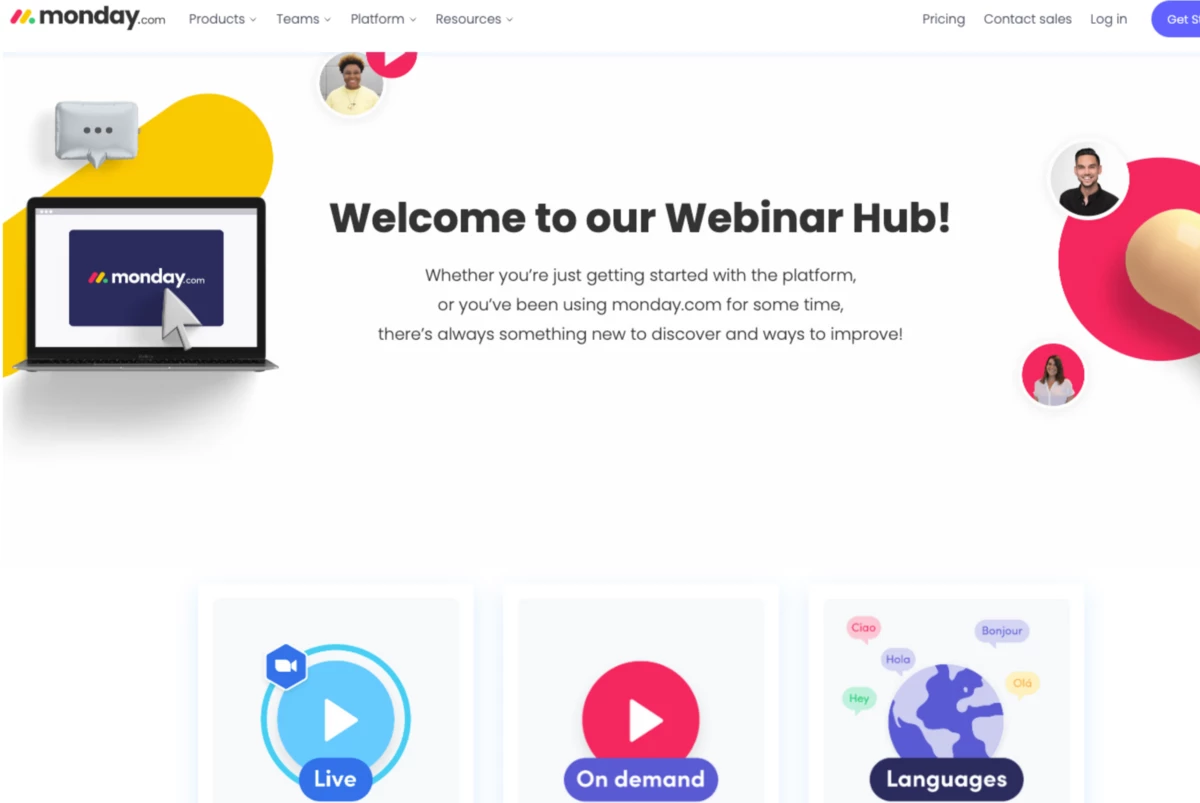
In addition to a knowledge base and 24/7 customer support, monday.com also offers daily live webinars for all plans. These webinars delve into the most complex features to help your team get the most out of the software. Recordings of these live webinars are also available for you to watch at your convenience.
Each task has a chat panel that you can use to discuss the work with your team members. This helps you keep all discussions related to a task in the same place.
The monday.com prices are not per user but per group of seats. The minimum number of users is three. This price per group can be expensive for companies with teams smaller than the maximum number of users at that level. For example, if your team has 35 members, you will have to pay for 40 users. Or, if you have eight members, you will have to pay for ten users.
Each plan also limits the number of shares between two integrated applications per month. For example, a Standard plan allows 250 actions per month, while a Pro plan allows 25,000 actions per month.
monday.com Core Features
monday.com offers a huge number of functions in one powerful tool. Here are some of its main functions and what you can do with each of them.
Role Assignment
With monday.com, you can assign specific roles to team members, ensuring that each person has access to the roles they need to perform their tasks. You can keep track of who is in charge of each task to keep everyone accountable and avoid confusion about who is working on a project.
Timelines
monday.com offers a clear visual representation of project schedules, making it easy to see important dates, milestones, and deadlines at a glance. You can adjust deadlines, add or remove tasks, and rearrange project schedules to adapt to changing circumstances.
Gantt Charts
Gantt charts are a staple of project management, and monday.com offers you an easy-to-use Gantt chart view. This view allows you to see the entire project at a glance, including dependencies, deadlines, and task ownership.

Software Integrations
monday.com offers a host of software integrations, such as Slack, Trello, Dropbox and Google Drive. This means you can incorporate your existing tools into your project management workflow, increasing productivity, extending their functionality, and streamlining your processes.
Dependencies
Dependencies are crucial to successful project management. You can establish dependencies between tasks so that one task cannot be started until another has been completed. This ensures that tasks are completed in the proper order, which helps avoid confusion and delays.
Budgeting
monday.com offers budgeting tools that allow you to track project expenses, monitor resource usage and set budget limits. You can also set up alerts to notify you when expenses exceed a certain threshold, helping you stay on budget.
| Feature | |
|---|---|
| Free trial | 14 days |
| Free plan | Yes |
| Paid plans start at | $24 per month (minimum three seats), paid annually |
| Pipeline management | Yes |
| Analytics tools | Yes |
| Third-party integrations | Yes |
| Mobile and desktop app | Yes |
| Custom dashboards | Yes |
| Document library | Yes |
| Email marketing | Yes |
| Multicurrency support | Yes |
| GetApp rating | 4.6/5 stars (2,724 reviews) |
| G2 rating | 4.7/5 stars (6,227 reviews) |
| TrustRadius rating | 8.5/10 stars (2,849 reviews) |
Project Management Features
monday.com offers a comprehensive set of project management features to help companies plan, track and execute their projects. Some of the key features include:
CRM Features
monday.com’s CRM features help companies keep track of their leads and customers, manage their sales pipeline and close more deals. Some of these features include:
monday.com has a wide range of templates dedicated to different sales and CRM workflows. You can use them to create your own sales pipeline dashboards or you can build one from scratch. So, if you use monday.com for CRM, you may not need to switch to separate platforms like Salesforce or Pipedrive.
Content Marketing Features
monday.com’s content marketing features help companies plan, track and execute their content marketing campaigns. Some of the key features include:
monday.com Pricing & Plans
| Features | Individual Plan | Basic Plan | Standard Plan | Pro Plan | Enterprise Plan |
|---|---|---|---|---|---|
| Price per seat per month (if billed annually)* | Free | $8 | $10 | $16 | Custom |
| Number of seats | Up to two | Pay per seat | Pay per seat | Pay per seat | Pay per seat |
| Unlimited docs | ✓ | ✓ | ✓ | ✓ | ✓ |
| Unlimited free viewers | – | ✓ | ✓ | ✓ | ✓ |
| Unlimited items | – | ✓ | ✓ | ✓ | ✓ |
| Timeline, calendar, and Gantt views | – | – | 250 actions per month | 25,000 actions per month | 250,000 actions per month |
| Guest access | – | – | ✓ | ✓ | ✓ |
| Timeline, calendar and Gantt views | – | – | ✓ | ✓ | ✓ |
| Chart view | – | – | – | ✓ | ✓ |
| Time tracking | – | – | – | ✓ | ✓ |
| Formula and dependency column | – | – | – | ✓ | ✓ |
| Multilevel permissions | – | – | – | – | ✓ |
| Tailored onboarding | – | – | – | – | ✓ |
| Support type | None | Prioritized customer support | Prioritized customer support | Prioritized customer support | Premium support |
| *Must pay for at least three seats for any paid plans | |||||
Monday.com’s pricing is unique in that the cost is ultimately based on the number of seats you need, in addition to the plan you choose. The minimum team size for paid plans is three seats. While this won’t be a problem for most established teams, it could put the platform out of reach for smaller companies. While there is a limited free version for up to two seats, smaller teams may want to consider other project management and CRM platforms on the market.
The Basic plan starts at $24 per month, billed annually for a minimum of three users (month-to-month options are available for all plans at a higher rate). It offers 5 GB of file storage, priority customer support, and a single dashboard-based control panel. The features of this plan are limited, but it can be a good starting point for teams that don’t yet know exactly what they want from the platform.
monday.com’s Standard plan is the company’s most popular offering and starts at $30 per month, billed annually for a minimum of three users.
This is the plan where monday.com starts to show its true potential, as it includes features such as a Gantt chart view, calendar view, automation, integrations, guest access for external collaboration, and a dashboard that can combine up to five different dashboards. Storage space also increases to 20 GB.
The company’s Pro plan starts at $48 per month for three seats, billed annually. For this price, you get private dashboards and documents, chart views, formula columns, and dependency columns, plus automation and integrations and a dashboard that can combine up to 10 different dashboards. This could be ideal for experienced users who find they have grown out of the standard level.
As with many software platforms, monday.com’s Enterprise plan uses custom pricing and includes all the features monday.com offers, so you’ll need to contact the company’s sales team for a quote. The plan includes premium support, enterprise-scale automation and integration, enterprise-scale security and governance, advanced reporting and analytics, custom onboarding, multilevel permissions, and a dashboard that combines up to 50 dashboards.
It also promises 99.9% uptime on its Service Level Agreement (SLA).
monday.com Setup & Customization
Compared to some of its competitors, monday.com has a bit of a learning curve. However, monday.com has tutorials and videos to show you how to customize your workspace. It also has templates, which allow you to start customizing your dashboard and projects.
monday.com Ease of Use
monday.com’s drag-and-drop interface makes it easy to create and manage tasks, assign team members and customize workflows to suit specific needs. Its visual approach to project management is a notable feature of the platform. With color-coded dashboards and charts and a variety of display formats, team members can easily view project status and roles.
While some users may find some features difficult to navigate, monday.com offers a wealth of documentation, webinars, and tutorials to help users get up to speed quickly.
Some users may benefit from a more flexible pricing structure, as the current per-seat-per-group model may not be cost-effective for smaller companies. In addition, some users may prefer more granular control over project permissions and access levels.
Overall, monday.com is an easy-to-use project management platform that is adaptable to companies of all sizes, although there are easier-to-use platforms that may be more suitable for companies with simple needs.
monday.com Security
monday.com adheres to strict security standards, including multiple ISO protocols, HIPAA, SOC 1 Type II, SOC 2 Type II, Soc 3, the OWASP Top 10 framework, GDPR, and Cloud Security Alliance best practices. It encrypts your data with AES-256 (or higher), and traffic is encrypted, at a minimum, with TLS 1.2.
monday.com maintains multiple layers of defense, such as firewalls, DDoS mitigation, rate limiting, NIDS sensors, advanced routing configuration, and network traffic logging. It also performs vulnerability assessments, end-to-end testing, unit testing, and static code analysis to ensure that the application remains secure.
monday.com Customer Service and Support
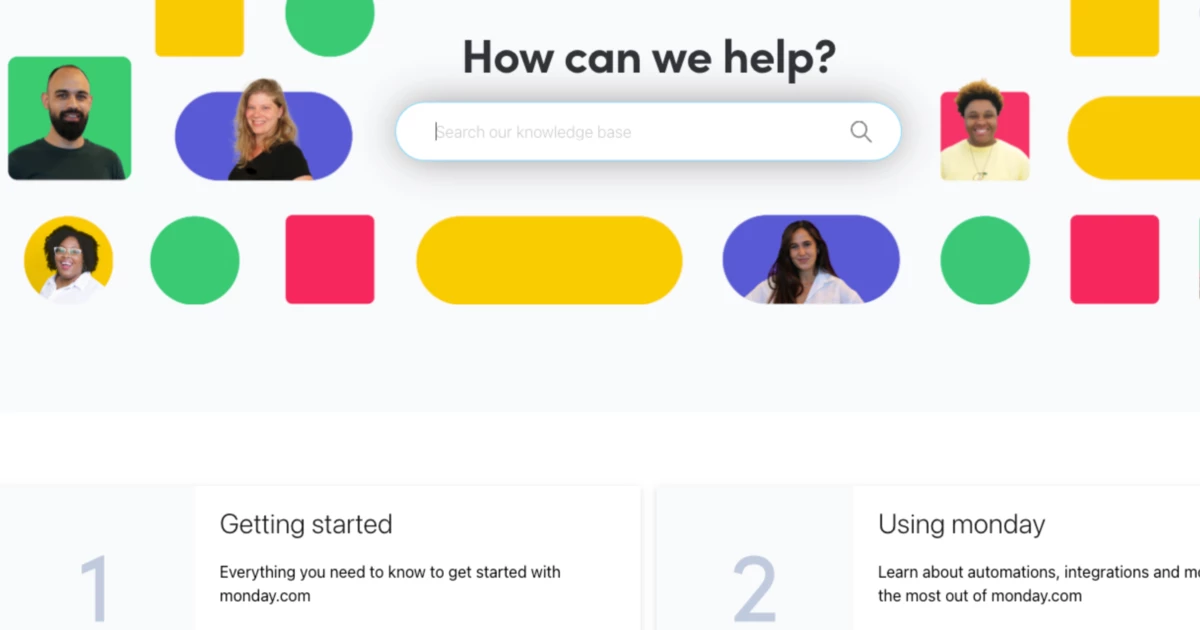
monday.com’s customer support is available 24 hours a day, 7 days a week, via a web form. Their support page directs you to self-help articles within their knowledge base and, if you still can’t find the answer, offers you the form to submit your question. If you have an Enterprise plan, you have a customer support manager. And if you pay for 25 or more users with an annual plan, you’ll receive personalized training. Otherwise, attend any of the daily webinars to learn about monday.com’s features.
monday.com Additional Features
In addition to the basic features mentioned above, monday.com also offers a number of additional features that can help streamline project management workflows. Here are some of the most prominent features:
Customizable Templates
monday.com offers a variety of customizable templates to help users get started quickly. These templates cover a wide variety of industries and use cases, from marketing and HR to software development and event planning.
Milestone Tracking
With monday.com, it’s easy to track milestones and deadlines, ensuring that projects stay on schedule. Users can set up notifications for upcoming milestones and adjust deadlines as needed.
Expense Tracking
Tracking expenses is an essential component of project management, and monday.com makes it easy to monitor expenses and stay on budget. Users can set up alerts for overruns and track expenses by project, team member, or category.
Kanban Board

The Kanban board view is a very popular feature of monday.com, as it provides a clear and visual representation of project progress. Users can move tasks between columns, assign owners and track deadlines with ease.
Billing & Invoicing
For companies that need invoicing functions, monday.com offers integrated tools to streamline these processes. Users can generate invoices, track payments, and view financial reports all from one place.
Guest/Client Access
monday.com facilitates collaboration with guests and clients by providing controlled access to projects. Users can set up guest accounts with customized permissions, ensuring the security of confidential information.
Top monday.com CRM Alternatives
| monday.com | HubSpot CRM | Zendesk Sell | Pipedrive | |
|---|---|---|---|---|
| Star rating |  |  | | |
| Forever free plan available | Yes | Yes | No | No |
| Timeline views | Yes | Yes | Yes | Yes |
| Phone, knowledge base, community forum, email, and chat | Yes | Yes | Yes | Yes |
| Paid plan starting price | $24 per month, billed annually for three seats | $30 per month, billed annually for two seats | $19 per user per month, billed annually | $14.90 per user per month, billed annually |
| Support | Knowledge base, 24/7 customer support, daily live webinars | Email, chat, knowledge base, community forum | Email, webinar, phone, 24/7 chat support (in-app) | Phone, knowledge base, community forum, email and chat |
monday.com holds its own against its competitors’ thanks to its solid pricing and powerful feature set. This is especially true compared to HubSpot, which has a substantially higher starting price than monday.com, especially considering HubSpot’s cost is only two seats. We also love the fact that monday.com offers webinars to help you learn more about the platform.
Top monday.com Project Management Alternatives
| monday.com | Trello | Asana | ClickUp | |
|---|---|---|---|---|
| Star rating | | | | |
| Forever free plan available | Yes | Yes | Yes | Yes |
| Paid plan starting price | $24 per month, billed annually for three seats | $5 per user per month, billed annually | $10.99 per user per month, billed annually | $5 per user per month, billed annually |
| Software integrations | Yes | Yes | Yes | Yes |
| Automations | Yes | Yes | Yes | Yes |
| Support | Knowledge base, 24/7 customer support, daily live webinars | Knowledge base, community, ticket | Community forum, knowledge base, Academy, AI bot, ticket | Knowledge base, ticket |
FAQ’s
Is monday.com suitable for non-technical users?
Absolutely, monday.com’s user-friendly interface and spreadsheet-like design make it accessible even for non-technical users. The platform offers tutorials, videos, and webinars to help users get acquainted with its features and functionalities, ensuring a smooth onboarding process.
What makes monday.com stand out from competitors?
monday.com’s standout features include its versatility, customizable templates, integration capabilities, and visual project management tools. The platform’s modern interface, range of functions, and strong support offerings contribute to its differentiation.
How secure is monday.com for data management?
monday.com prioritizes security, adhering to multiple security protocols like ISO, SOC, and GDPR standards. It uses encryption methods like AES-256 for data protection and secure transmission with TLS 1.2. The platform employs multiple layers of defense, including firewalls, DDoS mitigation, and vulnerability assessments to ensure data security.
Can monday.com be customized to specific business needs?
Yes, monday.com offers extensive customization options. Users can create their own workflows, boards, and templates tailored to their business processes. The platform supports column customization, automation creation, and integration with third-party apps to align with unique requirements.
Does monday.com offer customer support?
Yes, monday.com provides comprehensive customer support. It includes a knowledge base with articles and tutorials, daily live webinars for learning and troubleshooting, and a chat board for each task to facilitate team collaboration. Paid plans also come with priority customer support.

Mike DaVinci HighTechBlogging.com
Mike DaVinci is a skilled content writer with a talent for storytelling. He specializes in creating captivating narratives that engage readers and leave them feeling inspired. His writing has been featured in various publications, including magazines, blogs, and business websites. Mike’s particular interest in human interest stories allows him to uncover the heart of any story and convey it to his readers in an emotional and authentic way. He believes that storytelling is a powerful tool for connecting with people and inspiring positive change in the world.
To read more similar articles, click here
Thanks for visiting our Website. If you appreciate our work, kindly show us some support in our comments section. 🙂