Kinsta is a reliable managed WordPress hosting provider that has proven time and time again to be the best. However, it may not be for everyone. After all, everyone wants a hosting provider that meets their specific business needs.
There are many alternatives you can look at, but who has the time to compare all the options? So to make your life easier, we’ve made an in-depth review of Kinsta’s competitors to list the top 8 of them.
Table of Contents
Considering Other Alternatives to Kinsta?
One of the most common reasons for businesses and bloggers to look for alternatives to Kinsta is simply the price of Kinsta. Although it is a powerful cloud-based hosting provider, it is relatively expensive. You can expect to pay anywhere from $30 to over $100 per month depending on the size of your business.
In addition, there are other needs that perhaps Kinsta does not cover. For example, it does not provide email hosting or domain hosting. Nor does it provide root access or very developer-friendly features. So there could be a number of reasons for potential customers to look elsewhere.
However, when considering alternatives to Kinsta, you don’t want to get something inferior. Ideally, you want something similar that meets the requirements that Kinsta doesn’t, but isn’t necessarily a step down either.
The 8 Best Kinsta Alternatives for Web Hosting Compared in 2026
We have searched and tested most of the WP hosting providers to find competitors to Kinsta. We will make a summary of each of the eight best alternatives, comparing also the features. This list may not be exhaustive, but it will certainly give you a head start in making the right choice.
Here are the top eight Kinsta competitors:
1. WPX Hosting

WPX Hosting easily tops the list, as it is Kinsta’s main competitor. With its quality managed hosting and lower prices, the platform is a favorite for many businesses and bloggers who simply don’t want to spend a lot on hosting.
Their plans are slightly cheaper and offer relatively more resources than Kinsta. There are three plans: Business, Professional and Elite.
The Business plan, which is the most basic, has a monthly fee of $24.99.
This basic plan includes five WP websites, while Kinsta’s Starter plan only includes one. Other features of this plan include 15 GB of storage and 200 GB of bandwidth.
Like Kinsta, WPX Hosting is also based on Google Cloud Platform and offers a discount when you sign up for the annual subscription.
Another important difference between the two is that WPX also offers domain hosting, so you don’t really need to go anywhere else to host your domain. You can buy a new one or move an existing one with no hassle.
The main features of each hosting provider are similar. WPX also offers fast and reliable customer service. It claims that its response rate is less than 30 seconds, which is quite impressive.
Pros
Cons
2. Flywheel
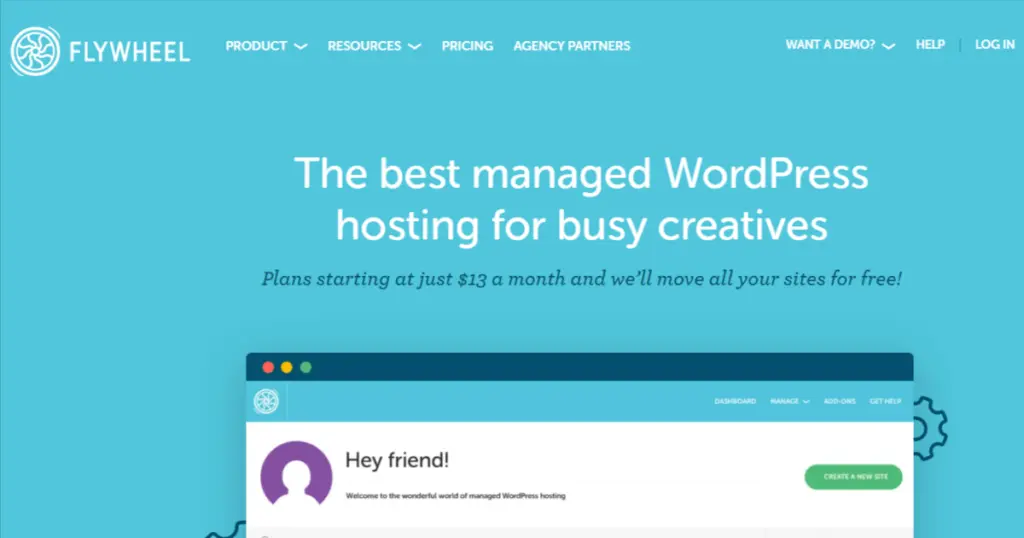
Flywheel has gained a lot of popularity lately due to its abundance of value-added features. There are quite a few similarities in general between Flywheel and Kinsta, which makes it the best alternative for those who are very picky about technical features.
What really gives Flywheel an edge over Kinsta is that they have plans for all types of blogs, including those with very basic resource needs.
They also have a Starter plan that costs $30 a month for a single site, but then they have designed an even smaller plan than that called Tiny. This entry level managed WP hosting plan includes one WP website, 5000 monthly visits, 5 GB of disk and 20 GB of bandwidth. This plan costs only $15 per month, half the price of Kinsta’s starter plan.
Aside from the basic plans, the Freelance plan, which costs $115 per month, offers up to 10 websites. That’s more than the five installations you get with Kinsta’s Business 1 plan for $100.
Flywheel uses Google Cloud Platform and offers really fast performance, comparable to Kinsta. –
Another great feature this Kinsta competitor has is client billing. It’s ideal for web design agencies and freelance web developers who can directly transfer billing to their clients. That’s something you won’t find in Kinsta.
Pros
Cons
3. Cloudways
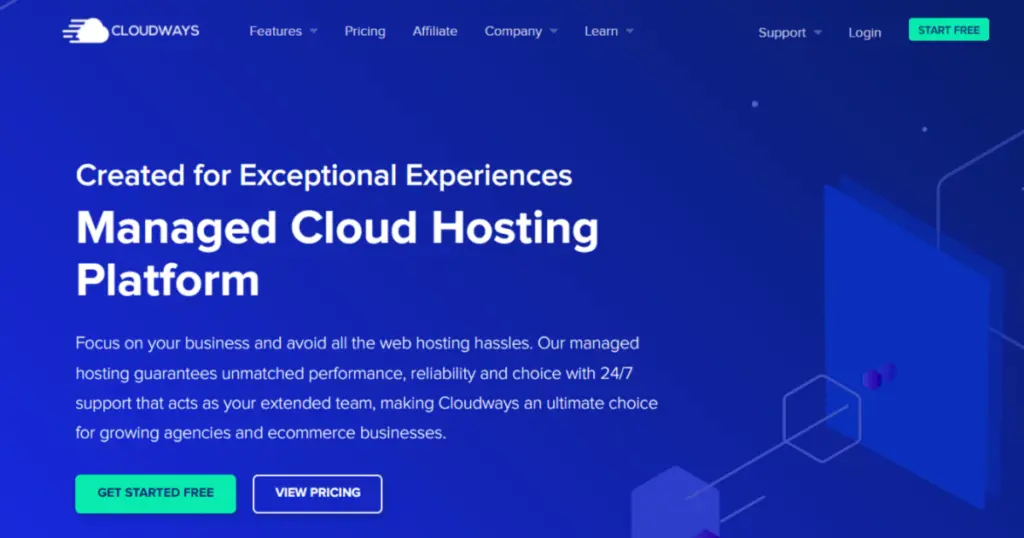
Cloudways is a sophisticated cloud hosting provider with complete managed WP hosting plans that easily rival Kinsta’s.
In terms of infrastructure, Cloudways is far ahead. While Kinsta has 24 data centers, Cloudways has over 12,000 servers in over 60 data centers spread around the world in 48 countries. It is ideal for truly global websites that receive traffic from all regions.
Cloudways is quite different from Kinsta. First of all, it uses six providers for its cloud hosting plans and customers can choose the provider of their choice. These include GCP, AWS, Linode, DigitalOcean and Vultr.
Secondly, they have a pay-as-you-go billing structure, which is much more flexible than the flat-rate plans offered at Kinsta. Prices vary depending on the provider you choose, with DigitalOcean being the most affordable.
Plans start at $11 per month on DigitalOcean’s infrastructure, offering 1 GB of RAM, 25 GB of storage and a whopping 1 TB of bandwidth. The equivalent Kinsta plan on DigitalOcean with similar resources will cost you $46 per month.
That said, Cloudways hosting plans with GCP behind them are slightly more expensive than Kinsta’s. The same basic plan costs upwards of $33 per month.
Since all of their servers are SSD-based, they can offer ultra-fast speeds and near perfect uptime.
The features are quite similar to Kinsta, with site caching, CDN and reliable security provisions.
Pros
Cons
4. Green Geeks

For those looking exclusively for a green hosting provider, Green Geeks is the best choice over Kinsta. Their WordPress hosting plans start at just $2.95 per month, discounted.
The “Lite” starter plan includes one website, unmetered bandwidth, unlimited web space, and a whopping 300% energy match (matches 300% of emissions via RECs).
The big difference between Green Geeks and Kinsta is that the former is not cloud-based. It uses a traditional server architecture with four data centers, three in North America and one in Europe.
The highest tier plan is comparable to Kinsta’s basic plans. Green Geeks is ideal for those looking for quality WP hosting at an affordable price and not at the expense of the environment.
The biggest difference between Green Greeks and Kinsta is that the former is not flexible at all. Your website cannot exceed the resources provisioned for it. It does not offer auto-scaling or overflow possibilities, which is not ideal for a fast-growing website.
However, you will get a free domain and domain hosting, which are not part of Kinsta hosting plans.
As for performance, don’t expect it to be as fast as Kinsta, as even WordPress hosting plans are like shared hosting plans. You don’t get the same speed and load times with shared hosting as you do with cloud hosting.
Pros
Cons
5. WP Engine
WP Engine is very similar to Kinsta in terms of infrastructure, features and even pricing. However, they offer fewer plans compared to Kinsta’s wide range of hosting plans.
Their Startup plan fee is also $20 per month. Like Kinsta, they also offer annual subscription discounts, reducing the price to $25 per month. This Startup plan offers a site with 10 GB of storage, 25 GB of bandwidth and 25,000 monthly visits.
With free CDN (MaxCDN), robust security features and caching, they offer all the features you also get with Kinsta. What’s the difference? Multisite support is offered as an add-on at an additional cost, and is not available for the Startup plan at all, as it is a single site plan.
With WP Engine, you can be worry-free about your WP site, as they make it hands-free for the owner.
As for support, WP Engine also has WP and server experts on board, along with an extensive knowledge base that helps educate customers. As a result, issues are resolved quickly.
One thing you get with WP Engine that is absent from Kinsta is free StudioPress themes.
Pros
Cons
6. Pressidium

Pressidium is a high-end managed WP hosting provider that really gives a tough competition to Kinsta if we compare the overall range of services. It is ideal for enterprise use cases with many WordPress websites and high traffic load.
This hosting provider makes high availability a core element of all their plans. Since different versions of your website are stored on different servers, availability is near perfect. If you value 99.99% uptime, this host is for you.
Their client list is impressive, with mega-corporations and elite universities using their solutions. Speaking of solutions, they have tailored their products according to business categories. On the other hand, Kinsta only offers a high-end plan classification.
Their cheapest plan is the Micro plan, which costs $21 per month. This plan offers one website, unlimited bandwidth and 5 GB of storage.
Their Enterprise plans are a bit more expensive compared to Kinsta, starting at $790 per month.
Free migration, backups, setup environment and free Let’s Encrypt SSL certificate are standard for all plans.
Pros
Cons
7. DreamHost
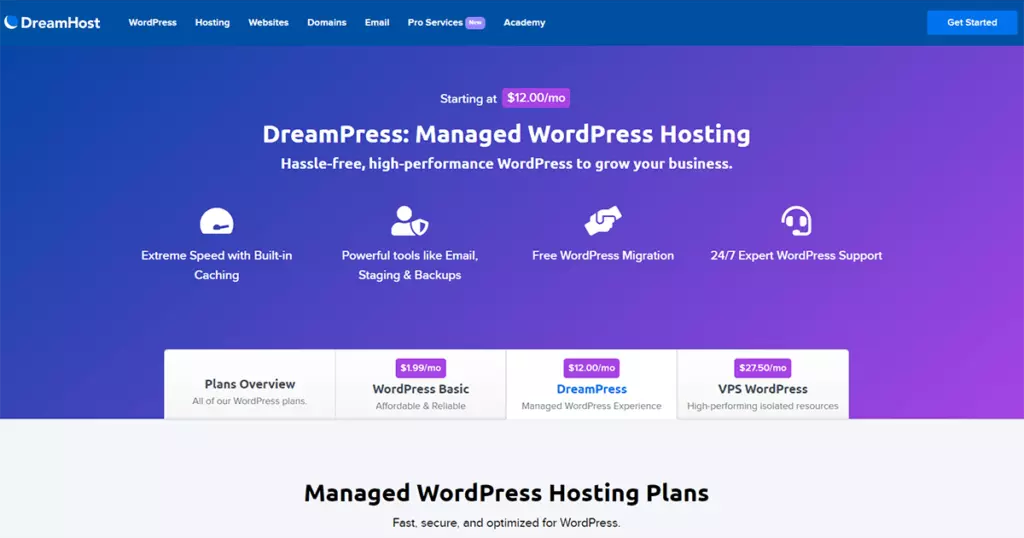
DreamHost is one of the cheapest alternatives to Kinsta. It is ideal for both blogs and e-commerce websites using WooCommerce.
Their Basic WordPress plan starts at just $4.95 per month. This price includes one website, unlimited traffic and free automated migrations. You can reduce the price to $2.95 if you sign up for the three-year plan.
Again, this is shared hosting, so you won’t get the same flexibility and performance as with Kinsta’s cloud-based architecture. That said, they also have managed WordPress plans, as well as VPS plans with dedicated resources for demanding blogs and e-commerce websites.
For managed WP plans, the cheapest price is $16.95 per month (billed annually). It is ideal for websites with 100k traffic per month. Storage is 30 GB.
You can see that managed WP hosting is much more affordable at DreamHost, compared to Kinsta. Also, DreamHost plans include email hosting as well, so you won’t have to pay extra for it.
Performance is also pretty decent, if not exactly like Kinsta. You get built-in caching, 1-click staging, and bulletproof backups.
Pros
Cons
8. Pagely
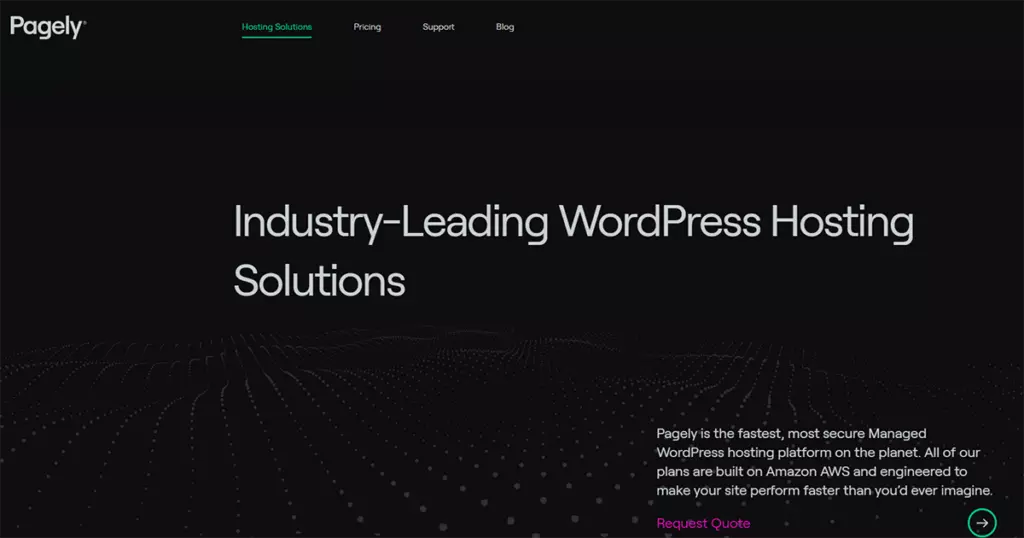
Pagely is a WordPress hosting giant that offers quality managed hosting services. Their solutions are similar to those of Pressidium, rather than Kinsta. They offer solutions tailored to different sectors, e.g. agencies, publishers, universities and businesses.
Unlike Kinsta, Pagely’s cloud infrastructure is powered by Amazon Web Services (AWS). AWS dominates the cloud computing market, so you can expect quality performance out of the box.
Pagely is much more expensive than Kinsta, as their plans start at $499 per month. The Performance plan includes 50 GB of SSD storage, 200 GB of bandwidth and 1 TB of PressCDN. So resources commensurate with the price you’re paying.
They have cheaper plans for developers with less resources than the Performance plan. Overall, each plan comes with standard high-end features as well as security provisions to ensure that the website and all its data is protected from malicious use.
It also offers automatic WP updates, something Kinsta doesn’t offer. However, that’s only because it wants to provide customers with the freedom to choose whether they want those changes or not.
Kinsta targets both small businesses and enterprises, while Pagely focuses on enterprise-level WP sites.
Pros
Cons
Conclusion
In conclusion, when exploring alternatives to Kinsta for your managed WordPress hosting needs, it is crucial to consider the unique requirements of your business or blog. While Kinsta has proven to be a reliable option, it may not meet all specific needs, whether it’s price sensitivity, domain hosting, email hosting, or developer features. Fortunately, we’ve taken the time to delve into the top 8 competitors, highlighting their strengths and differences.
WPX Hosting emerged as a strong contender, offering affordable plans with robust resources, domain hosting and fast expert support. Flywheel stood out for its value-added features, which accommodate even very small blogs, and a unique billing transfer feature ideal for agencies and freelancers. Cloudways, with its global reach and pay-per-use billing, is perfect for those looking for flexibility and a wide choice of infrastructure providers. Green Geeks, the green alternative, strikes a balance between affordability and environmental awareness, although it is not cloud-based. WP Engine, Pressidium, DreamHost and Pagely each offer their own set of benefits, tailored to different sizes and business needs, with features such as StudioPress themes, AWS infrastructure and tailored plans for different industries.
Ultimately, the right alternative depends on your specific priorities, whether it’s price, features, scalability or environmental concerns. Each of these alternatives has its advantages and disadvantages, and if you know your own needs, you can confidently choose the managed WordPress hosting solution that best suits your goals. Whatever you decide, make sure it supports your business growth, provides the features you need, and delivers the level of reliability you expect for your online presence. Happy hosting!
FAQ’s
Why should I consider alternatives to Kinsta?
While Kinsta is a solid option, exploring alternatives ensures that you will find the perfect solution for your specific needs, whether it’s pricing, features or scalability.
How do I know which alternative is right for me?
By comparing the unique features, prices and advantages of various alternatives, you will be able to identify the one that perfectly suits your website requirements and budget.
How does this expose the best hosting match for me?
Through a detailed comparison of the various alternatives, we will help you understand the strengths of each, allowing you to make an informed decision that perfectly fits your website’s objectives.
Can I expect the same level of support as I get with Kinsta?
Support is a crucial aspect, and many of these alternatives pride themselves on their excellent customer service, ensuring that you are not left stranded when you need help.
Will my website performance improve with these alternatives?
In many cases, yes! Each of these alternatives has its own set of performance-enhancing features and capabilities, which we will delve into to help you achieve better results.

Alex Colt is a tech blogger who is deeply passionate about technology. He writes on an array of subjects ranging from the latest smartphones and laptops to the newest gadgets and consumer electronics. Alex’s blog simplifies complex technological concepts into easy-to-understand language, providing insights into the tech world. Furthermore, he shares useful tips and tricks for maximizing the use of devices and staying abreast of the most recent trends. Alex’s unwavering commitment to educating his readers about the ever-evolving realm of tech has made him a respected and trustworthy figure in the tech community.
To read more similar articles, click here.
Thanks for visiting our Website. If you appreciate our work, kindly show us some support in our comments section 🙂