

Jevelin Theme Review: Jevelin is a recently released and updated multipurpose WordPress theme. Jevelin is designed not only for business, personal, and commercial websites but also to take full advantage of the powerful WooCommerce eCommerce plugin. With this theme, you can not only create a website for your latest project but also set up a fully functional online store with WordPress and Jevelin.
Whether you’re looking for a design change for an existing website or a theme to help you create a new website, Jevelin has everything you need. In this Jevelin theme review, we’ll look at everything this product can do to help you decide if it’s the right tool for your project.
Table of Contents
Jevelin Theme Review Features
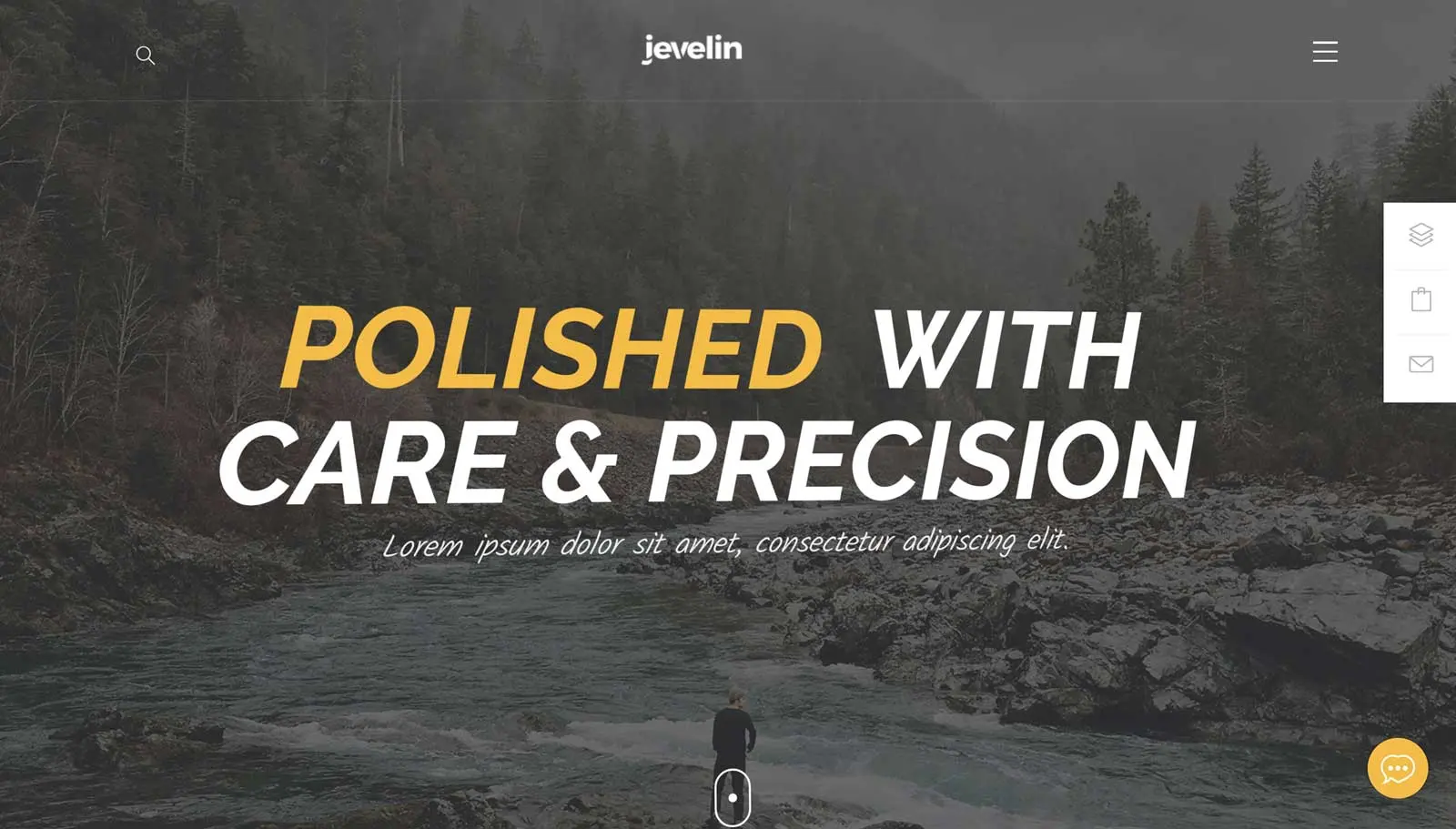
Jevelin is a multipurpose theme, so you can expect multiple website demos and plenty of customization and configuration options. Anyone should be able to make good use of this theme from bloggers and freelancers to large organizations and eCommerce stores. Let’s take a look at its best features below in our Jevelin theme reivew.
Multiple Website Demos
Jevelin includes a library of pre-built demos as the best multipurpose WordPress themes. These demos show exactly what this theme can do and how your website could look in just a few clicks. This is a relatively new WordPress theme, the demos are all completely modern and up-to-date. After importing one of the demos, you won’t have to change its design if you don’t want to. It’s fair to say that they are all ready to go. To help you see what this theme can do, let’s explore some of those demos in this section of our Jevelin theme review.
Corporate Jevelin Demo
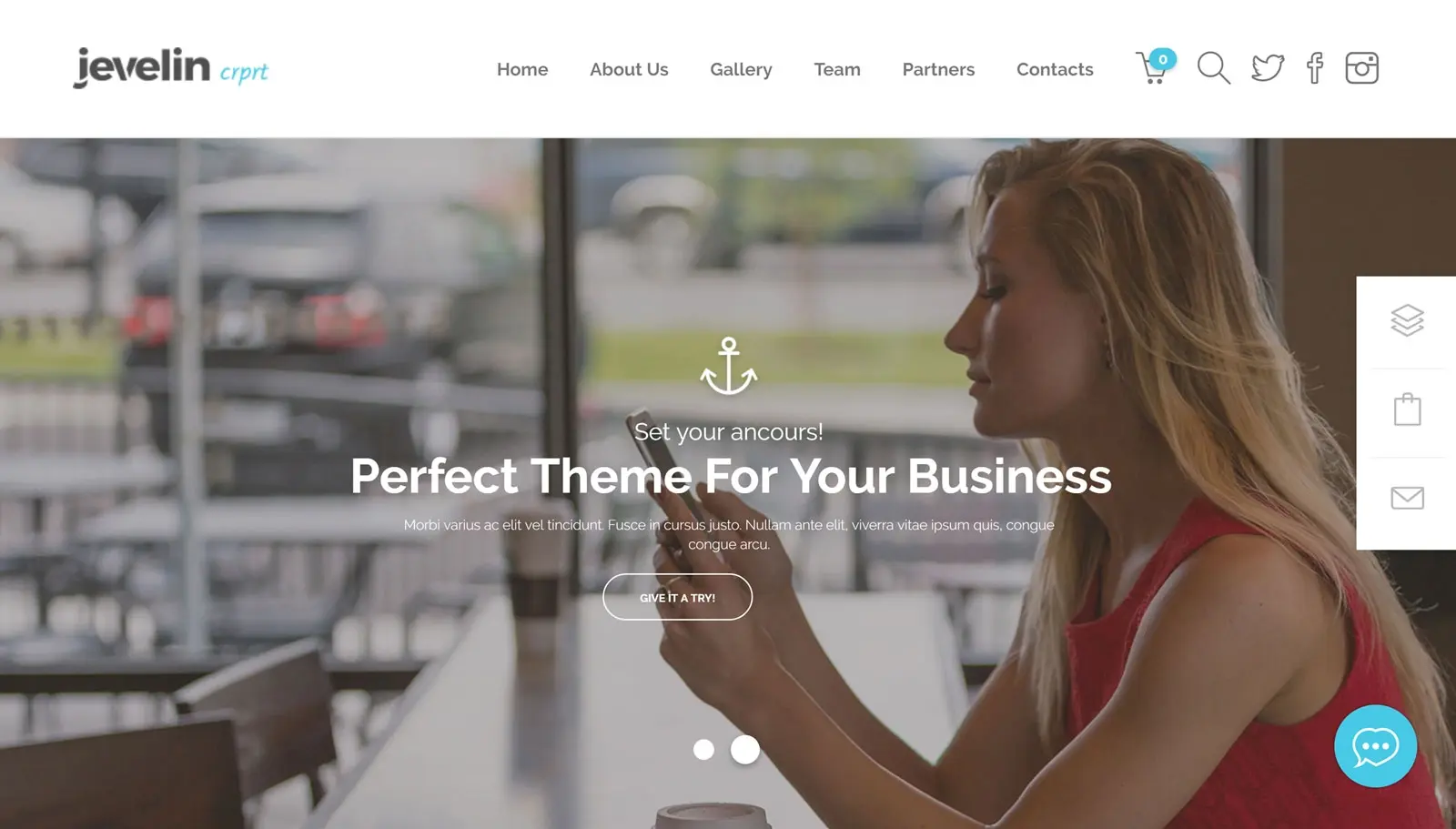
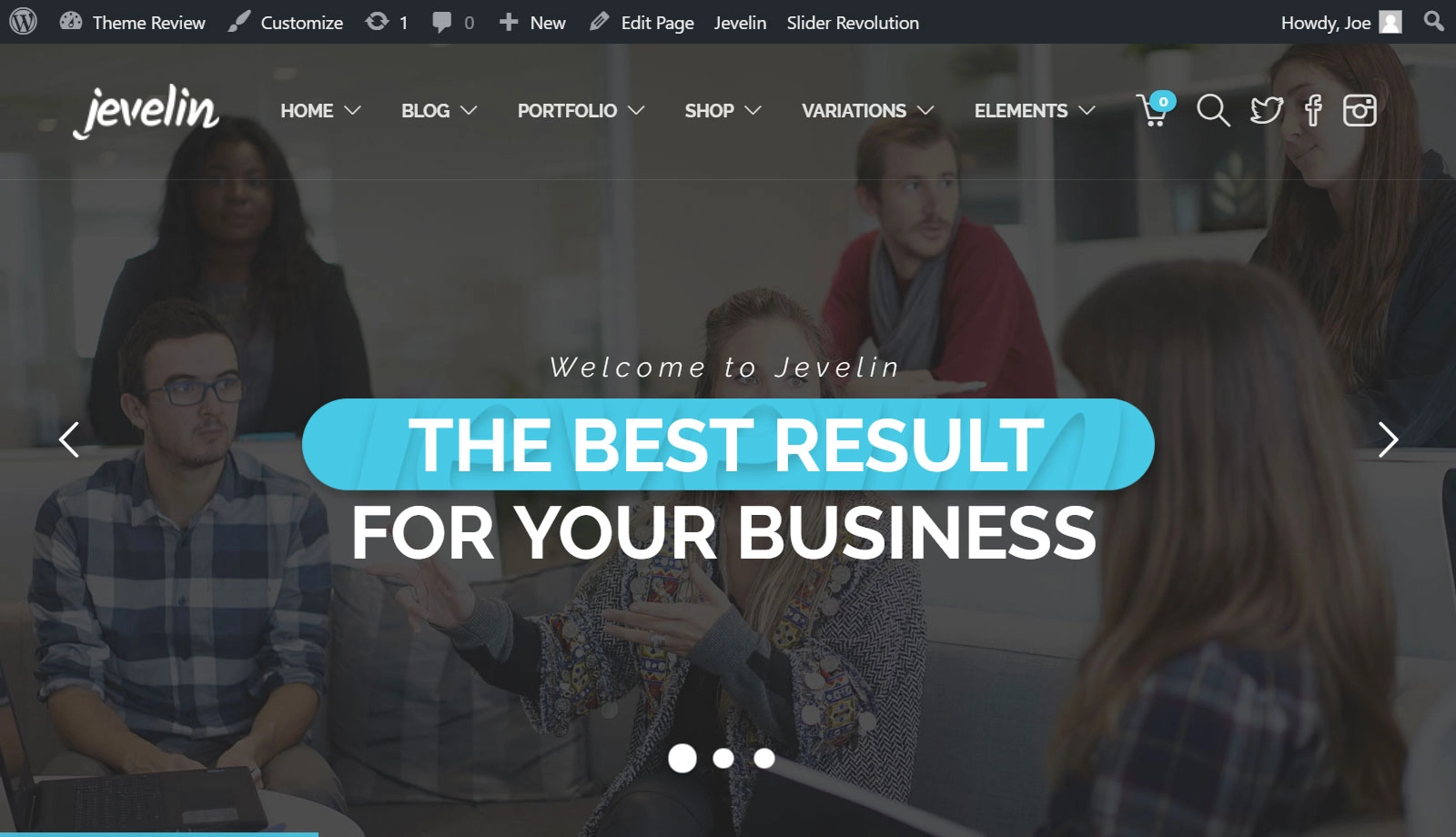
There is no default demo of Jevelin. However, the corporate demo shows what this theme can do and is a good starting point. If you import the corporate demo to your WordPress website, your project could feature a full-screen slider.
The rest of your homepage can also include client logos, team member profiles, excerpts from your portfolio and completed projects section, skills charts, a Google map, and much more. Of course, the entire demo is fully customizable. So, if there’s something you’d like to change, it shouldn’t be a problem. We’ll see the customization options soon in this Jevelin theme review, suffice to say they won’t disappoint.
Basic Jevelin Demo
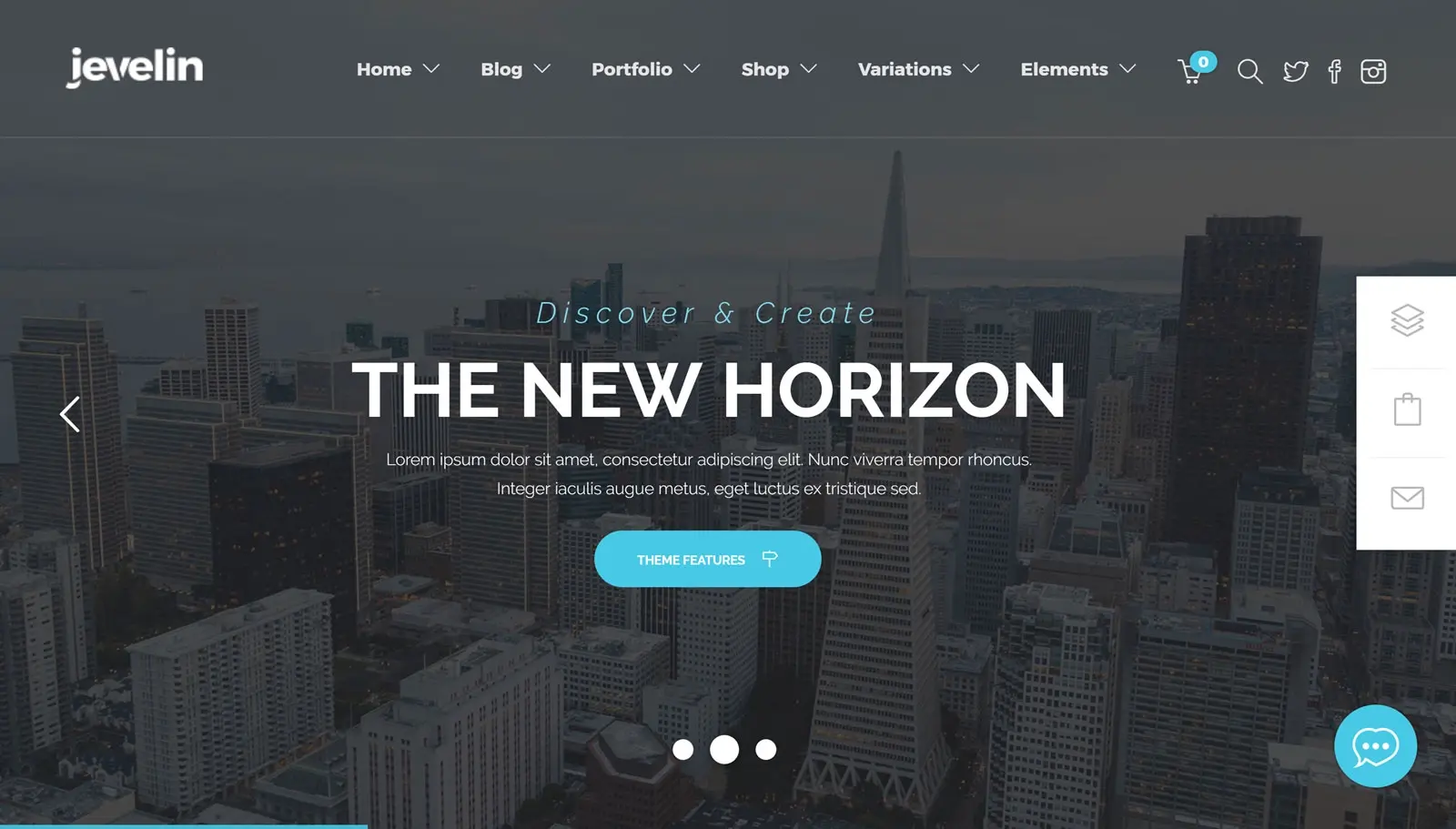
Jevelin’s basic demo may not sound exciting, but it’s another demo with a solid home page design. Once your visitors have seen the home page slider, they can scroll through the rest of the page to learn more about your business.
All the best home page elements are present in the basic Jevelin demo. This includes social media feeds, pricing tables, latest blog posts, icon grids, etc. You can easily add or remove elements and sections from the home page, giving you a quick way to customize this website demo.
Jevelin Online Shop Demo
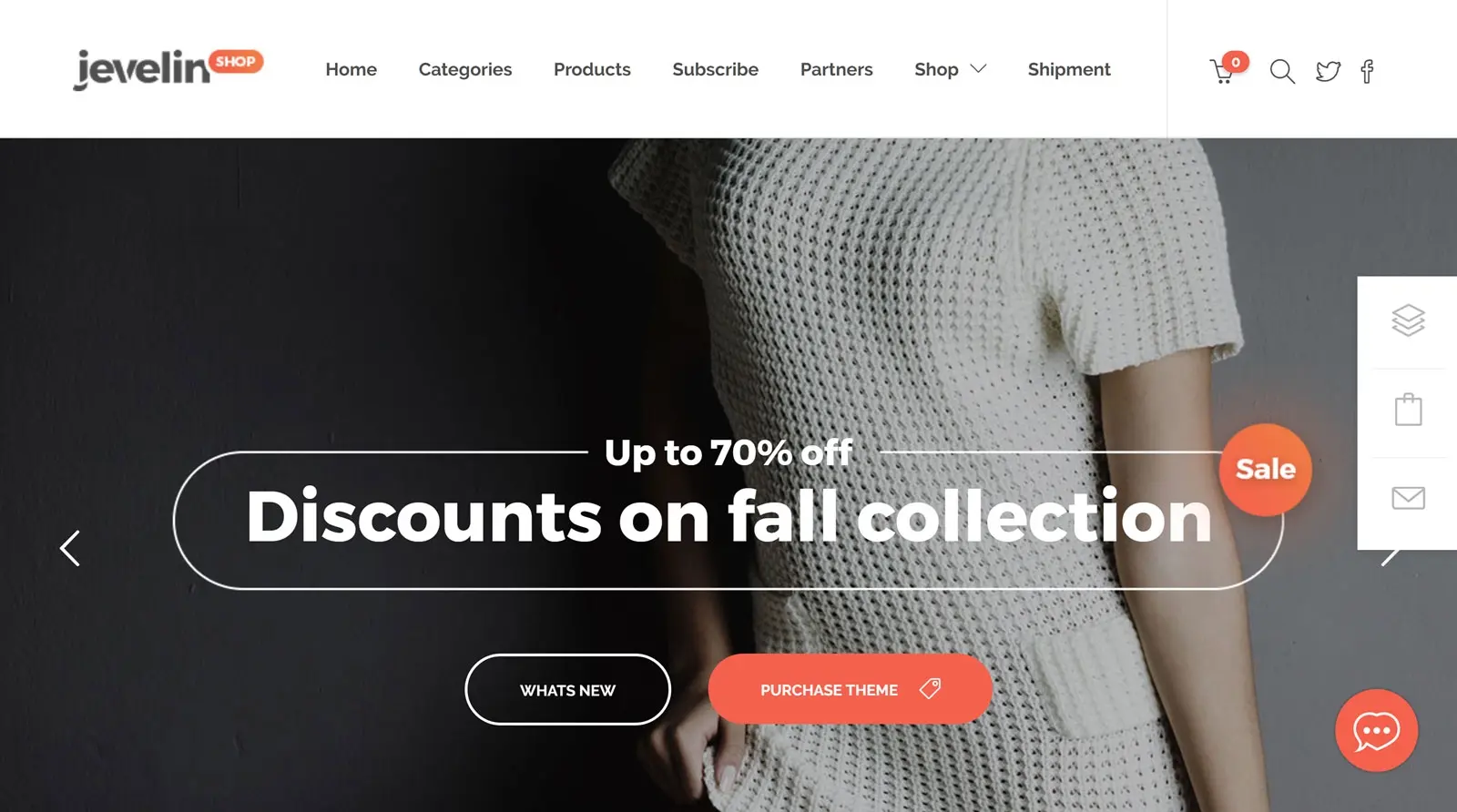
Thanks to the full compatibility of the Jevelin theme with the popular WooCommerce plugin for creating online stores, no matter which demo you choose, you will be able to list products online and collect payments from your customers. However, if you want to create a dedicated e-commerce website, then this demo is the obvious choice.
The Jevelin store demo includes a large selection of stylish product templates. There are also a good amount of online store layouts to help you present your inventory in style. It doesn’t really matter what kind of products you want to sell online. With this e-commerce demo, you can quickly modify your store to suit your company’s vision.
Landing Page Demo

The Jevelin theme package includes two different landing page demos. Whichever one you choose, you should have no problem converting more visitors into customers or forging some other relationship with them.
Suppose the lead generation form on the home page doesn’t do its job of generating more leads. In that case, the rest of the landing page demo home page focuses on answering questions visitors may have. Customer testimonials, customer logos and portfolio content can be used to help persuade visitors to take the next step.
Creative Jevelin Demo
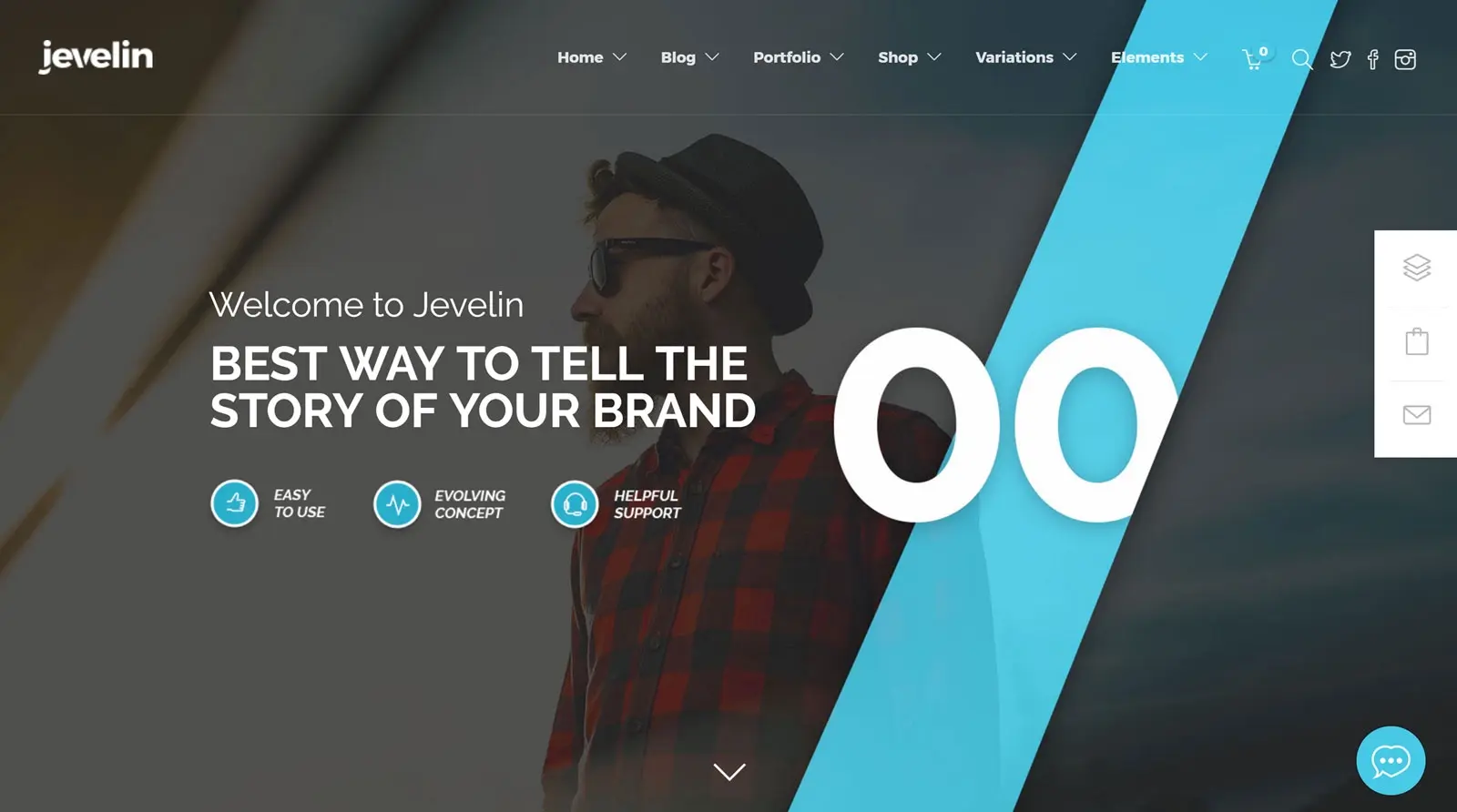
In addition to corporate clients, the Jevelin theme is also suitable for creative websites. Freelancers, consultants, businesses and any other type of organization working in the creative sector should be able to benefit from using this demo for their website.
Once again, a feature-rich homepage design is used to great effect. With this demo, it won’t take you long to create a creative website to showcase your best work. If you want to present your creative side with minimum effort, Jevelin creative demo is a good choice.
Jevelin Blog Demo
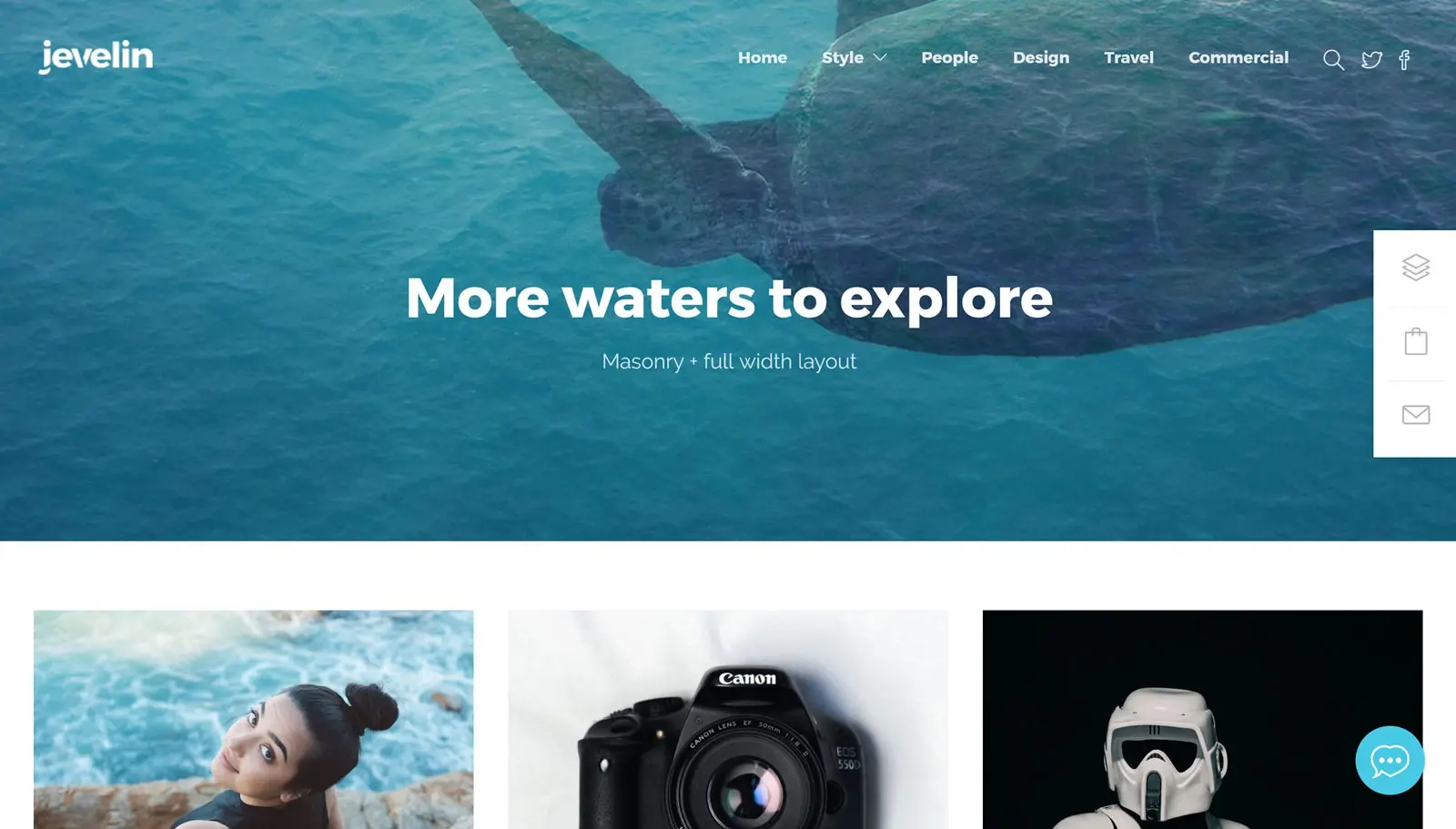
Although WordPress has transcended its origins as a blogging platform, Jevelin has not forgotten the roots of this popular website creation software. There are three different blog demos to choose from. Depending on how you want to present your content, each Jevelin blog demo has something different to offer.
Whichever blog demo you choose, you’ll have a selection of different page layouts to work with. Plus, you’ll be able to take advantage of all the other Jevelin features to create the perfect blog for your project.
Other Jevelin demos include a fitness design, a wedding site option, an event demo and a portfolio website.
One Click Demo Content Importer
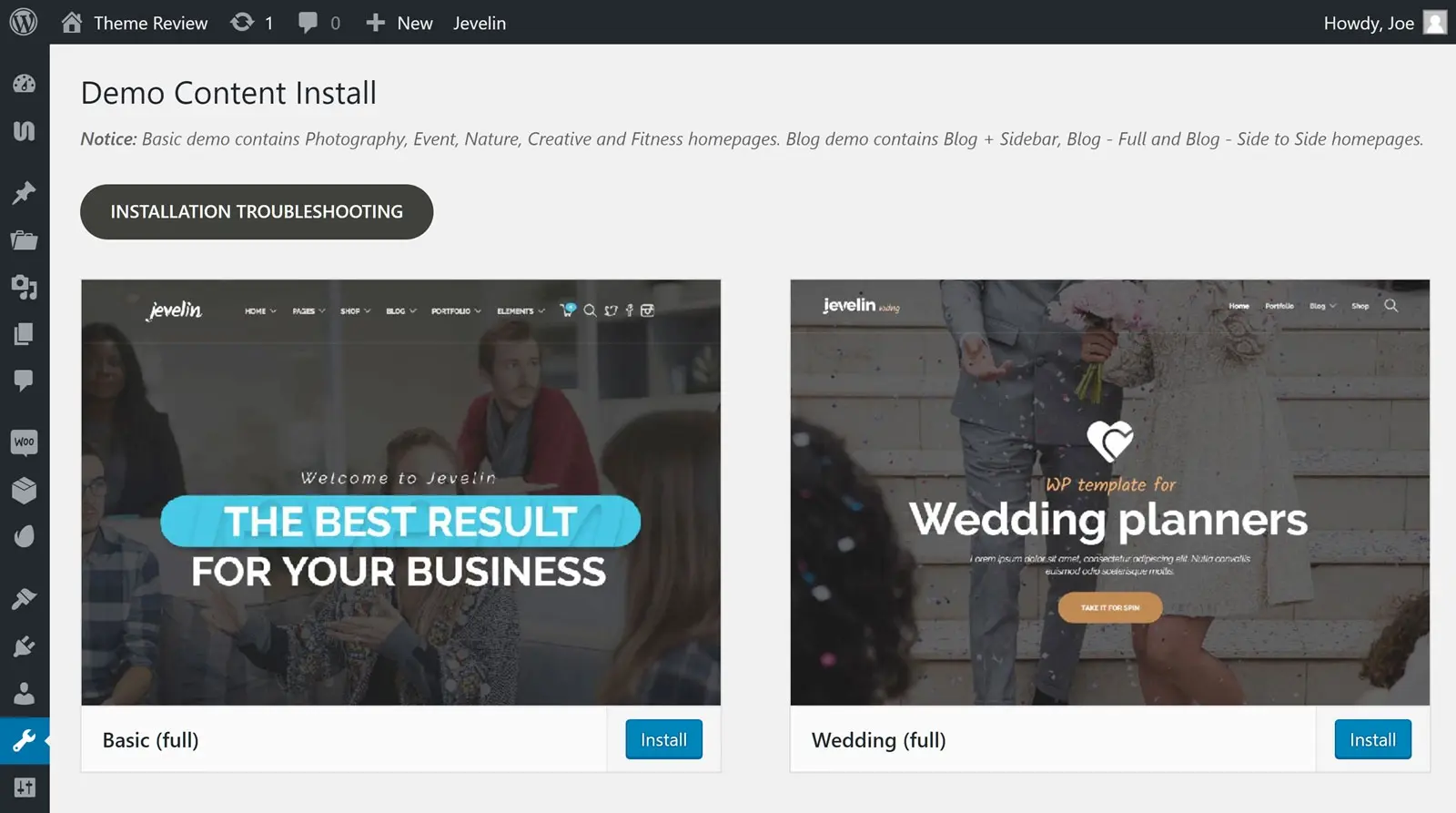
We’ll cover the demo content import tool in more detail in the user experience section of our hands-on review of the Jevelin theme. However, in short, it’s an easy-to-use tool that will help you import one of the Jevelin demos into your WordPress website in just a few clicks.
Online Portfolio Ready
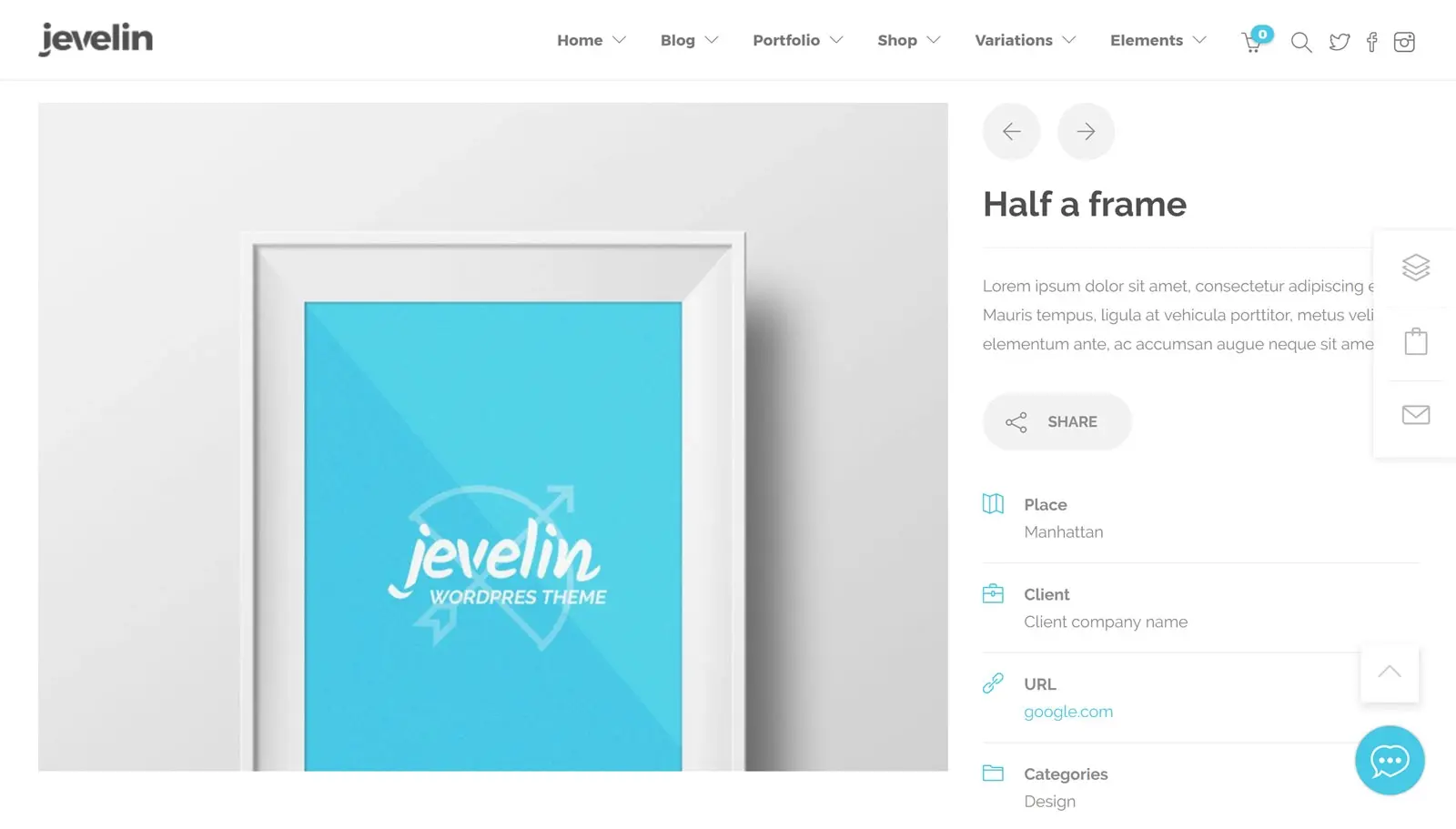
Regardless of which demo you choose, you can easily add a portfolio to your website with Jevelin. If the goal of your website is to showcase your portfolio, then the portfolio demo could be a great choice. However, adding a portfolio to your website is very easy thanks to the portfolio templates.

In fact, with Jevelin, there are multiple options for publishing your portfolio. You can choose from various layouts, styles, formats and appearance settings.

Of course, you can easily customize the appearance of the portfolio section of your website. Thanks to the integrated page builder and customization settings, you can make sure that your portfolio looks right for your project.

Thanks to WordPress custom input types, your portfolio projects can be easily managed from the dashboard.

When it comes to adding new portfolio projects to your site, you can use a combination of the WordPress Editor and a custom control panel.
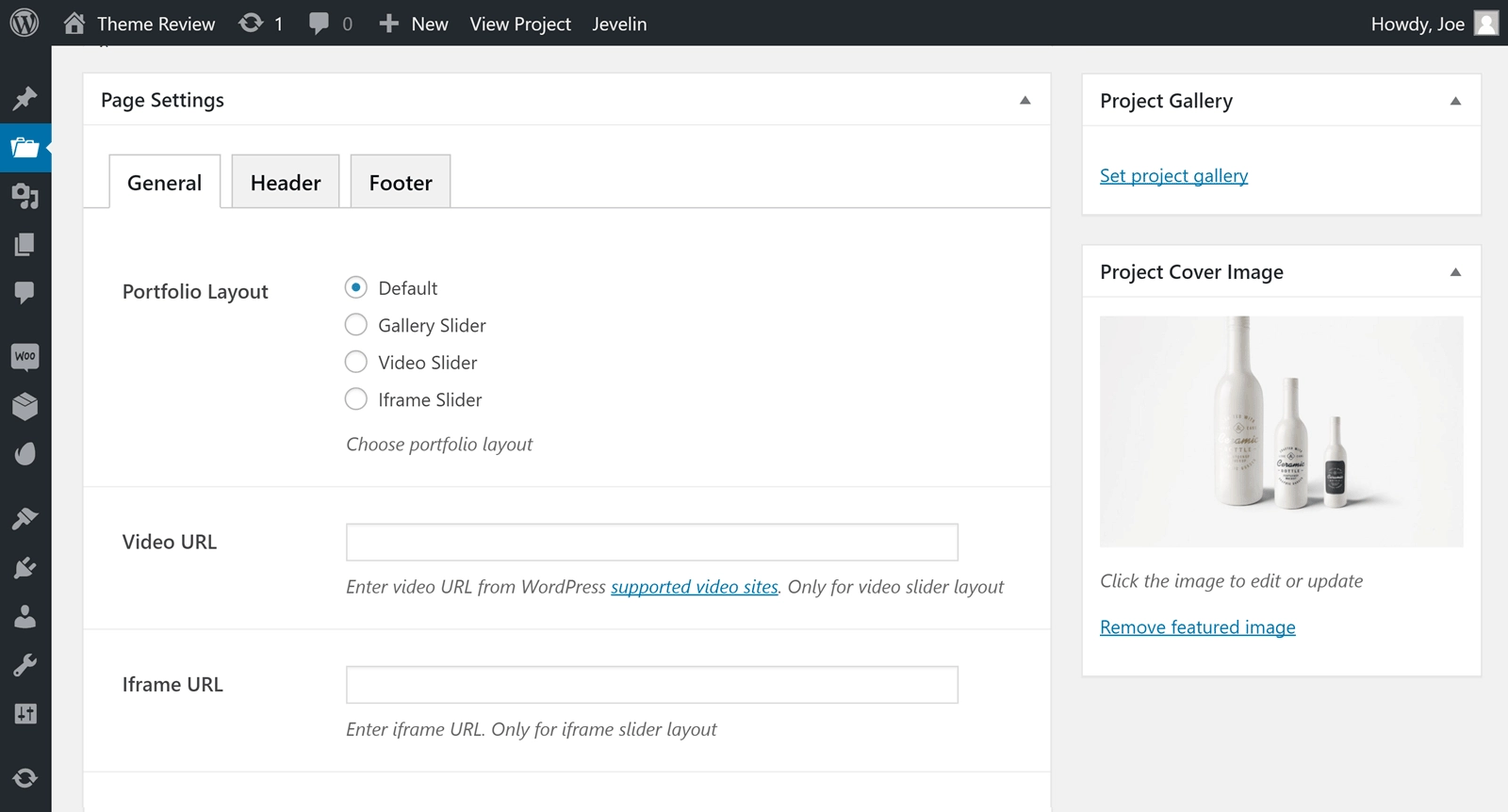
With Jevelin, creating a portfolio website with WordPress is not a problem.
Website Customization Options
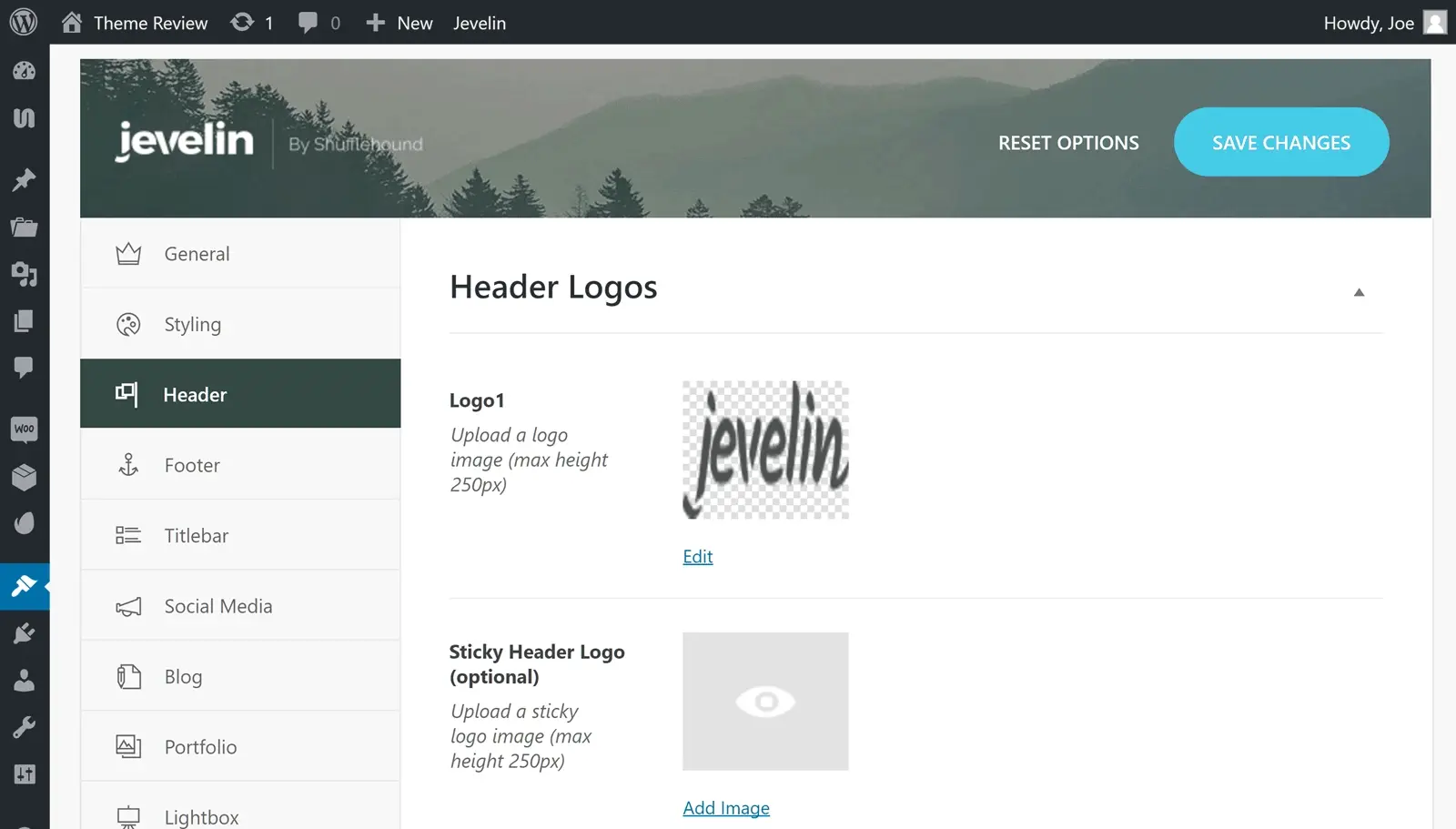
Jevelin includes a custom theme options control panel, based on the Unyson framework. This panel gives you a lot of control over how your site looks and functions. These settings cover how your blog and portfolio content is organized, how your optional e-commerce store is set up, social media integration, and much more.
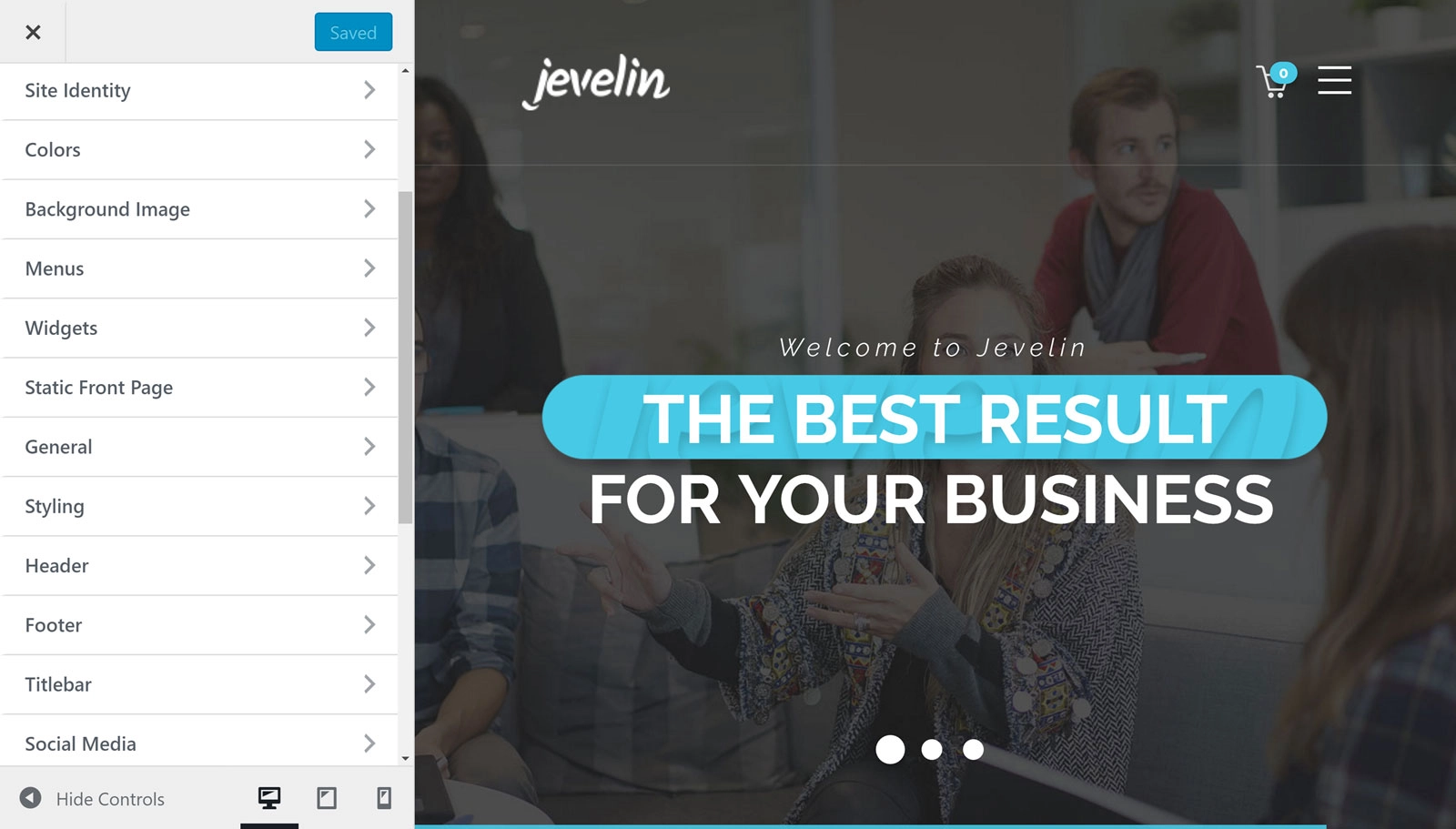
In addition to the theme options control panel, you can also modify your website through the WordPress Customizer. Through this intuitive interface, you can customize the site icon, colors, fonts, header and footer settings, and much more.
As you modify your site through the customizer, you get a live preview of your adjustments as you make them.
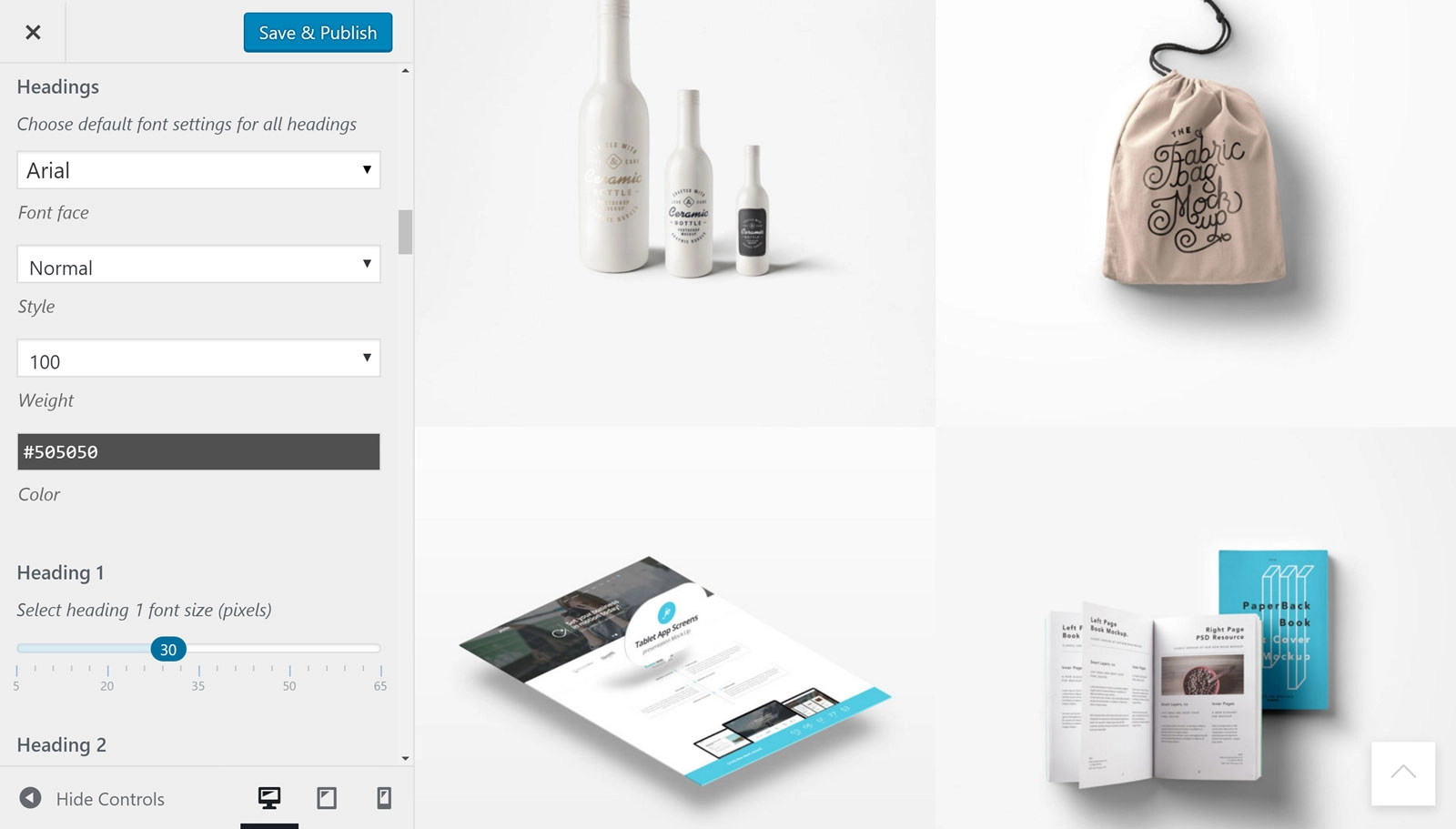
Once you are satisfied with your work, you can click the Save and Publish button to share it with the world.
Other Features of the Jevelin WordPress Theme
In addition to a wealth of customization options and pre-built website demos, Jevelin has a few other features to recommend:
Jevelin WordPress Theme User Experience
Jevelin looks good on paper. But does it live up to its hype? Let’s find out how easy it is to use this theme in the user experience section of our Jevelin theme review. After all, if you can’t create the website you want with a theme, no matter how impressive its feature list is, it’s probably not the right choice for your project.
Getting Started With Jevelin
After purchasing Jevelin, you will be able to download the theme files before uploading them to your WordPress website. Once the theme is activated, you will be prompted to install the recommended and required plugins.
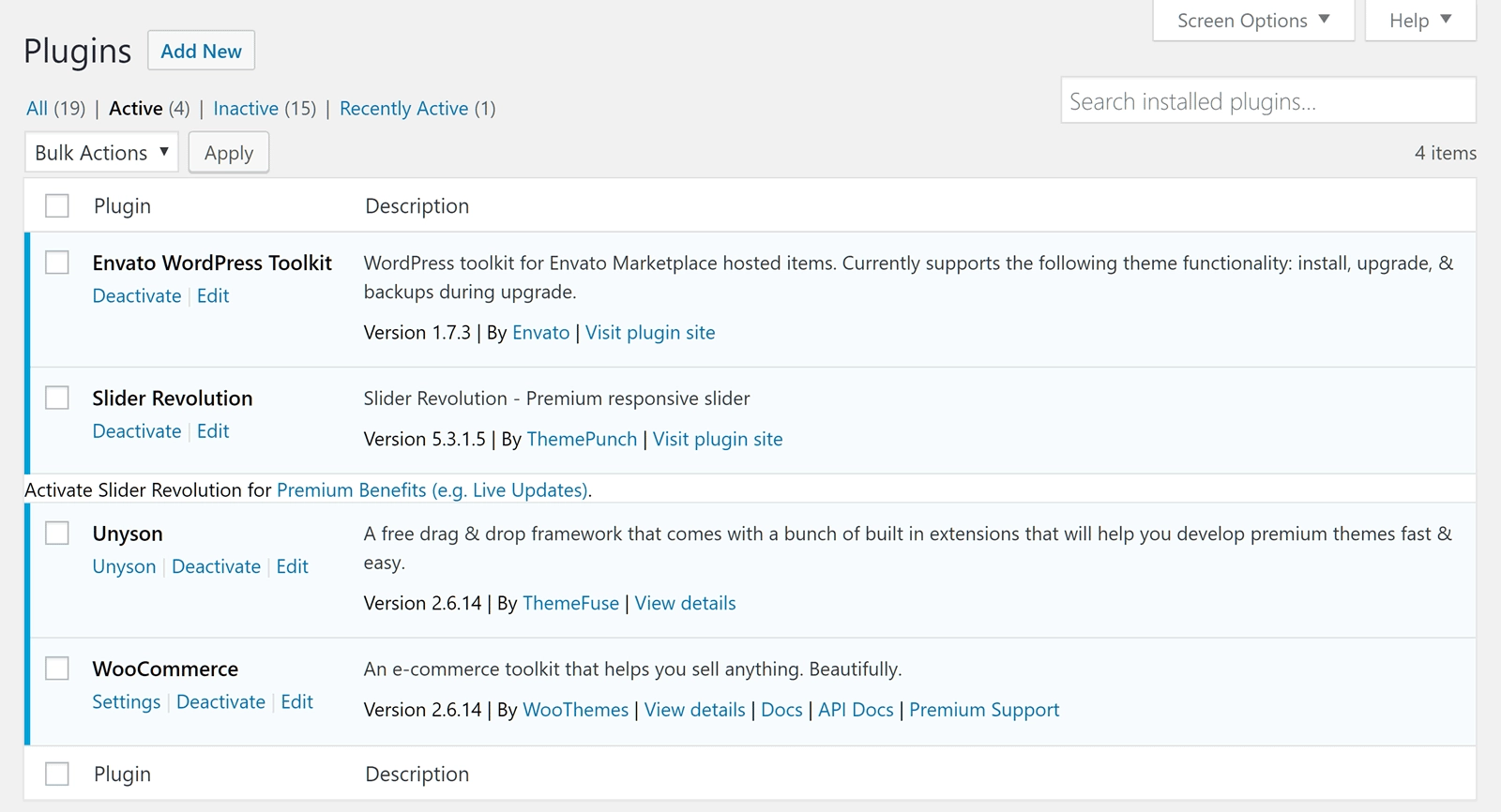
However, with only four plugins recommended for installation, it won’t take you long to get started.
Importing the Demo Content
You can use the Jevelin theme as is. However, to get the most out of this theme, you should import one of the demos as a starting point for your own custom design.

Some issues make importing demo content more difficult than it should be. Fortunately, Jevelin does not fall into this camp. You can import one of the website demos to your WordPress site in a few clicks. Once you have made a selection from the available demos, simply click the corresponding button and the import will start.

To keep you informed of what is going on in the background, the Jevelin importer will display a progress bar. However, since the whole process only takes a few minutes at most, you won’t have to wonder what’s going on for a long time.
Customizing Your WordPress Website
In a few clicks, you will have imported the content from the Jevelin demo of your choice and laid the foundation for your new website. Now you can launch the WordPress Customizer and start making changes to the look and feel of your site.

In addition to customizing many aspects of your website through the customizer, you can also use the page builder tool. The Jevelin theme includes the Unyson page builder tool, a popular plugin for WordPress websites.

Using the WPBakery Page Builder
Thanks to the drag-and-drop page builder, you can open any of the demo contents in the drag-and-drop user interface.

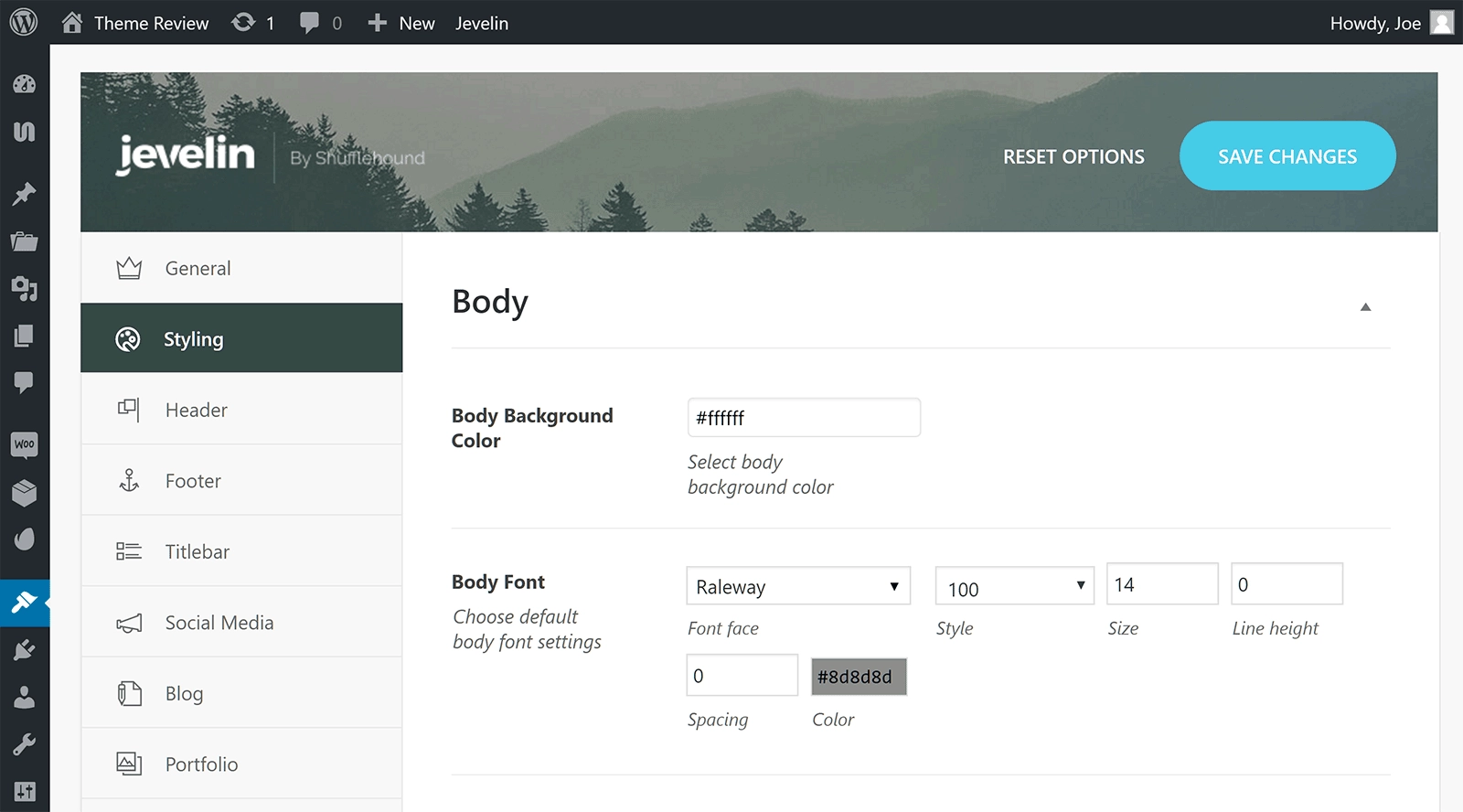
You can then explore the settings in the Jevelin control panel to see how else you can customize your website. Once you have explored all the options, your site should be ready to launch.
Jevelin WordPress Theme Pricing
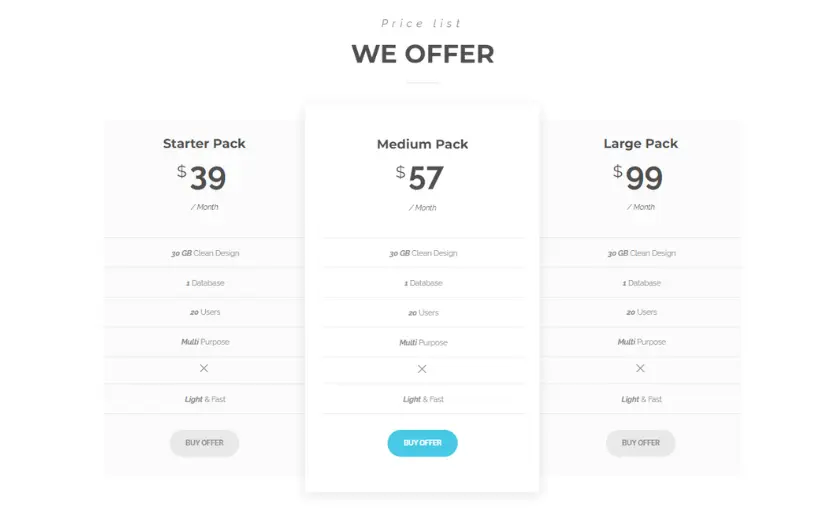
Jevelin WordPress Theme offers three flexible and feature-packed pricing plans to suit different needs. The Starter Pack, priced at $39, is perfect for those looking to establish a solid online presence with essential theme functionality and professional design options. The Medium Pack, available for $57, provides a broader set of tools, including additional plugins and customization capabilities, ideal for small to medium-sized businesses looking to elevate their website to the next level.
For those looking for the ultimate experience, the Big Pack, priced at $99, offers an all-inclusive package with a wide range of premium features, comprehensive support and exclusive access to advanced templates and elements, making it a great option for ambitious entrepreneurs and established businesses.
Choose the Jevelin WordPress Theme pricing plan that best suits your needs and unleash the full potential of your website with ease.
Conclusion
Jevelin is an impressive multipurpose WordPress theme. The portfolio templates are particularly impressive and provide you with a great way to publish your previous work and finished projects.
Jevelin’s customization options should also impress. Good support for the WordPress Customizer gives you an easy way to customize many areas of your site. The WPBakery Page Builder tool gives you a relatively simple way to customize the demo content to make sure it matches your vision.
It would have been nice to see a more modern WPBakery drag-and-drop page builder included in the package. However, there’s nothing stopping you from choosing among the best WordPress page builder plugins and adding your chosen tool to your website. Besides, since the demo content looks good, you may not even want to customize anything.
The best way to find out if Jevelin is your theme is to take a look at the demos and see if there is a suitable option for your project. If there is, you can choose Jevelin for sure because you will get a high quality WordPress theme for a fair price.
FAQ’s
Can I use Jevelin theme for different types of websites?
Of course. The Jevelin theme is designed for various types of websites, including portfolios, business sites, blogs and e-commerce stores.
Is Jevelin theme suitable for beginners?
Yes, the Jevelin theme offers a user-friendly interface and intuitive customization options, making it accessible to both beginners and experienced users.
Can I easily import demo content to kickstart my website?
Yes, the Jevelin theme offers an easy demo content import, which will help you get your website up and running with pre-configured layouts and content.
Does Jevelin theme come with SEO optimization features?
Yes, the Jevelin theme is designed with SEO best practices in mind, which helps your website rank higher in search engine results.
Can I use Jevelin theme on multiple websites?
Yes, you can use the Jevelin theme on multiple websites, which makes it a cost-effective option for various projects.

Henry Sprung is an e-commerce tech blogger with several years of experience in online retail. Alex’s blog focuses on topics such as online marketplaces, payment processing, and digital marketing for e-commerce businesses. Henry’s expertise in e-commerce provides valuable insights into the latest trends in online retail and how businesses can use these platforms to grow their sales. He is a valuable resource for online retailers and entrepreneurs looking to start their own e-commerce businesses.
To read more similar articles, click here
Thanks for visiting our Website. If you appreciate our work, kindly show us some support in our comments section 🙂


