

Have you ever lost all your website data in the event of a security breach or server crash? If you haven’t, create regular backups to keep it that way! By creating regular backups with one of the best WordPress backup plugins, you can protect your WordPress website from any threats and easily recover important information whenever you want.
Now, there are different ways you can backup your site. You could manually save your files, but that takes a lot of time. An easier solution is to use a WordPress backup plugin that automatically creates backups of your site.
Table of Contents
In this article, we’ve put together a list of the best WordPress backup plugins, so you can have peace of mind that you won’t lose your data.
Discover the Best WordPress Backup Plugins!
There are quite a few WordPress backup plugins that are quite good, so it can be difficult to choose the best one for you and your site.
To help you make a decision, here are some things to think about.
Once you’ve thought about those five things (and looked at some plugins), you’re ready to make your choice.
Our Favorite Backup Plugins for WordPress
1. Duplicator

Duplicator is our pick for the best WordPress backup plugin on our list. It is very easy and simple to use and has all the features you need.
With Duplicator, you can create secure backups on a schedule of your choice, set up connections to different cloud storage providers for super simple storage, and restore your site with a single click.
Plus, you can do more than just back up your site. Use Duplicator to quickly and easily transfer your entire site to a new host, duplicate your site for testing, migrate with no downtime, bundle your entire site for easy reuse or distribution, and much more.
More Duplicator features include:
Pricing: Try Duplicator for free, or purchase a license with more features starting at $49.50 per year.
2. UpdraftPlus
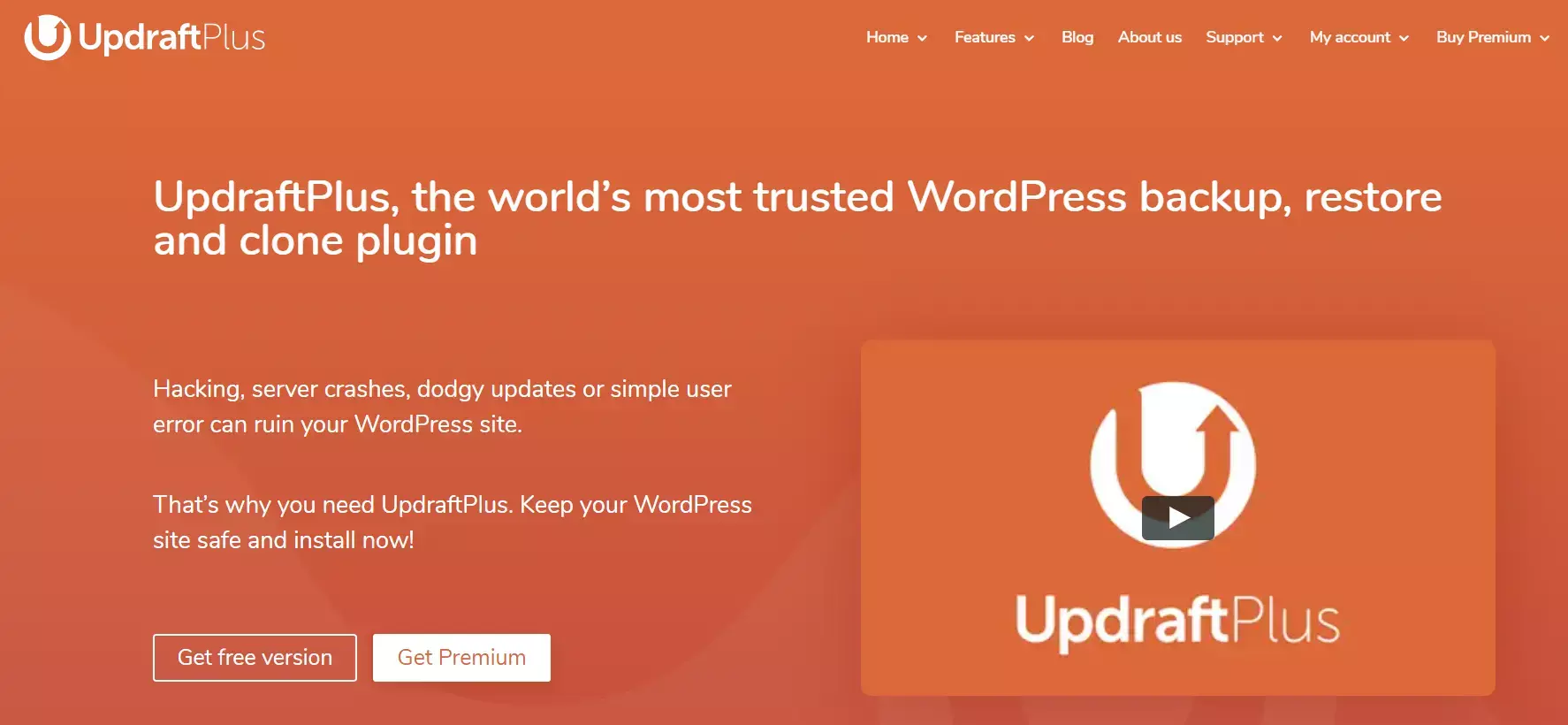
UpdraftPlus is one of the best WordPress backup plugins you can get your hands on. That’s because it’s easy to use and trusted by over 3 million WordPress users worldwide.
UpdraftPlus offers both free and premium packages, and both are loaded with features. For example, you can schedule backups of your site as often as you need. Plus, the plugin is fast and uses little server resources.
And the best part is that it’s compatible with multiple cloud storage options like Google Drive, Dropbox, Amazon S3, Rackspace, and more.
With the UpdraftPlus Premium account, you get many must-have features like creating clones of your site and migrating them to a new domain. You also get database encryption for security, advanced reporting, dedicated customer support, and more cloud storage options like OneDrive and Azure.
Pricing: UpdraftPlus is available for free and their premium plans start at $70 per year.
3. BackupBuddy
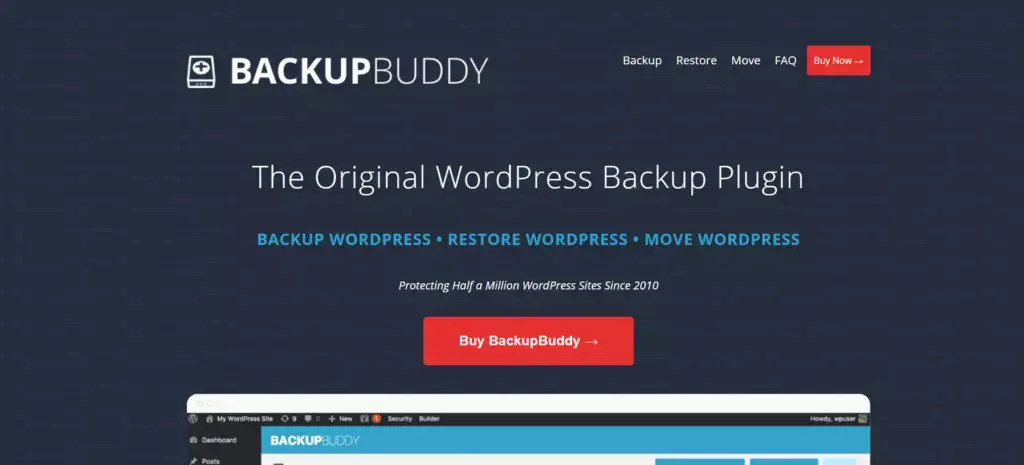
BackupBuddy is the next WordPress backup plugin on our list and is another plugin that is loved by many WordPress users. It has been here since early 2010, so you can rely on it to secure your website data by creating backups.
But what makes it one of the best WordPress plugins is that it is very easy to use. You can easily schedule backups, restore data, and much more through your WordPress dashboard.
BackupBuddy also supports different cloud storage services like Rackspace, Amazon S3, and Dropbox to store your backups in an offsite location. The plugin also allows you to customize the content of your backups, receive instant email notifications when the backup is done and migrate your site to a new domain.
Pricing: BackupBuddy’s pricing starts from $99 per year with their Basic plan, which is for 1 site.
4. Total Upkeep by BoldGrid
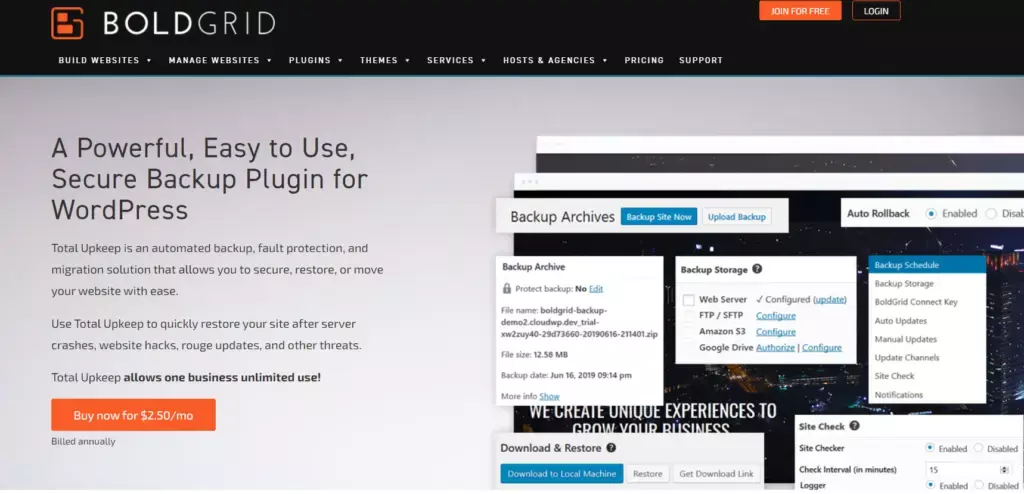
Total Upkeep by BoldGrid is a plugin that allows you to back up, restore, and migrate your WordPress site with ease. It is loaded with features that compare to other established plugins.
But what makes Total Upkeep one of the best WordPress backup plugins is its automated failover feature. The plugin automatically creates a backup of your site before updates and automatically reverts to the latest backup version if the update fails.
On top of that, you get features like backup scheduling, easy migration and restoration of your WordPress site, and remote storage options (Amazon S3, Google Drive, FTP).
Pricing: Total Upkeep by BoldGrid offers a free version along with a paid version, which will cost you $2.50 per month (billed annually at $30).
5. BlogVault
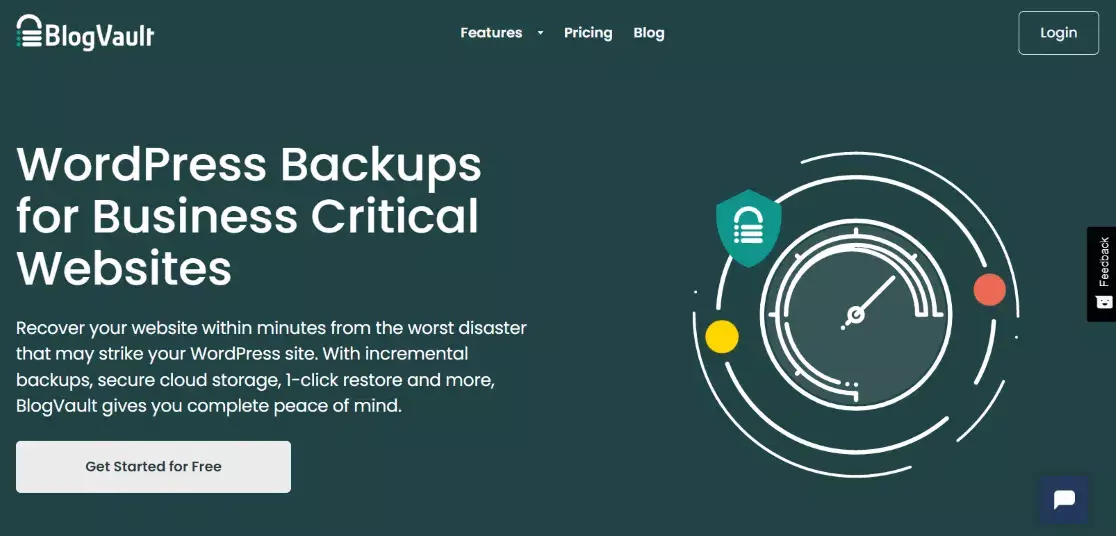
BlogVault is more than just a WordPress backup plugin. It is a complete SaaS (software as a service) solution that helps you protect your website.
But in terms of backup, you get to schedule backups on a daily, weekly or monthly basis. Plus, it offers incremental backups, so your server never gets overloaded. And, thanks to the change logs, you can find errors on your site.
That said, you can easily migrate your site to a new host, domain or server with BlogVault. If you have a WooCommerce store, then this is a perfect backup plugin for you. It backs up all your orders as they occur. And it has 365 days of backup archives of your store, allowing for easy restoration.
Pricing: BlogVault pricing starts as low as $89 per year with their Personal plan for 1 site.
6. Jetpack Backup

Jetpack Backup can back up your WordPress site in real-time and offers easy one-click restores. The plugin is easy to use, even for beginners.
With Jetpack, you can restore from anywhere with the Jetpack mobile app. If you have a WooCommerce store, the plugin also backs up all customer and order data.
Jetpack stores your data in the cloud, so it doesn’t burden your server or slow down your site. You also get unlimited restores.
Pricing: Jetpack Backup starts at $4.95 per month (annual billing).
7. BackWPup

BackWPup is another popular free WordPress backup plugin. You can create full backups of your website for free and get features that you would probably find in paid services.
For example, you can save your backups using BackWPup to another location, such as Dropbox, Amazon S3, and FTP. And with a single ZIP file, you can easily restore your backup whenever you want.
Other features include database backups, checking and repairing the database, creating a backup in multiple file formats (zip, tar, tar.gz), sending logs and backups via email, and much more.
Pricing: You can use BackWPup for free.
8. WP Database Backup
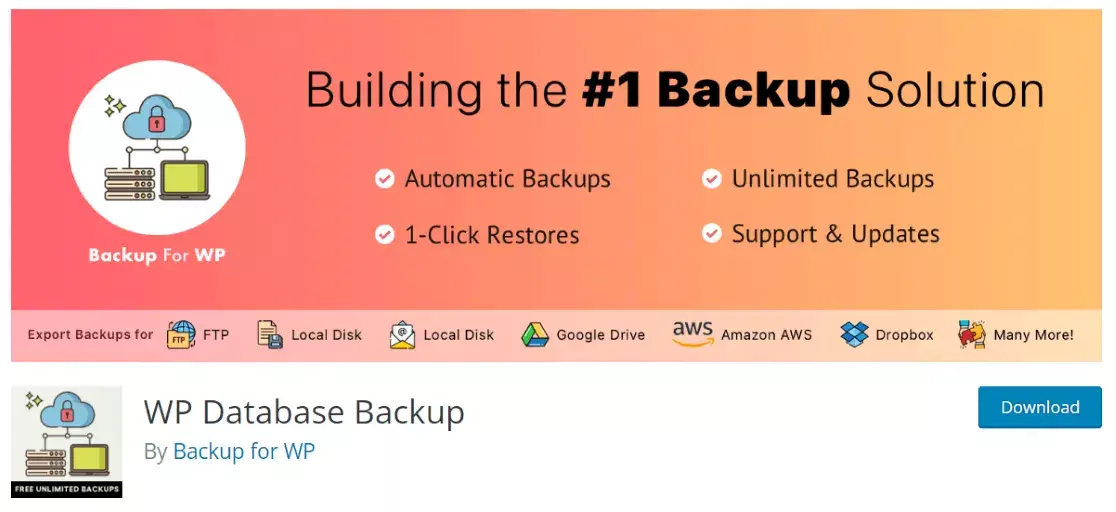
WP Database Backup is one of the best WordPress backup plugins on the market and it’s totally free. So, if you are starting a website and are looking for premium features but don’t have the budget, then this is the perfect plugin for you.
This is because you can automatically schedule database backups, restore them and save your backups to secure locations such as Dropbox, Google Drive, email, FTP and more. The plugin is clean and easy to use. And you can create backups within minutes after installing the plugin.
Price: Free to use.
Conclusion
If you are still not sure which plugin to use to protect your WordPress site, we recommend Duplicator. It offers the best features, flexibility, and reliability.
With its secure scheduled backups, drag-and-drop installer, direct connections to the best storage locations, and much more, it’s an awesome choice.
So much for that.
We hope you liked our article on the best WordPress backup plugins. If you found this post useful, check out the best WordPress security plugins to protect your site.
And don’t forget to follow us on Twitter, Facebook, and YouTube for more useful reviews, tutorials, and tips on Google Analytics.

Henry Sprung is an e-commerce tech blogger with several years of experience in online retail. Alex’s blog focuses on topics such as online marketplaces, payment processing, and digital marketing for e-commerce businesses. Henry’s expertise in e-commerce provides valuable insights into the latest trends in online retail and how businesses can use these platforms to grow their sales. He is a valuable resource for online retailers and entrepreneurs looking to start their own e-commerce businesses.
To read more similar articles, click here
Thanks for visiting our Website. If you appreciate our work, kindly show us some support in our comments section 🙂


