Magnolia CMS Review: The name of the game for Magnolia CMS is “multi”. It’s designed for companies that need to run at full throttle. Magnolia CMS is multi-channel, multi-language, and even multi-site, which means flexibility, adaptability, and customizability. If you’re looking for a robust content management system, then Magnolia may be a good choice.
Magnolia CMS is elegant. It is not a basic, cheap content management system. You can tell that, from an enterprise and consumer standpoint, Magnolia was built for the enterprise whirlwind, efficiently supporting many moving parts.
It is open-source software, allowing for a wealth of integrations and add-ons that can elevate your website to do pretty much what you need it to do. It’s no coincidence that many users remark on how easy it is to customize – that capability is part of its DNA, as Magnolia was built with great integration in mind.
With all of its options and capabilities, it’s easy to feel overwhelmed. And while it’s not as simple as some less expansive options, it’s still built with ease of use in mind.
You can come in as a content manager, not a website building guru, and still succeed as a user, with a small learning curve. For medium to large sites or websites that demand a lot of functionality, Magnolia CMS is an excellent choice.
There are certainly many layers to using Magnolia CMS, so be prepared to play around a bit at first to familiarize yourself. I recommend that you take advantage of their free trial version, which gives you access to the Magnolia sandbox so you can try it out before jumping in to create your own site.
Table of Contents
Magnolia CMS Review: Who is Magnolia CMS for?

Thanks to its multiple customization channels and multitasking nature, Magnolia CMS is an excellent choice for enterprises, startups, and businesses. Enterprise IT systems are particularly well suited for their flexible organization of the user interface.
Its complexity, however, can make it a bit overkill for individual entities or those who need something simpler.
Bottom line: If you want your site to support a lot of functionality, website design with Magnolia is a good choice.
Magnolia CMS’s Features
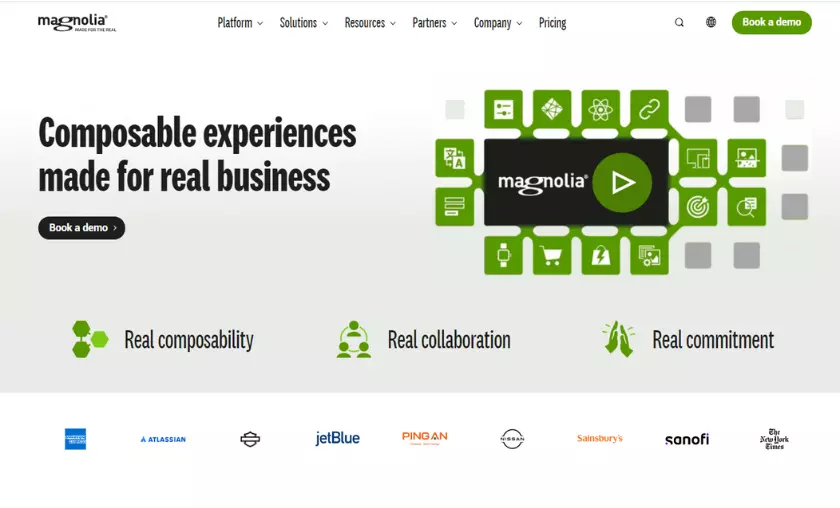
As with any good CMS, what really sets Magnolia apart is its features. With a wide range of top-notch features, these are some of my favorite things about what Magnolia’s services offer.
Since functionality and the provision of many offerings are at the core of Magnolia, the ability to synchronize software is important.
Magnolia offers a wealth of integrations to make it easy for users to connect, such as e-commerce tools to connect to Magento and commerce tools (a DAM connector for Amazon S3), analytics syncs for Google Analytics, integrations for SEO, translation, and authentication, to name a few.
Thanks to its open-source nature, Magnolia uses an open architecture, open APIs, and built-in connectors to enable seamless integration with other existing digital systems.
Organized Content Capability
If you’re like me and have an almost allergic reaction to a cluttered schedule or cluttered files, you’ll appreciate Magnolia’s intuitive content organization.
You can keep your offering fresh and relevant to each audience thanks to Magnolia’s ability to recycle old content and reorganize it into smaller, labeled, and tagged blocks. This makes finding the right material and getting it to the right audience a breeze.
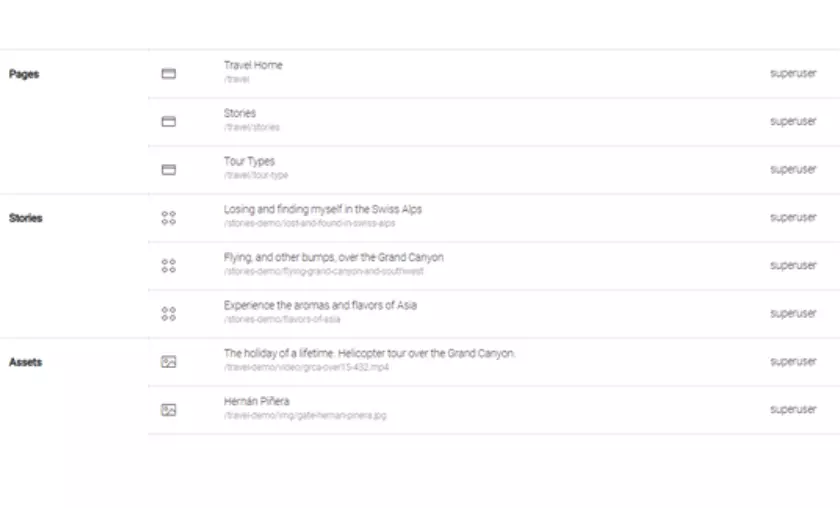
If you plan to have a site with a lot of content, this feature allows you to quickly search through old articles to make sure you are not posting something similar twice or, alternatively, you can easily link to something in the same category.
Sometimes one of the biggest fears when changing something is accidentally breaking it or going so far astray that you don’t know how to restore order. Magnolia CMS has a handy backup feature, which safely stores previous versions so you can tweak things without worrying about messing anything up.
This is one of my favorite features. If you’re like me and are prone to many rounds of edits plus bouts of uncertainty when it comes to updating themes or layouts or anything already published, this peace of mind is priceless.
Notifications
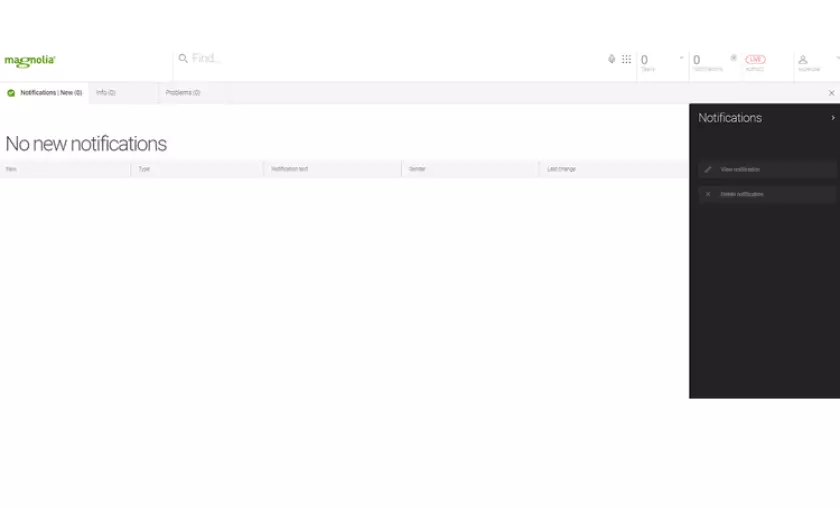
Something as simple as sending an alert can make all the difference in a good user experience. Magnolia can send you personalized notifications based on what you want, from customer chats to software updates, content interaction, and more.
Campaign and Customer Management

Campaigns and the entire customer experience are easily managed in one seamless process.
The best part (at least for me) is that everything is console-ready, which means you don’t have to know how to code or touch a lick of code. You can customize customer experiences based on their demographics and view their activity to adjust their position in the funnel or initiate touch points.
Similarly, Magnolia makes it easy to view and track customer information by organizing personas.
Cookie Capabilities
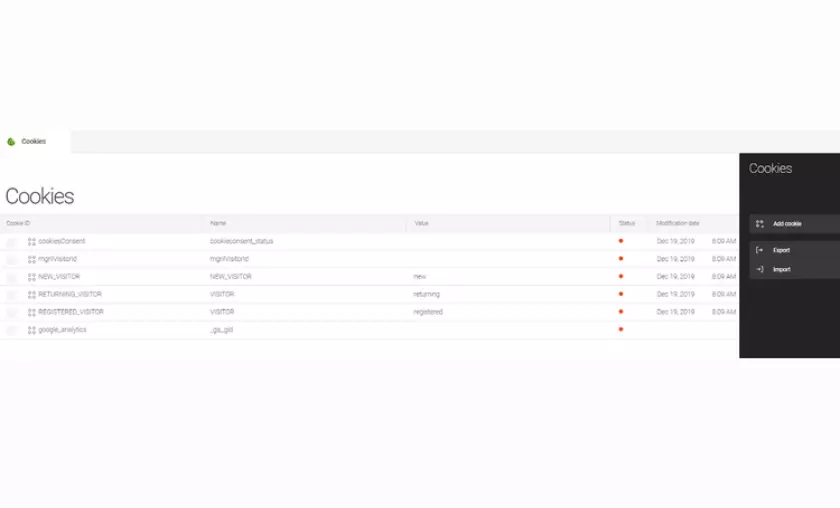
Especially for e-commerce sites or websites whose visitors have a lot of details, the ability to set and manage cookies on your site – and maintain them easily – is a great help.
Magnolia’s settings provide a quick and easy-to-understand overview of your current cookies. It also makes it easy to add or remove.
Cloud hosting means faster deployment of new features, increased uptime, easy upgrades and no investment in physical hardware. Everything is more manageable with the cloud.
Accelerated Content Delivery
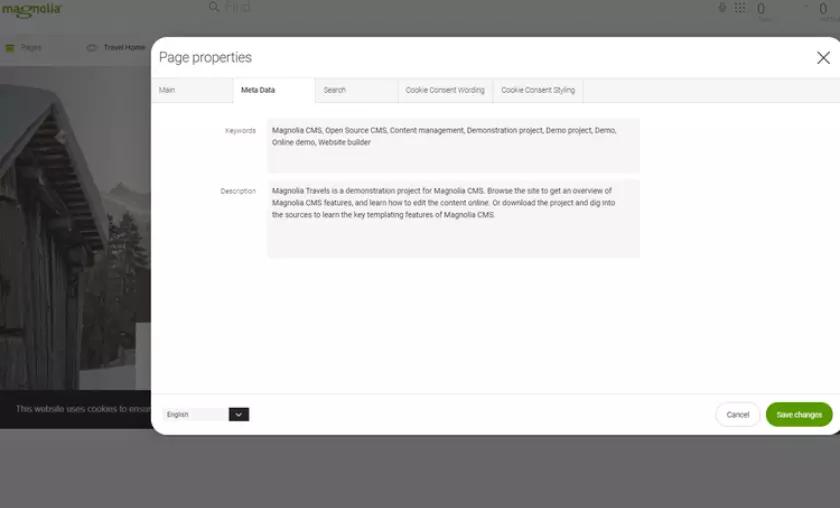
Through Magnolia’s “omnichannel content hub,” you can leverage intuitive smart tagging and metadata, integrate powerful AI search capabilities, deliver content across multiple channels (web pages, apps, etc.) and let Magnolia automatically synchronize access across your entire content storage, without the need to migrate items manually.
Magnolia CMS’s ease of use
One of the best parts of Magnolia is that it sets you up for success. It’s not meant to be a fun challenge for experienced programmers or developers, but for ordinary editors to create a good website. It’s simple to coordinate and easy to customize.
There are enough tools to make almost every function self-explanatory, and publishing even large batches of content is no problem.
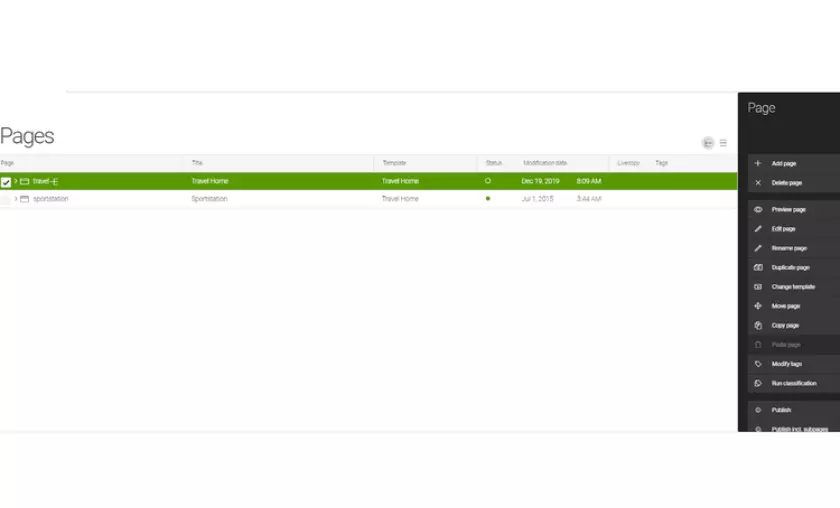
The biggest delay may come from overcoming the initial hurdle of getting a demo. I had to go back and forth with Magnolia representatives to get started with a free demo.
Magnolia CMS’s pricing
As for pricing, Magnolia offers budget-based plans that focus on things like site size, purpose, functionality, etc. You’ll need to contact the company directly to start the process of getting a quote, but you can also request a free trial to see if the tool is right for your business before getting too deep into it.
However, if your CMS needs are determined by a strict budget where you need to know the price before investing time, it can be a bit frustrating.
Working with Magnolia CMS support
Magnolia’s support team is often a big selling point. They offer both developer support and maintenance support options, so you’ll always have someone to talk to if you’re in a pinch. Response time is generally fast, and the results are helpful.
Benefits of Magnolia CMS
A big part of why I liked working with Magnolia CMS comes down to the fact that it is very clear in its intentions but doesn’t muddy the waters by expecting the user to be two steps ahead of it.
What it’s designed to do (offer multi-functionality, drive personalized content, and manage the audience lifecycle) it does very well, with minimal effort or stress on the part of the person building the site.
Integrations already exist to sync it with existing software. You can manage multiple functions and multiple levels of content at once, without things getting cluttered or crashing.
Magnolia CMS Shines With Intent
From the outset, Magnolia sets itself up for success by not trying to be all things to all people, but instead placing a strong emphasis on multi-functionality, diverse content management, and integration. It is this sense of direction in the tool itself that really makes it a good choice even for inexperienced site editors.
Magnolia is easy to use, regularly updated, and flexible enough to allow you to achieve whatever level of capability you need with your site.
How Magnolia CMS Compares
| Product | Free plans | Flexibility in customization | Loading speed | SEO readiness |
|---|---|---|---|---|
| Magnolia CMS | ✅ | ✅ | ||
| Squarespace | ✅ | ✅ | ✅ | |
| Joomla | ✅ | |||
| HubSpot CMS | ✅ | ✅ | ✅ | |
| WordPress | ✅ | ✅ | ✅ | ✅ |
| Wix | ✅ | ✅ | ✅ |
FAQ’s
How does Magnolia CMS handle integrations with other software?
Magnolia CMS offers a wide range of integrations through its open architecture, open APIs, and built-in connectors. Users can seamlessly connect with e-commerce tools like Magento, DAM connectors for Amazon S3, Google Analytics for analytics sync, SEO tools, translation services, and authentication systems, among others.
Can I organize content effectively in Magnolia CMS?
Yes, Magnolia CMS provides an intuitive content organization system. Users can recycle old content, reorganize it into smaller, labeled, and tagged blocks, making it easy to find and deliver the right material to the right audience. This feature streamlines content management and ensures a clutter-free website.
How does Magnolia CMS ensure data safety during website updates?
Magnolia CMS offers a handy backup feature that securely stores previous versions of the website. Users can make changes and experiment without fear of breaking anything irreversibly. This feature allows for peace of mind during content updates, theme changes, or layout modifications.
What notifications can Magnolia CMS provide to users?
Magnolia CMS offers personalized notifications, including customer chats, software updates, and content interactions. These notifications help improve the user experience and keep users informed about relevant activities on the website.
What are the benefits of Magnolia CMS’s cookie capabilities?
Magnolia CMS allows users to set and manage cookies easily, which is particularly helpful for e-commerce sites or websites with detailed visitor data. The settings provide a clear overview of current cookies and enable users to add or remove them effortlessly.

Mike DaVinci HighTechBlogging.com
Mike DaVinci is a skilled content writer with a talent for storytelling. He specializes in creating captivating narratives that engage readers and leave them feeling inspired. His writing has been featured in various publications, including magazines, blogs, and business websites. Mike’s particular interest in human interest stories allows him to uncover the heart of any story and convey it to his readers in an emotional and authentic way. He believes that storytelling is a powerful tool for connecting with people and inspiring positive change in the world.
To read more similar articles, click here
Thanks for visiting our Website. If you appreciate our work, kindly show us some support in our comments section. 🙂