WordPress Best Sitemap Plugins: Boost Your Website’s Visibility with Ease! (September 2026)

You probably already have an idea of how important sitemaps are for the overall search engine optimization of your website. It is essentially a model of your website’s content that can be crawled by both your users and search engines.
WordPress Best Sitemap Plugins: So, if you don’t have a proper sitemap, your pages/posts will not be found by users or indexed by web crawlers.
Table of Contents
How Does a Sitemap Help Website?
There are some steps you need to follow when launching a new website. For example, setting up an analytics account, creating a Google and other search engine website master account so that you can track the progress of your website and be informed of any critical issues related to your website.
Creating and submitting a sitemap is one of those important steps for your new website. You can create a sitemap and submit it to Search Console to help search engines find all your new posts quickly.
The sitemap also helps search engines better understand the hierarchy of your content.
Top WordPress Best Sitemap Plugins
1. Google XML Sitemaps
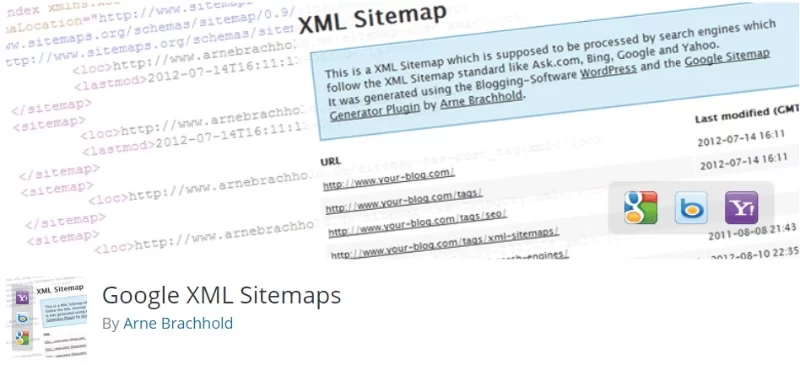
The Google XML Sitemaps WordPress plugin makes the beginning of our list. Despite the misleading name, it is not limited to Google, but can help you index your website in various other search engines such as Bing, Yahoo and Ask.com.
In fact, it is one of the most popular WordPress sitemap plugins with over 2 million downloads. After installing it, you need to go through a small setup procedure and that’s it. It takes care of everything else without you having to lift a finger.
Features:
Rank Math
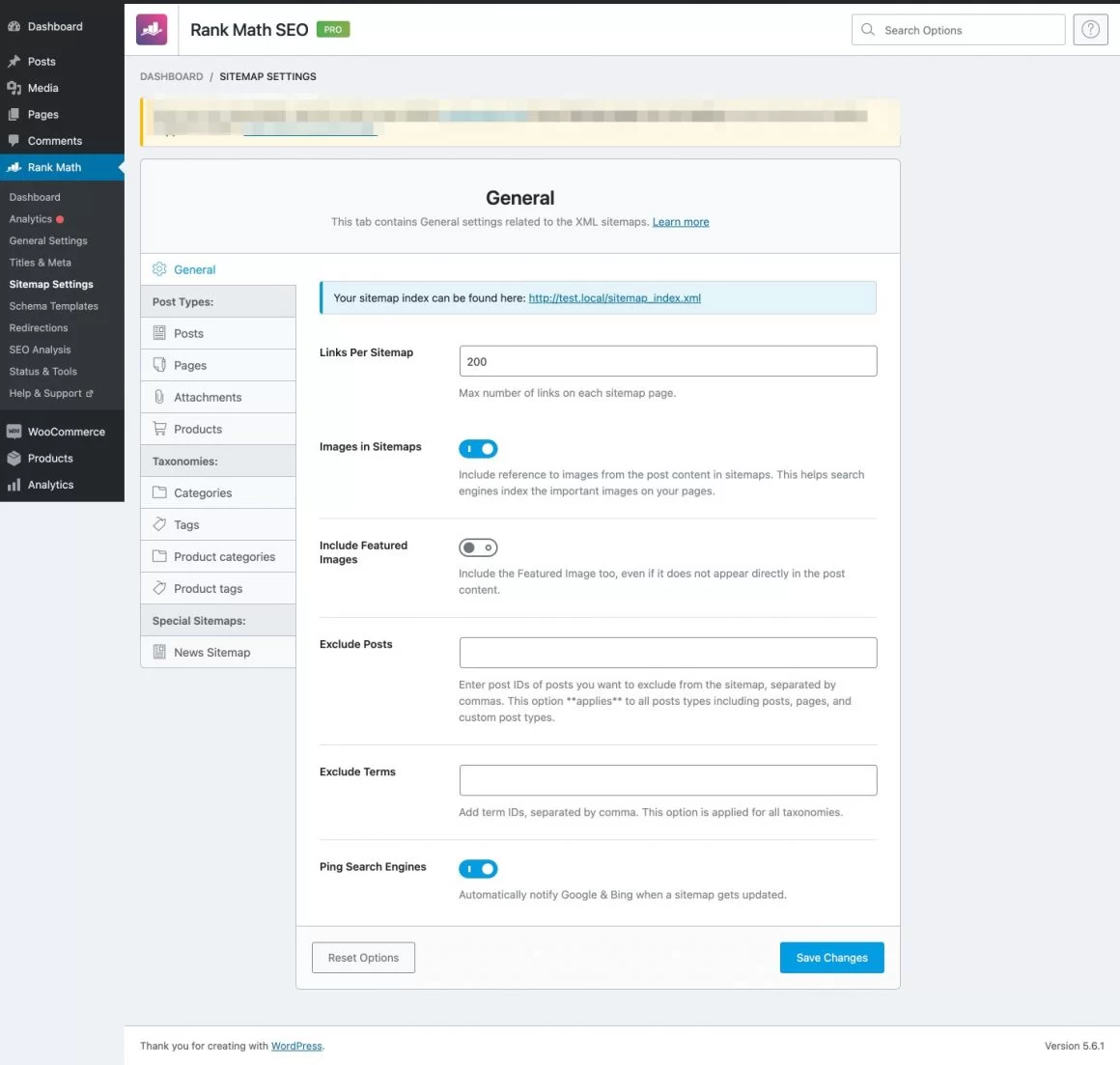
Rank Math is one of the leading SEO WordPress plugins that offers everything that is needed to optimize your WordPress site including the sitemaps.
Rank Math is free to use, you can install the plugin and start optimizing your site. The plugin offers comprehensive on-page SEO options to make sure that you are able to optimize your posts perfectly.
Features:
2. Yoast Seo

Yoast SEO is not a special WordPress plugin for creating sitemaps for your website. Rather, it is a feature-rich SEO plugin that provides all the necessary functions to improve your website’s SERP ranking, and sitemaps are one of those functions.
It offers a one-click solution for taking care of your sitemap needs. However, if you want, you can also control the creation and handling of sitemaps at an advanced level.
Features:
3. All in One SEO Pack

Similar to Yoast SEO, this is also an SEO plugin with features that help you set up a powerful sitemap for your website. The plugin is available in both free and paid versions, with the sitemap features already available in the free version.
The plugin not only helps you create an XML sitemap for your website, but you can also create an image sitemap. It also integrates with Google Webmaster Console and Bing Webmaster Tools, so you can submit your sitemap with one click.
Features:
5. Premium SEO Pack

And finally, we have the Premium SEO Pack plugin for WordPress that can help you manage all your SEO needs and also set up your sitemap. However, it should be noted that this is a paid plugin that is not available in a free version.
However, for the premium price, you get access to a special module that can help you meet almost all your sitemap needs. It can help you create a simple XML sitemap for your website, an image sitemap and even a video sitemap.
Features:
6. WP Sitemap Page

WP Sitemap Page allows you to add a sitemap to any of your web pages on your WordPress website. The plugin supports the use of shortcodes, so you can add a sitemap virtually anywhere on your website, be it on pages or in posts.
However, it is worth noting that it does not generate an XML sitemap for your website. You can only use it to create a sitemap that contains a list of all the pages and posts on your website. It is intended for human use only and is not registered/indexed by search engines.
Features:
7. Google Sitemap

Google Sitemap WordPress plugin comes from the talented team of developers at BestWebSoft. It’s also free and will automatically create an XML sitemap after you activate it on your website. However, there is also a premium version that gives you access to advanced features.
It works with both standard WordPress pages and custom URLs, and can also be easily added to your Google Webmaster Tools account. Advanced options include the ability to exclude certain pages/posts from the sitemap, etc.
Features:
8. Sitemap Generator

Sitemap Generator WordPress is different from the other plugins here on the list. It uses an external service to crawl your website and create an accurate sitemap. It acts like a normal visitor and crawls all your pages and posts and creates a sitemap accordingly.
This is helpful as it does not take up the resources of your website. If your website is hosted on a shared server, this plugin might be useful for you as it does not affect the loading speed and performance of your website.
Features:
9. Simple WP Sitemap

WordPress plugin Simple WP Sitemap helps you to create dynamic XML sitemaps for your website. This means that the XML sitemaps are not stored in files or folders in your system. Instead, they are generated on the go whenever they are needed.
It’s designed to work automatically once installed, so you don’t have to worry about actively maintaining dynamically generated sitemaps. Every time a user visits your website, a sitemap updated for the time of the visit is instantly generated.
Features:
10 .Simple Sitemap
Simple Sitemap will automatically create an HTML sitemap of your WordPress website once it is installed and activated on your site.
You even get access to a number of options that let you choose what content to include in the sitemap, as well as the output format.
The plugin also has shortcode support. You can use it to display a dynamically generated sitemap of your website on any page of your website.
You even get access to a number of attributes that you can use to control how the sitemap is displayed. And these features are available in the free version. There is also a premium version with much more advanced options.
Features:
How to Create a Sitemap?
Conclusion
So those were our favorites for the 10 best sitemap plugins for WordPress. Let us know if you found this list helpful and feel free to write which sitemap plugin you use on your website.
You are also free to leave your own personal review or experience with any of the plugins mentioned here. Your fellow readers might find something insightful that could help them in their own decisions.
FAQ’s
What is a sitemap plugin for WordPress?
A sitemap plugin for WordPress is a tool that creates XML sitemaps for your website. These sitemaps provide a structured list of all the pages on your website and help search engines like Google to better understand and index your content.
Why should I use a sitemap plugin for my WordPress website?
Using a sitemap plugin offers several advantages. For one, it helps search engines crawl and find all the pages on your site, even those that are difficult to find through normal navigation. This improves the visibility of your content in search engine results pages (SERPs). Secondly, sitemaps help organize the structure of your website and ensure that all important pages are included and easily accessible to search engines and visitors. Moreover, sitemap plugins often have additional features, such as notifying search engines about updates and helping with SEO optimization.
What are some of the best sitemap plugins available for WordPress?
There are several excellent sitemap plugins for WordPress. Some popular options are:
Yoast SEO: This plugin is widely known for its comprehensive SEO features and includes a sitemap generator as part of its functionality.
Google XML Sitemaps: This plugin focuses specifically on creating XML sitemaps for your website to make it easier for search engines to crawl and index your content.
Rank Math: This SEO plugin offers a number of features, including a sitemap generator that ensures your website can be easily found by search engines.
All in One SEO: This plugin offers a number of SEO tools, including a sitemap generator, to improve your website’s visibility in search engines
Are these sitemap plugins easy to install and use?
Yes, most sitemap plugins for WordPress are relatively easy to install and use. They usually provide a user-friendly interface within the WordPress dashboard that allows you to configure settings, create sitemaps, and customize options. The plugins often include helpful documentation and instructions to guide you through the process.
Do I need technical knowledge to set up and configure a sitemap plugin?
No, you don’t usually need advanced technical knowledge to set up and configure a sitemap plugin. The plugins are designed to be user-friendly and offer straightforward configuration options. However, some familiarity with WordPress and basic SEO concepts can be helpful to optimize your sitemap settings for better search engine visibility.

Alan Brock is an entrepreneurship-focused tech blogger with a track record of founding several startups and involvement in the tech startup scene for many years. Eric’s blog delves into startup funding, team building, and product development. He provides a critical perspective on the challenges and opportunities that come with starting a business, as well as the latest trends in the startup world. Alan’s experience as a startup founder has made him a go-to source for anyone looking to launch their own tech startup.
To read more similar articles, click here.
Thanks for visiting our Website. If you appreciate our work, kindly show us some support in our comments section. 🙂