cPanel is one of the most popular control panels for web hosting. It is an excellent tool for managing everything you need for hosting from one place. It is easy to use, has an intuitive interface, and is compatible with most browsers and extensions. However, buying a cPanel license can be expensive. Therefore, we recommend choosing a web hosting provider that offers one for free with your hosting plan.
This article will review seven of the best cPanel hosting providers currently available. You will discover more about their key features, pricing, and pros and cons.
Table of Contents
Best Free cPanel Hosting Services
| Provider | Hostinger | Bluehost | HostPapa | 000WebHost |
| Best For | Best Server Hardware | Best cPanel for WordPress Users | Best cPanel Hosting Provider | Best for Free, No Ads Hosting |
| Uptime Guarantee | 99.9% | 99% | 99.9% | 99% |
| Free Domain | Yes | Yes | Yes | No |
| 24/7 Live Support | Yes | Yes | Yes | No |
| Free Trial | 30-day money-back guarantee | 30-day money-back guarantee | 30-day money-back guarantee | Free forever |
 Reviews | Excellent – 4.8 | Excellent – 4.5 | Good – 4.3 | Good – 4.2 |
1) Hostinger – Best Server Hardware

30-day money-back guarantee
Hostinger started in 2011, and they are known for their affordable prices and quality hosting features, such as automatic updates and a free SSL certificate.
In addition to hosting based on Hostinger’s custom hPanel control panel, the company also offers standalone cPanel hosting. As a result, you get all the same features as their shared hosting plans, but you can manage your website through cPanel.
Pros
Cons
Pricing:
Hostinger offers two cPanel web hosting plans:
| Price | Bandwidth | RAM | Disk Space |
|---|---|---|---|
| $2.59/month | 1 TB | N/A | 30 GB |
| $3.59/month | 1 TB | N/A | 50 GB |
These prices are applicable if you contract with them for 48 months.
Key Specs:
2) Bluehost – Best cPanel for WordPress Users

30-day money-back guarantee
Founded in 2003, Bluehost offers web hosting services with a beginner-friendly customer area where you can manage your free cPanel account.
They offer free domain names and SSL certificates with their hosting plans. You can host unlimited websites with their premium packages. In addition, Bluehost is one of the official WordPress recommended hosts, so it is optimized for WordPress, and you will be eligible for free migration of your site to WordPress.
Pros
Cons
Pricing:
These are Bluehost’s cPanel hosting prices:
| Price | Bandwidth | RAM | Disk Space |
|---|---|---|---|
| $2.95/month | Unlimited | N/A | 10 GB |
| 5.45/month | Unlimited | N/A | 20 GB |
| $5.45/month | Unlimited | N/A | 40 GB |
The above prices are applicable when choosing a 12-month commitment plan.
Key Specs:
3) HostPapa – Best overall cPanel Web Hosting Provider

30-day money-back guarantee
HostPapa is one of the most popular and reliable companies in the web hosting industry. They have been hosting websites for over a decade, and all of their hosting packages come with a free cPanel.
You can easily access cPanel from your client area and manage all hosting features from one place. You can access MySQL databases and file managers and manage your domains and subdomains in a few clicks.
👍 Pros
👎 Cons
Pricing:
All HostPapa shared hosting plans come with unlimited bandwidth, and you will get the most out of your hosting package if you choose an annual term.
| Price | Bandwidth | RAM | Disk Space |
|---|---|---|---|
| $2.95/month | Unlimited | 128 GB | 100 GB |
| $5.95/month | Unlimited | 128 GB | 100 GB |
| $5.95/month | Unlimited | 128 GB | Unlimited storage |
Updates and Technical Support:
HostPapa will automatically take care of updating your server’s operating system and control panel, as well as resolving hardware failures such as hard drive crashes. They will also help you install and configure PHP, MySQL, and CMS such as WordPress.
Key Specs:
4) 000webhost – Best for Free, No Ads, Web Hosting
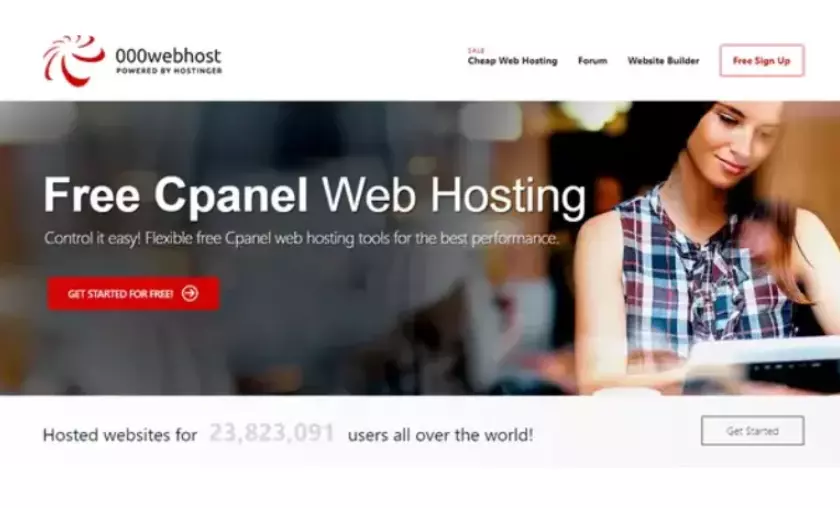
000webhost is one of the free website hosting providers on this list that was established over a decade ago. Besides offering a free cPanel with its premium plans, 000webhost offers the same with its free plan. Plus, you get Cloudflare-protected nameservers, a MySQL database, and an uptime guarantee.
👍 Pros
👎 Cons
Updates and Technical Support:
000webhost has an extensive WordPress tutorial, community forums, and a knowledge base where you can find solutions to technical issues.
However, they do not have an active internal support team, as all fixes would have to be done independently using 000webhosts tutorials.
You can monitor the server status on their website.
Pricing:
000webhost offers a free plan and several premium plans:
| Price | Bandwidth | RAM | Disk Space |
|---|---|---|---|
| FREE | 3 GB | N/A | 300 MB |
| $1.99/month | 100 GB | N/A | 50 GB |
| $2.99/month | Unlimited | N/A | 100 GB |
Key Specs:
5) FreeHosting – Best for Beginners
FreeHosting.com has been offering website hosting services since 2010. They offer two dedicated data centers serving free and paid accounts separately without interfering with each other.
Their free cPanel hosting package is perfect for lightweight websites such as WordPress blogs, Internet forums, and websites built with FreeHosting’s in-house site builder. In addition to web hosting, FreeHosting also offers a domain registration service.
👍 Pros
👎 Cons
Updates and Technical Support:
FreeHosting offers a knowledge base where you can find solutions to any technical problems that may arise. It includes articles on how to get started with cPanel, how to manage domains, and allows you to check the status of your network.
You also have the option to solve problems by submitting a support ticket.
Pricing:
FreeHosting offers a free plan and a premium package option.
| Price | Bandwidth | RAM | Disk Space |
|---|---|---|---|
| FREE | Unmetered | 268 MB | 10 GB |
| $7.99/month | Unmetered | 268 MB | Unlimited |
Key Specs:
6) HostSS – Best for Unlimited Email Forwarding
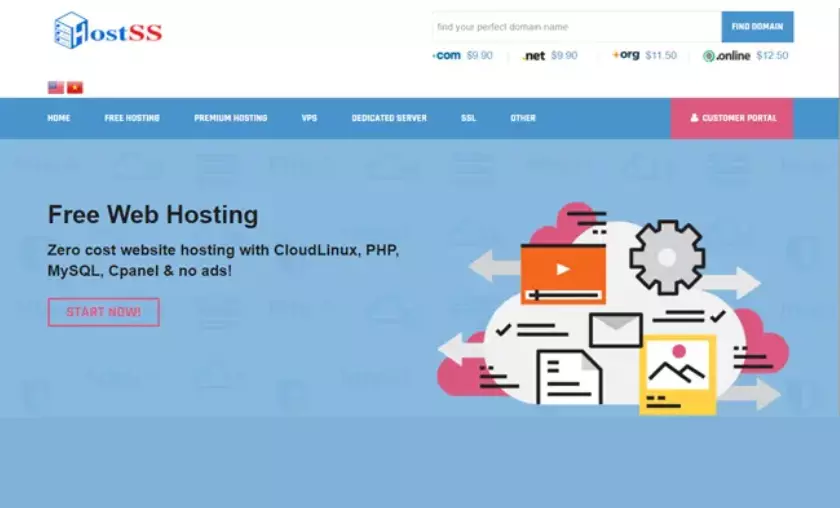
HostSS is one of the best cPanel hosting sites that offers free web hosting services for over 6000 websites and 2500 customers worldwide. Despite being completely free, HostSS competes with many paid hosting companies.
Some of the most notable features include a free SSL certificate, monthly backups, a Softaculous installer, and CloudLinux, which improves server stability and security. HostSS also offers paid VPS hosting and dedicated servers.
👍 Pros
👎 Cons
Updates and Technical Support:
With HostSS, you have to take care of your website updates and technical issues independently, using their knowledge base. Or, in case you can’t find the solution, you can contact their technical team by submitting a support ticket.
Pricing:
HostSS offers three completely free hosting packages:
| Price | Bandwidth | RAM | Disk Space |
|---|---|---|---|
| Free 1 | 10 GB | N/A | 500 MB |
| Free 2 | 30 GB | N/A | 1 GB |
| Free 3 | 50 GB | N/A | 1.5 GB |
The Free 2 and Free 3 plans require a backlink and a banner, respectively.
Key Specs:
7) AeonFree – Best for Unlimited Disk Space
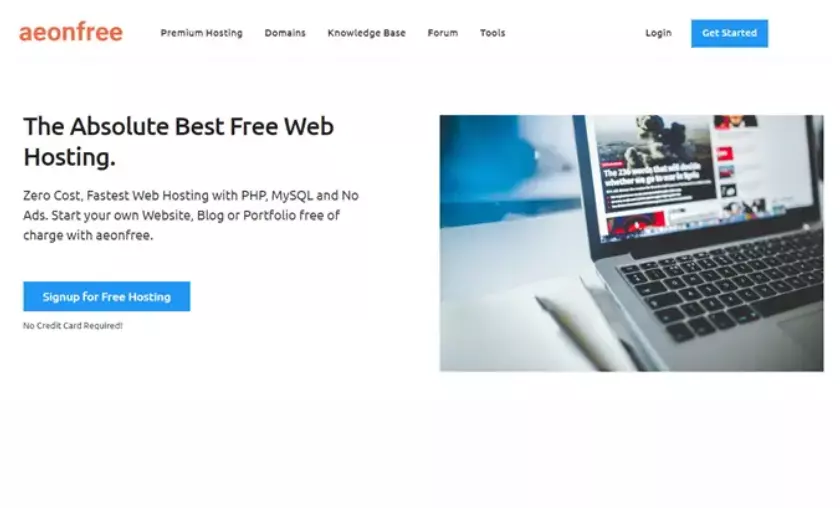
AeonFree offers free cPanel web hosting services with PHP and MySQL. After registration, your account will be activated instantly and you will be able to host your website without any hidden fees or credit card details.
You can manage your hosting account from the client area and cPanel. It includes the installation of your site, either using Softaculous, a website builder, or by uploading it via FTP. AeonFree also offers a free hosting service for WordPress.
👍 Pros
👎 Cons
Updates and Technical Support:
Aeonfree offers free technical support with their premium plans that help you manage and monitor every issue and update regarding your cPanel and hosting.
Their free plan doesn’t have that option, but instead, you can browse their knowledge base, where they have many tutorials for the most common issues and how to fix them. Also, you can search for solutions in the Aeonfree community forum.
Pricing:
AeonFree comes with one free plan and two premium options:
| Price | Bandwidth | RAM | Disk Space |
|---|---|---|---|
| FREE | Unlimited | N/A | Unlimited |
| $3.99/month | 250 GB | N/A | Unlimited |
| $6.90/month | Unlimited | N/A | Unlimited |
Key Specs:
Conclusion
Many users ask us if they need a managed service if they choose a cPanel host.
Well, the answer depends on your technical knowledge. A control panel like cPanel is easy to use and can manage all the necessary hosting functions. You don’t have to run scary-looking linux commands in the terminal to manage services. cPanel provides a simple graphical user interface to control your server services. However, there is also the option to opt for cPanel managed hosting, especially for dedicated servers. In this case, the hosting provider will take care of all server management.
For shared hosting, such as Hostpapa, Hostinger and Bluehost mentioned above, managed services are included in the subscription.
FAQs
❓ What is cPanel?
Control panels like cPanel make it simple for users to manage servers and websites. With your cPanel account, you can organize your website files, create MySQL databases and manage domain names, FTP accounts and email accounts, among many other things.
The cPanel helps you manage different types of hosting, including dedicated, shared and reseller hosting. There are a couple of ways to get cPanel. You can buy one from their official website or find a web host that provides a free cPanel license.
✔️ What is the best free cPanel host?
Here are the best cPanel hosting providers:
Hostinger – Best Server Hardware Bluehost – Best cPanel for WordPress Users Hostpapa – Best Web Hosting with cPanel 000WebHost – Best free web hosting without ads FreeHosting – Best for beginners

Henry Sprung is an e-commerce tech blogger with several years of experience in online retail. Alex’s blog focuses on topics such as online marketplaces, payment processing, and digital marketing for e-commerce businesses. Henry’s expertise in e-commerce provides valuable insights into the latest trends in online retail and how businesses can use these platforms to grow their sales. He is a valuable resource for online retailers and entrepreneurs looking to start their own e-commerce businesses.
To read more similar articles, click here
Thanks for visiting our Website. If you appreciate our work, kindly show us some support in our comments section 🙂