Best WordPress Security Plugins: Protect Your Website from Threats! (February 2026) 

Are you trying to keep your website safe from hackers and malicious bots?

Using a security tool on your WordPress site is very important to have a successful online business.

In this post, we have gathered the best WordPress security plugins to protect your website.

Best WordPress Security Plugins

Best WordPress Security Plugins Compared

Before we dive into the details, here’s a quick side-by-side comparison of the top security plugins for WordPress.

Let’s take a peek at this list of popular WordPress security plugins:

Security PluginRating (WordPress.org)Price
1. Sucuri4.2/5$299/year
2. iThemes4.6/5$80/year
3. Jetpack3.9/5$10.95+/month
4. WPScan4.2/5$2.31+/month
5. Wordfence4.7/5$99/year
6. BulletProof Security4.8/5Free
7. All-in-One WP Security & Firewall4.8/5Free
8. Google Authenticator4.5/5Free
Best WordPress Security Plugins

So which security plugin offers the best protection for WordPress and is the best for you? We’ve reviewed the most popular WordPress security solutions and narrowed down this list of 8 plugins based on their features, user ratings and pricing.


1. Sucuri
Sucuri Hightech Blogging

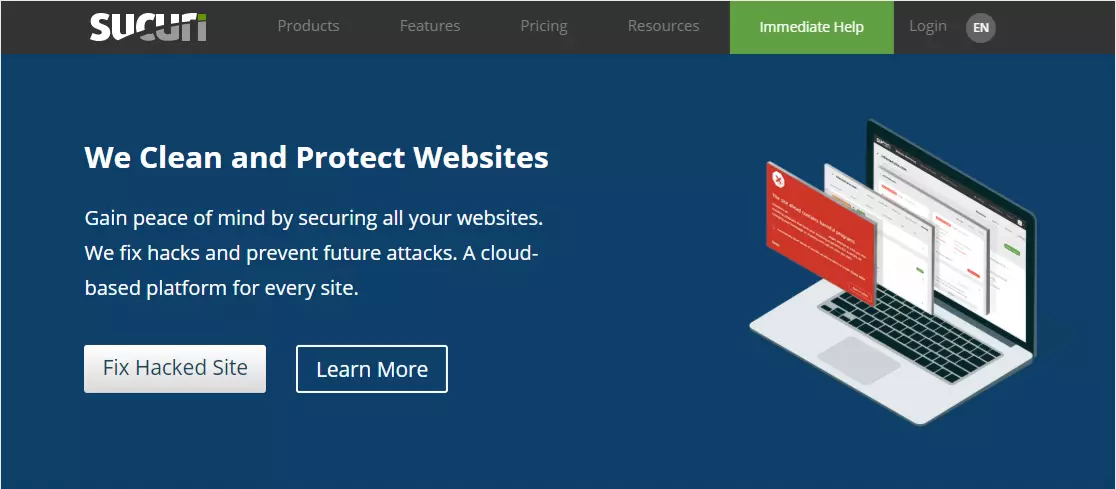
The best free WordPress security plugin available today is Sucuri. The all-in-one security solution is very popular for good reason.

Although Sucuri is a great free WordPress security plugin for websites, the pro version is actually the real must-have for every website owner.

Features:
Sucuri will clean your WordPress site at no additional cost if it is infected with malware.
It allows you to monitor file integrity and scan for malware (and, of course, remove it). This makes Sucuri a great alternative to MalCare.
Web Application Firewall (WAF) protection helps you block brute force login and DDoS attacks from accessing your WordPress site.
It allows you to monitor file integrity and scan for malware (and of course remove it). This makes Sucuri a great alternative to MalCare.
Effective security hardening.
Tracks everything that happens on your site, including file changes, last logins and failed login attempts.
Some plans offer advanced DDoS protection.
You can reduce server load time and improve your site’s performance by blocking malicious traffic.
Serves static content from your own CDN servers.
Protects your WordPress website against SQL injections, XSS and all known attacks.
Cost:
There is a free version of Sucuri and the Pro version costs $299 per year.

2. iThemes Security Pro

iThemes Security Pro Hightech Blogging

If you’re a WordPress user, you may be familiar with the team that created iThemes Security Pro, as they also created the popular BackupBuddy plugin and other great themes and plugins. All of their tools offer an easy-to-use interface for brute force security protection and other security measures.

Features:
Two-factor authentication for an additional layer of security
Powerful password enforcement
404 detection and plugin scanning
Scheduled WordPress backups
Effective security hardening.
Blocks any suspicious IPs looking for vulnerabilities on your site from gaining access.
Sends email alerts to notify you of any recent file updates on your site that may be malicious.
Ability to limit login attempts
Protects WordPress plugins and themes
While there is no website firewall protection or malware scanner, they use Sucuri’s Sitecheck malware scanner.
Cost:
Pricing for iThemes Security Pro starts at $80/year.

3. Jetpack

Jetpack Hightech Blogging

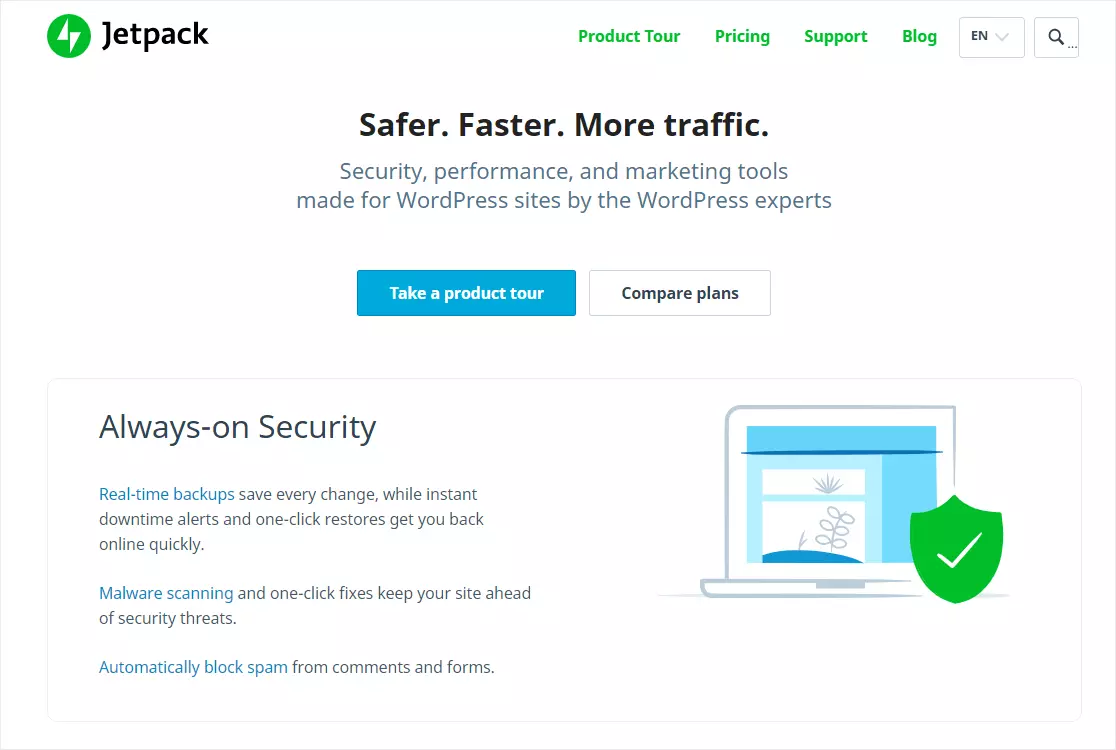
Another popular all-in-one solution on our list of the best WordPress protection plugins is Jetpack. This popular plugin allows you to easily scan your WordPress files for security vulnerabilities and has over 5 million active installations.

Features:
Real-time backups save every change you make to your website
1-click restore to get your site back online quickly
Decentralized security scanning keeps your site safe from security threats
Provides anti-spam protection by automatically blocking spam in blog post comments.
Alerts you by email the moment it detects that your WordPress site is down.
Brute-force protection defends your site against login attacks and malicious malware.
Includes website design features and automated marketing tools
Keeps WordPress plugins updated automatically and lets you know if you are using the latest version of WordPress.
Cost:
The free version of Jetpack includes basic WordPress security features. The Security plan starts at $10.95/month and is billed annually. There is also an Analytics add-on that starts at $4.95/month, also billed annually.

4. WPScan

WPScan Hightech Blogging

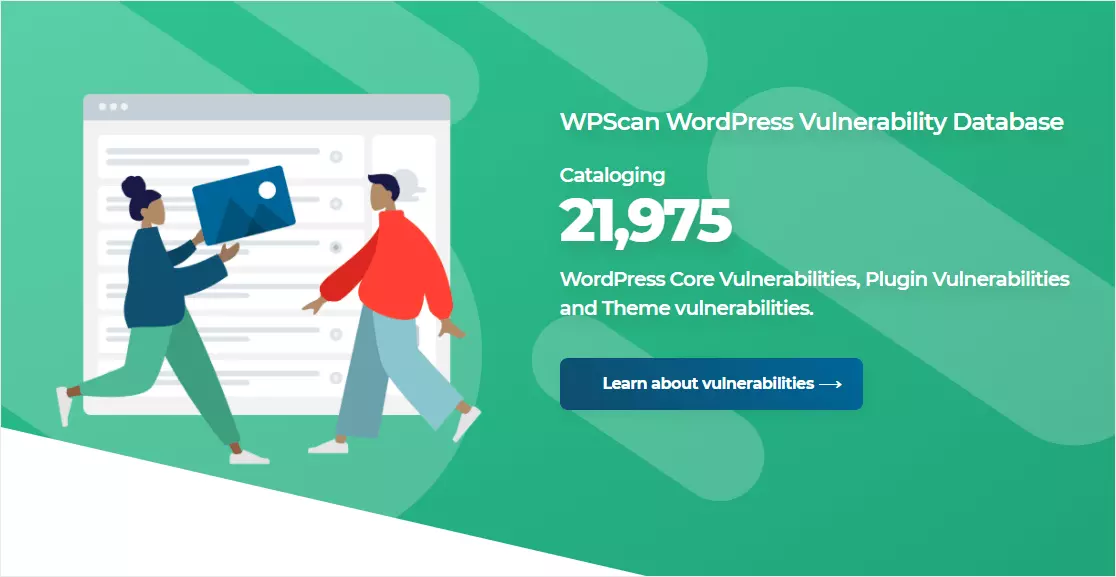
Another great solution for WordPress website security is WPScan. This easy-to-use tool has been around since 2012 and can keep your website safe and secure on the backend. It works by cataloging tons of different known threats and informs you of the most important ones, so you can avoid unwanted security issues.

Features:
Open source tool with unique functionality that can be used to scan remote WordPress installations for security issues.
Its vulnerability database is updated daily by community members and WordPress security specialists.
Automatic daily scans for malicious code
Email notifications
Helps by auditing a database of known issues with things that will affect you such as WordPress plugins, WordPress core and WordPress themes.
Cost:
There is a free version of the plugin which is ideal for most websites. If you have a large site and use a lot of plugins, the paid version of WPScan would be best for you and starts at about $2.31/month.

5. Wordfence

Wordfence Hightech Blogging

Wordfence is a WordPress security plugin that has some amazing advanced features to protect your WordPress site. You can use the basic version without spending a dime.

Features:
The basic version is free for as many sites as you need.
Monitors visits and hacking attempts in real time, including origin, IP address, time of day and time spent on site.
Tracks and alerts on the use of violated passwords so you can create a new strong password immediately.
Protects against brute force attacks by limiting failed login attempts.
Customizable email alerts.
Pro version allows you to monitor all sites from a central dashboard.
Cost:
The Wordfence security plugin is available as a free or paid plugin. The paid version is priced at $99/year.

6. BulletProof Security

BulletProof Security Hightech Blogging

BulletProof Security is a WordPress security plugin that doesn’t look very attractive, but it offers some basic site security features for free, so it’s worth including in the list.

Features:
A somewhat easy to use configuration wizard
Malware and firewall scanning
Database backups
Login protection
Email notifications with security logs when a user is locked out due to failed login attempts
Logout of inactive sessions
Cost:
BulletProof Security is free.

7. All In One WP Security & Firewall.

All In One WP Security & Firewall

It’s easy (and free) to use All In One WP Security & Firewall to apply most WordPress security best practices to your small business website. But the tool is fairly basic and not as beginner-friendly as the more popular solutions.

Features:
Malicious pattern search
IP filtering to block specific people and geographic locations
Login blocking after failed login attempts
Display a list of blocked users to unblock them in a few clicks.
Password security tool to generate more secure passwords.
User account monitoring
A website-level firewall (but lacks a DNS-level firewall)
Manual blacklisting of suspicious IP addresses.
Cost:
All In One WP Security & Firewall is free.

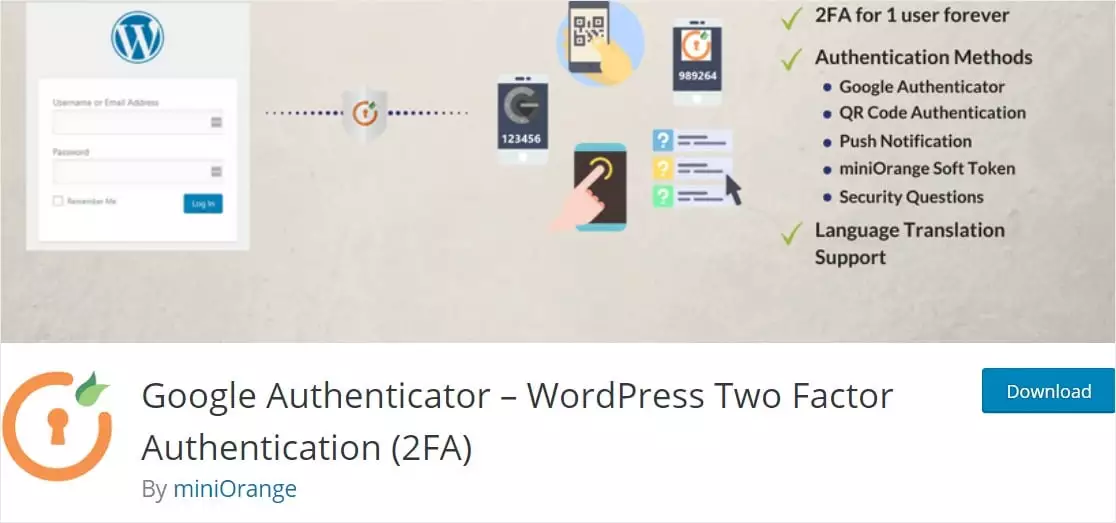
8. Google Authenticator

Google Authenticator Hightech Blogging

Setting up two-factor authentication to increase login security is a good idea to keep your website secure. Google Authenticator allows you to do just that. And it’s on our list because most security plugins don’t include it.

Features:
Adds an additional layer of security to your login
Has a simple interface and is moderately easy to use
Allows you to choose the type of two-factor authentication you want to use
Offers shortcodes so you can do things like use it on custom login pages
Cost:
Free

What Is the Best WordPress Security Plugin?

If you’re looking for a WordPress security plugin that has it all, the answer is pretty obvious.

Our pick for the best one is undoubtedly Sucuri Security. It comes with all the features you need to protect your website, rather than just a few.

This includes website scanning, DNS-level firewalling (not just websites), and its own cloud-based server and CDN network.

If you haven’t already, we recommend you start using Sucuri as soon as possible. The premium version is not free, but having a secure website is going to save you a lot of potential costs and headaches in the event of a breach (not to mention peace of mind).


Do I Need a WordPress Security Plugin?

WordPress security plugins are recommended for all sites.

An average website is attacked 44 times a day. If any of those attacks are successful, it could seriously harm your online business. WordPress security plugins can protect you from these threats, making them a worthwhile investment.

Some of the negative things that can happen with a security breach include:

  • Online criminals can steal your and your customers’ data
  • Your company’s and your customers’ private data can be exposed
  • Your website content can be completely deleted
  • Your site could distribute malware to your visitors damaging your brand and SEO ranking
  • Repairing your hacked WordPress site can be a complicated and costly process

All of these reasons make having a WordPress security plugin installed on your site incredibly important.


How to Choose a WordPress Security Plugin

When choosing a WordPress security plugin (or several security plugins) there are several things to consider:

Avoid redundancies. Don’t install two or more plugins that do the same thing. Adding a bunch of extra plugins to your WordPress site can cause various problems, such as slow load times. Your web hosting provider may also offer security features, so check that you haven’t already paid for malware scanning or other protections before installing a security plugin.
Know the level of protection you need. For a small blog, a basic all-in-one security plugin will work just fine. But if you have a larger site that stores a lot of user information, you’ll want to have additional protection against potential breaches, such as 2FA.
Keep your budget in mind. Depending on your needs, choosing a few security plugins with specific functions may be more cost-effective than an all-in-one solution. Be sure to pay attention to the features listed so you know what you’re paying for and get the best bang for your buck.

Conclusion

And that’s it. Hopefully, this list of the best WordPress security plugins has helped you get the information you need to find the best security tool for you.

Security is important to legally comply with GDPR. This list of WordPress GDPR plugins includes some useful tools for logging user activity on your site. Also, here’s a list of the best Jetpack alternatives to consider.

You might also really like our post with some awesome, proven strategies for creating secure WordPress contact forms and our anti-spam protection tutorials.

And in case you’re not aware of the security risk of using hacked plugins, we’ve also created an article on why you should avoid Hightech Blogging Pro nulled.

Henry SprungHenry Sprung

Henry Sprung is an e-commerce tech blogger with several years of experience in online retail. Alex’s blog focuses on topics such as online marketplaces, payment processing, and digital marketing for e-commerce businesses. Henry’s expertise in e-commerce provides valuable insights into the latest trends in online retail and how businesses can use these platforms to grow their sales. He is a valuable resource for online retailers and entrepreneurs looking to start their own e-commerce businesses.


To read more similar articles, click here

Thanks for visiting our Website. If you appreciate our work, kindly show us some support in our comments section 🙂

We will be happy to hear your thoughts

Leave a reply

HighTechBlogging
Logo